

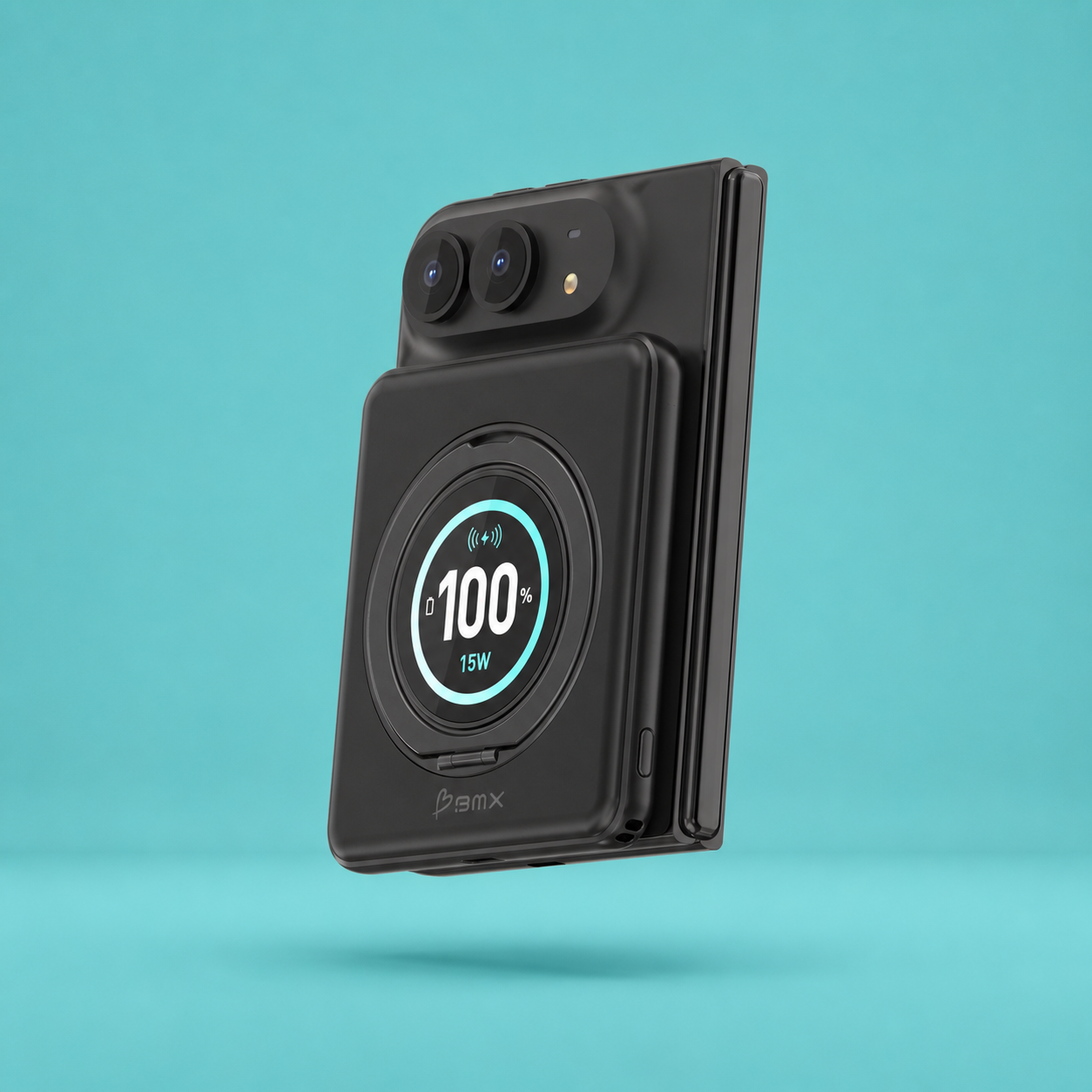


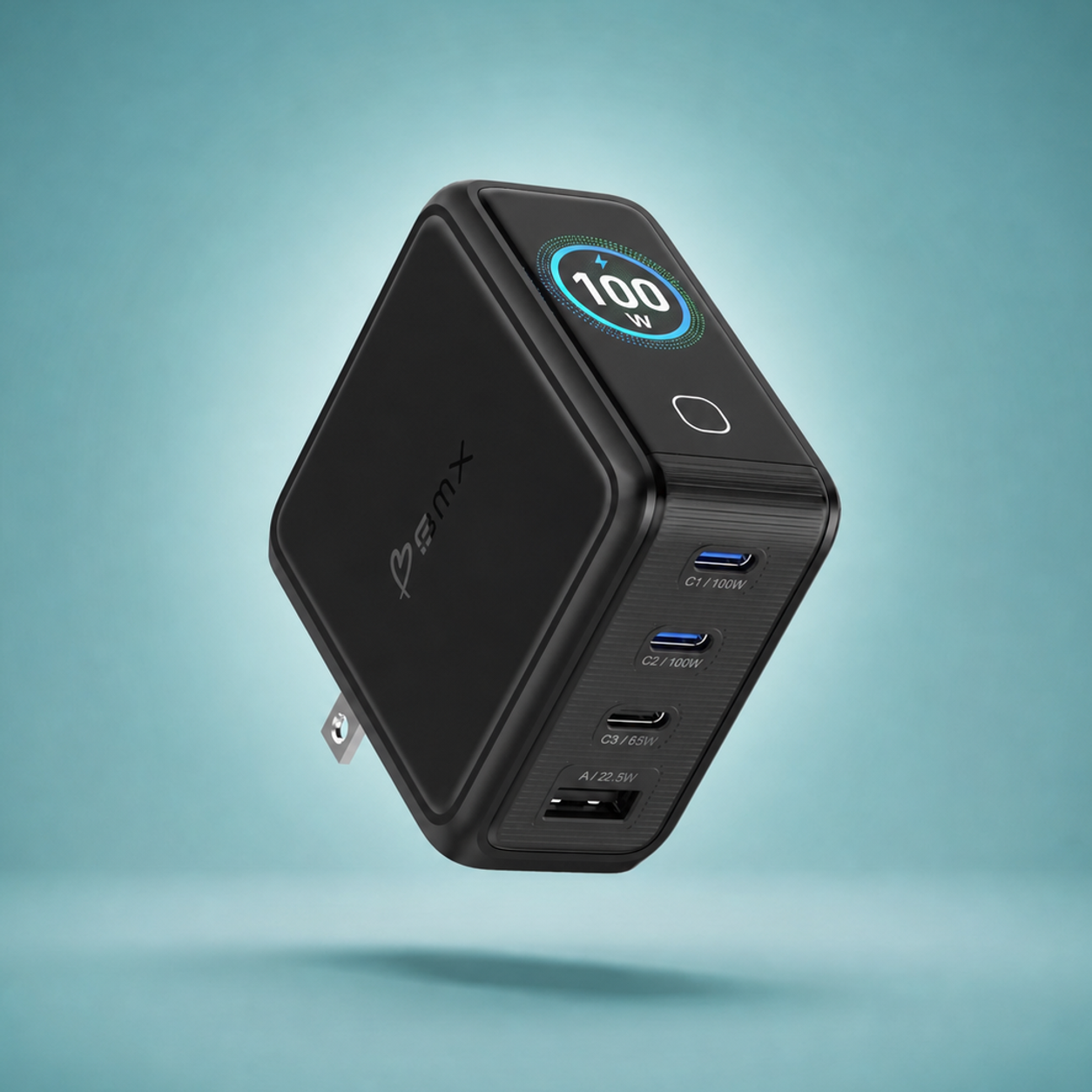
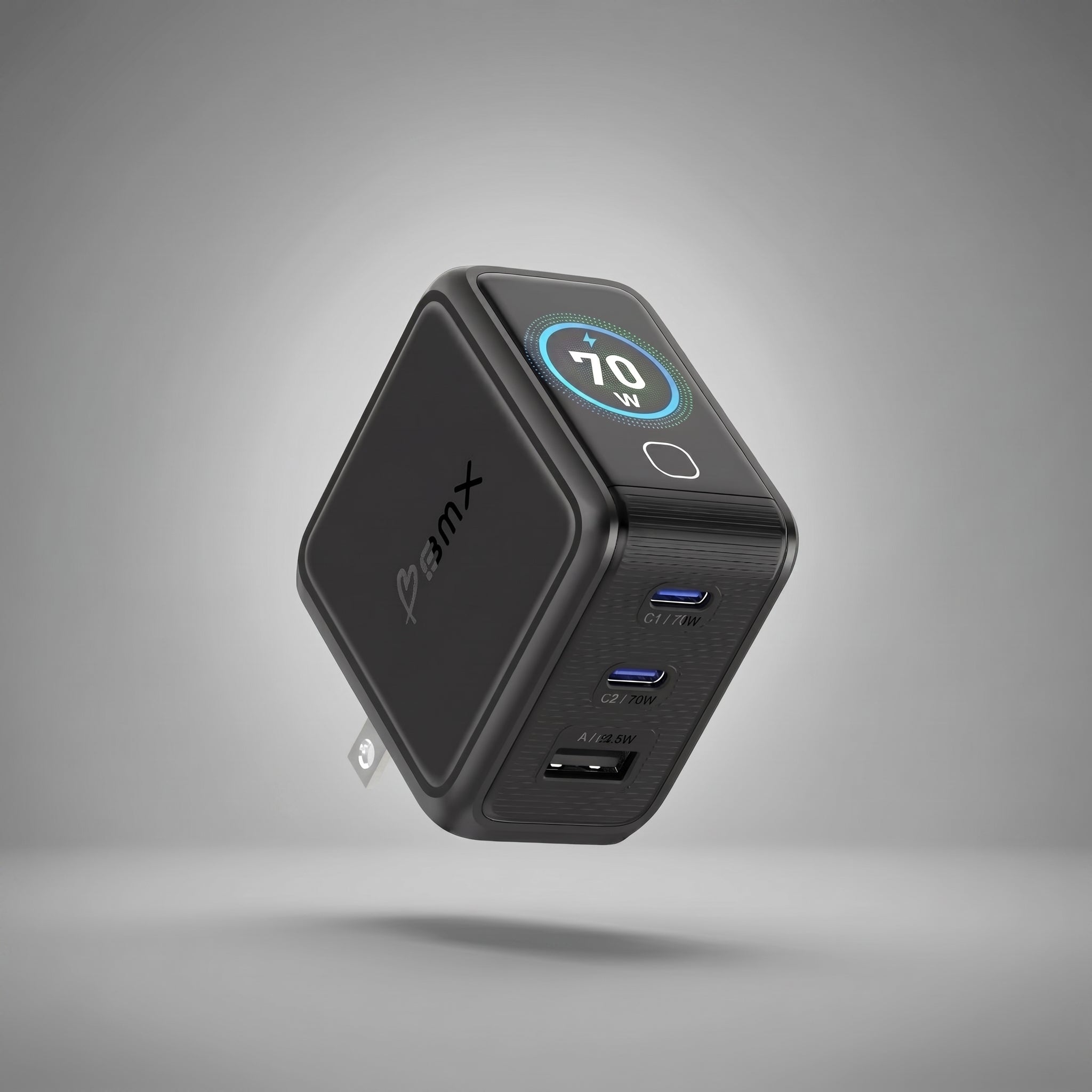
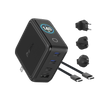
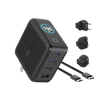
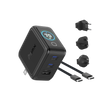


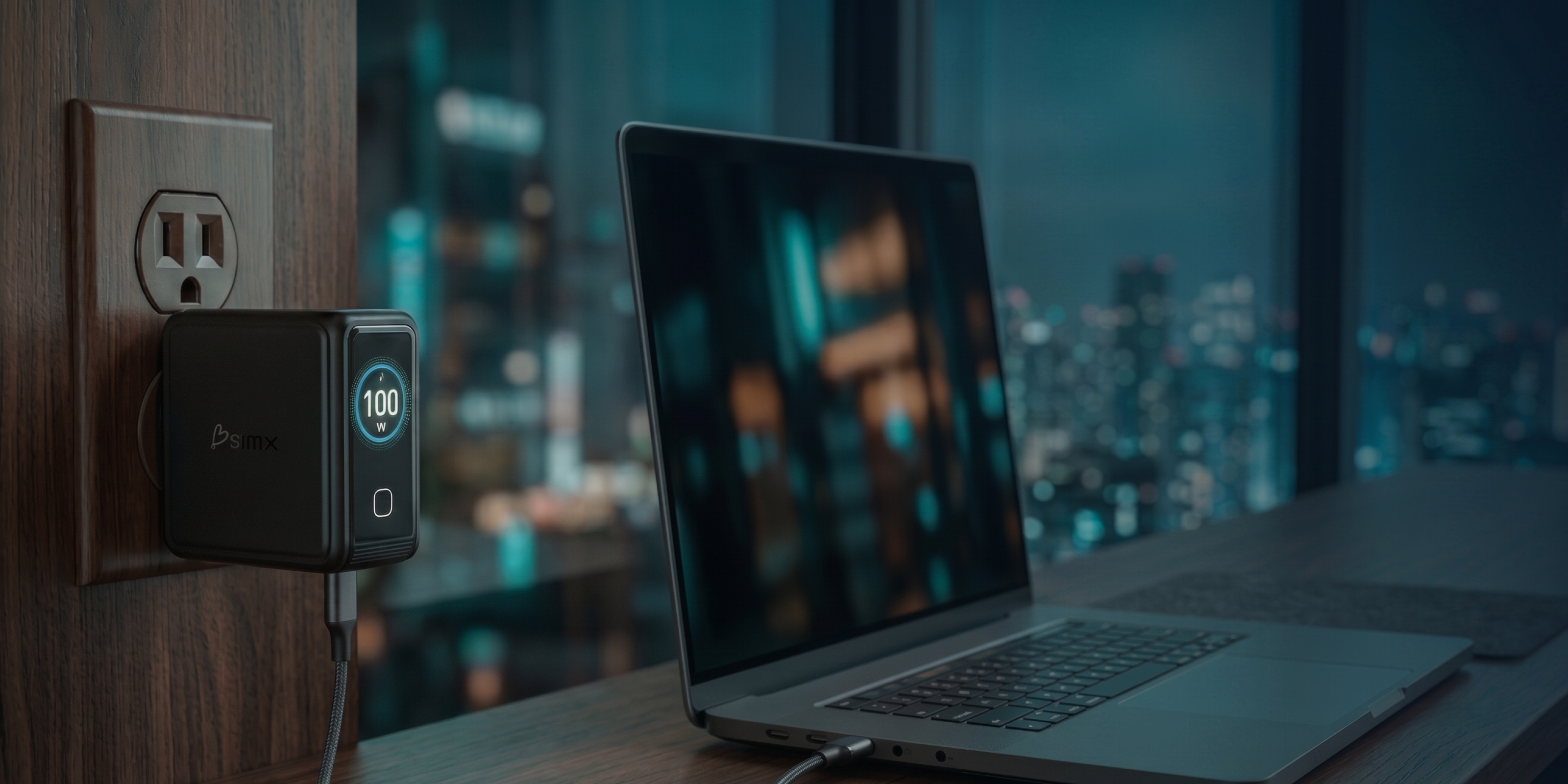
A charger with an LCD display is worth it if you have ever wondered, "Am I actually fast charging", "Why did my laptop slow down", or "Is this charger getting too hot". The screen does not make charging faster, it makes charging visible, so you can catch bad cables, understand power splitting, and stop guessing.
A screen on a wall charger sounds like a gimmick until you use it for a week. The real value is not the display itself, it is the moment you see the number you were not expecting.
What the screen actually tells you (in plain English)
An LCD charger is basically a speedometer for charging. Instead of trusting the label on the charger, you can see what is happening right now.
Most LCD chargers cycle between a few views, like total power, per-port wattage, and temperature or thermal status. Those three cover the real reasons charging feels "weird" in daily life.
Here is what those numbers help you figure out:
- Whether your phone is actually fast charging, or just sipping power.
- Whether a port is splitting power because you plugged in multiple devices.
- Whether a cable or outlet is throttling your speed without you realizing it.
- Whether the charger is warm-normal, or heat-protecting and intentionally backing off.
The most common "my charger is broken" moment is just power splitting
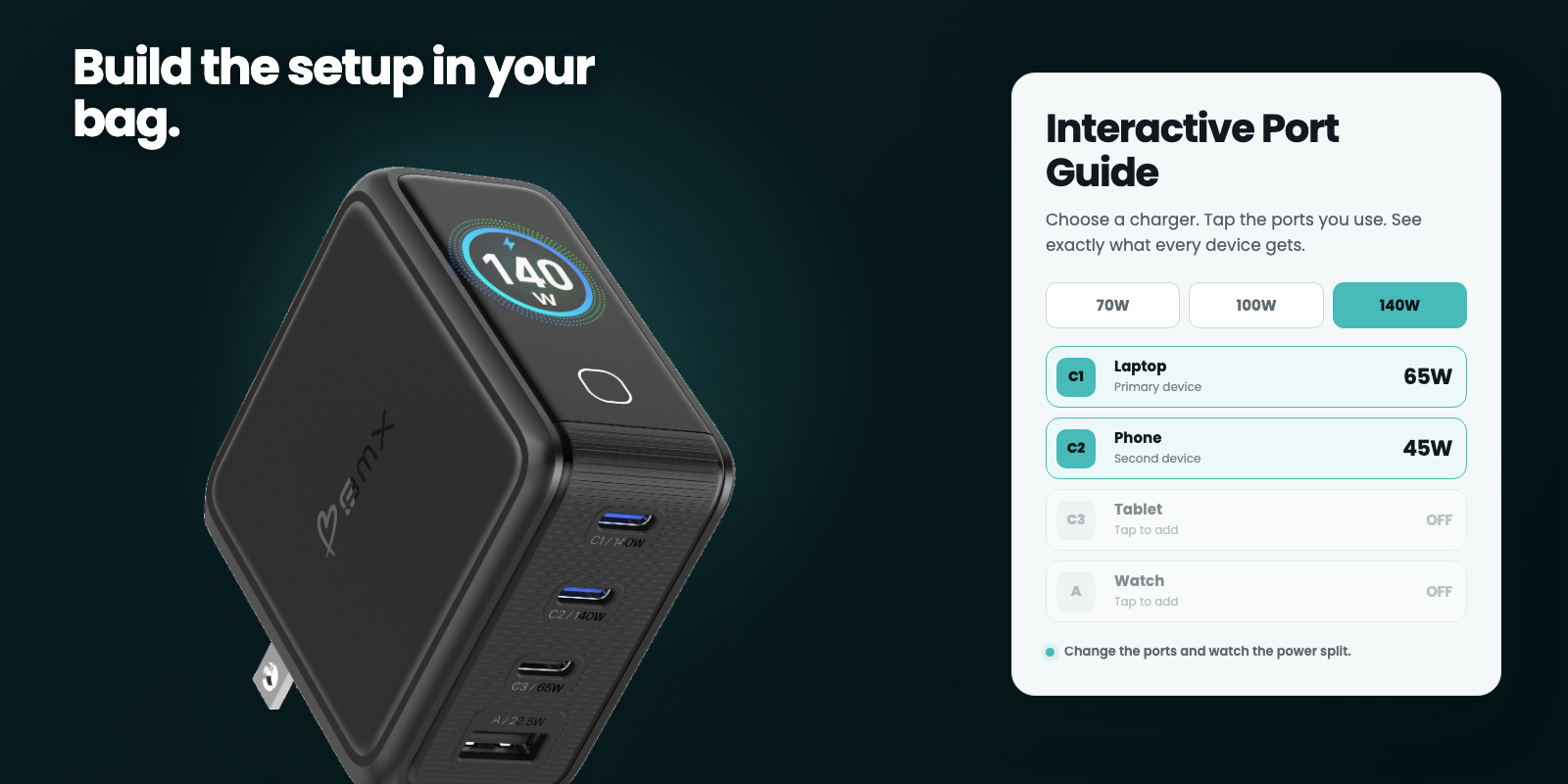
If you have a multi-port charger, it almost never gives every port maximum wattage at the same time. It reallocates power based on what you plug in. That is normal, but it is invisible on a normal charger.
An LCD makes that reallocation obvious. You see your laptop drop from a higher wattage to a lower one the moment you plug in your phone, and suddenly the "something is wrong" feeling disappears.
If you want a display that shows per-port wattage and thermal status without an app, that is the whole point of the GaNsta LCD line. See GaNsta LCD chargers →
When an LCD charger is worth it (and when it is not)
You do not need a display to charge a phone. You need a display when charging has become a black box you do not trust.
| If you are this person... | LCD display is... | Because... |
|---|---|---|
| You charge 2 or more devices from one charger | Worth it | You will see power splitting, not guess at it |
| You travel and hate cable and adapter surprises | Worth it | You can verify speed in any outlet, not hope |
| You only charge one phone overnight | Not worth it | The speed is rarely the problem you are solving |
| You already own a good multi-port charger and never question it | Maybe later | It is a visibility upgrade, not a performance unlock |
| You are debugging charging (slow laptop, weird phone behavior, heat anxiety) | Worth it | The display turns guesswork into evidence |
What to look for in a display charger
Not all screens are equally useful. A good LCD charger does three things clearly: shows real-time wattage, shows per-port detail (not just a marketing word like "fast"), and gives you a temperature or thermal status signal.
Also, watch for the stuff that matters more than the screen: enough wattage for your laptop tier, the right port mix, and a power split that still makes sense when you charge two devices at once.
Quick answer
If the screen only tells you "fast", it is not really helping. The useful screens show numbers per port, so you can see what changed when you plugged something else in.


How to use the screen so it actually helps
Two simple habits make the screen useful. First, glance once when you plug in, then again when you add a second device. Second, treat unexpected low wattage as a cable or port problem first, not a device problem.
If you travel, the screen is also a quick sanity check that the outlet and adapter are doing their job. You do not have to wait 30 minutes to realize you are slow charging.
Bottom line
If you want to stop guessing, a charger with an LCD display is one of the rare features that earns its keep. Not because it is flashy, but because it turns charging into something you can verify.
Related (so you can go one level deeper)
FAQ
Is a charger with an LCD display worth it?
It is worth it if you charge multiple devices, travel often, or care about knowing whether you are actually fast charging. If you only charge one phone overnight, it usually is not.
Does an LCD charger charge faster?
No. The display does not increase charging speed. It shows the speed you are actually getting.
What does the screen on an LCD charger show?
Typically total wattage, per-port wattage, and a temperature or thermal status view. The useful part is per-port numbers, because they explain power splitting.
Why does my multi-port charger get slower when I plug in a second device?
Because most chargers reallocate power across ports. Your laptop and phone are sharing the charger's total output. A display makes that split visible.
Can an LCD charger help me spot a bad cable?
Yes. If you expected fast charging but the wattage stays low, the cable or outlet is often the culprit. Seeing the number saves time, and sometimes prevents you from blaming the device.

Leave a comment
This site is protected by hCaptcha and the hCaptcha Privacy Policy and Terms of Service apply.