

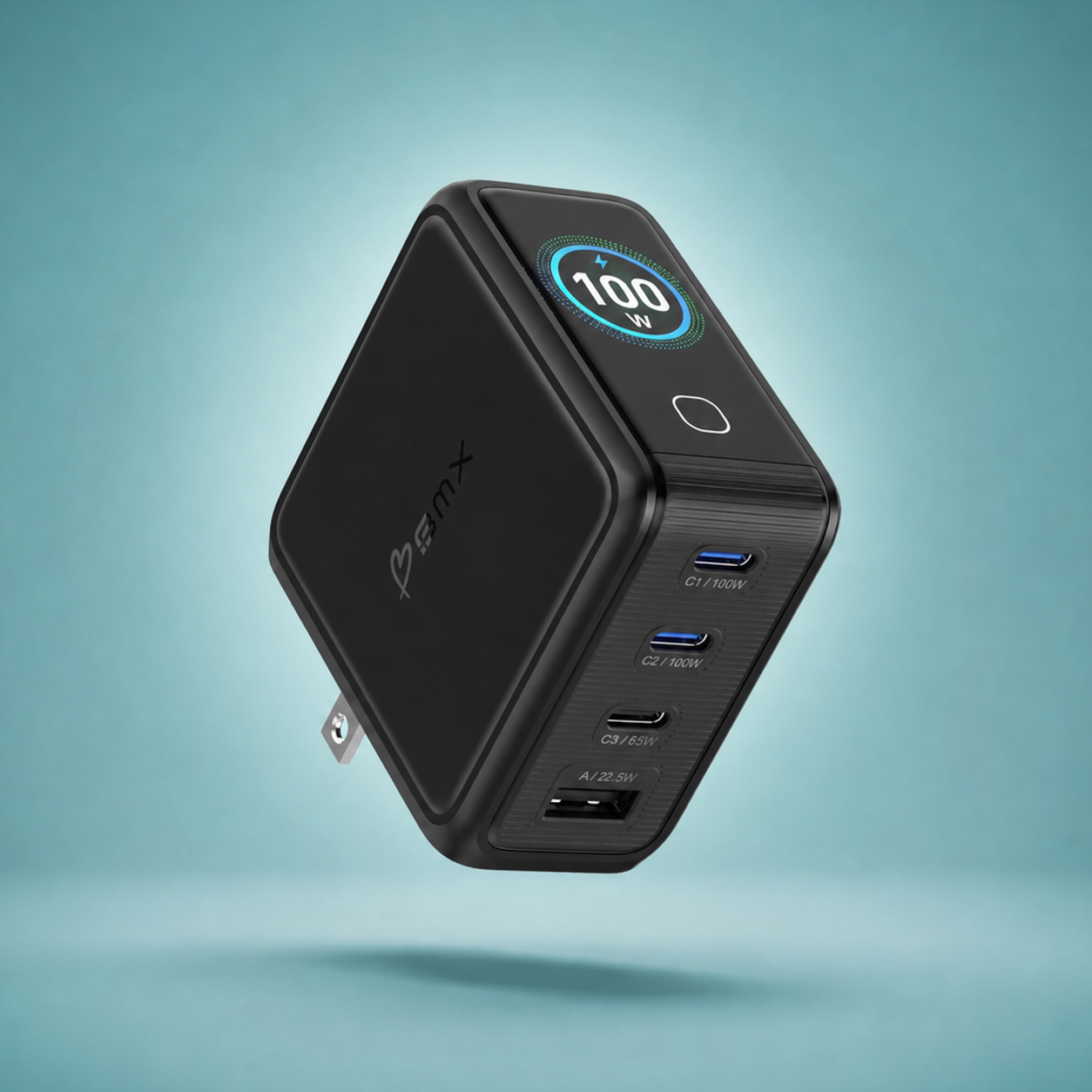
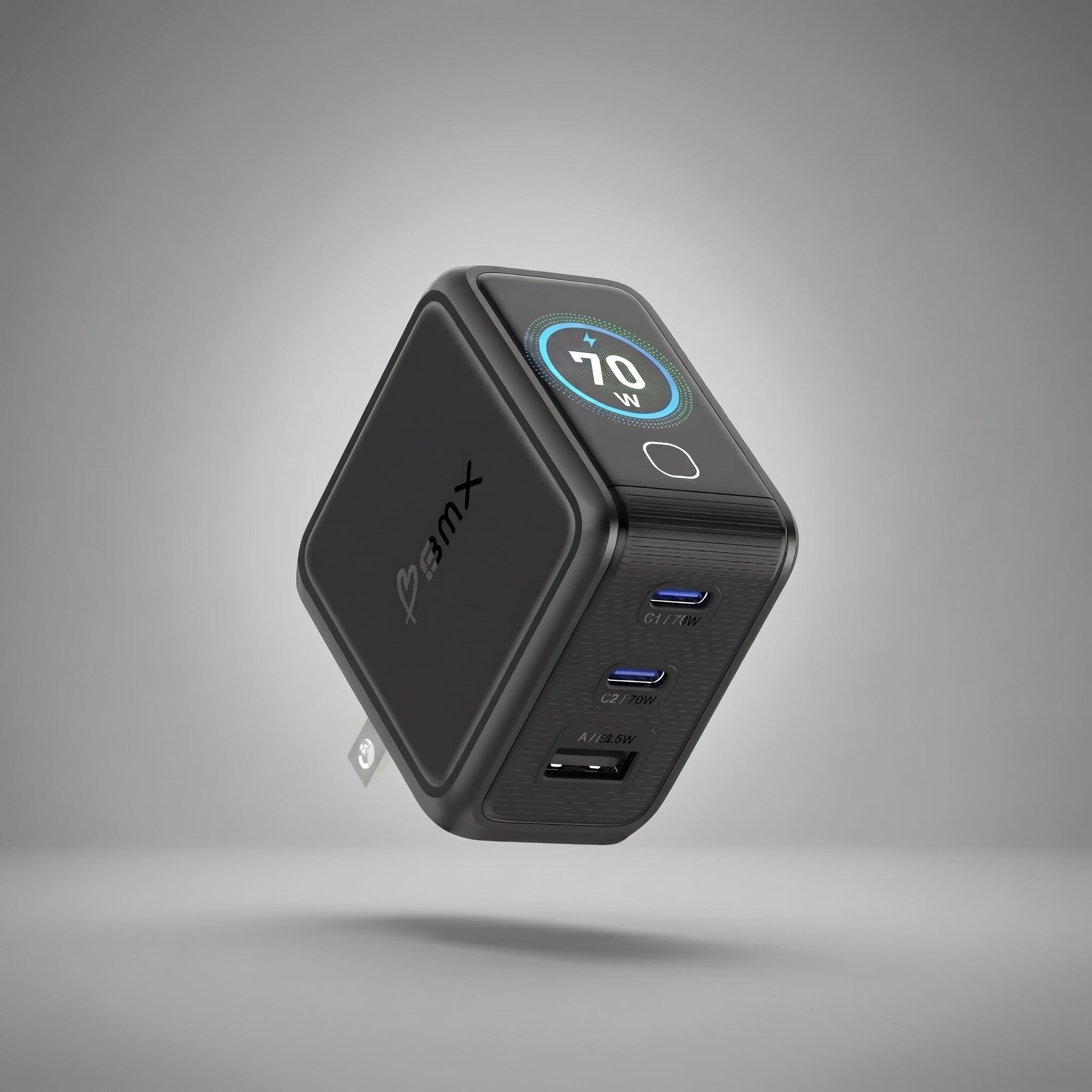
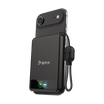
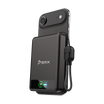
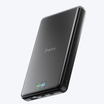
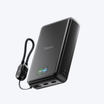
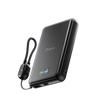
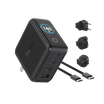
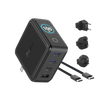
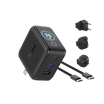


The 70W charger in your new MacBook Pro M6 box can't fast-charge it, and the one to buy is the BMX GaNsta 100W (model C1-100WA, $79.99). You'll feel the gap the first time you sit down at the gate with 20 percent left and boarding in half an hour: Apple's fast charge starts at 96W, and the box charger stops at 70W.
GaNsta 100W puts 100W through one USB-C port, in a body 37% smaller than Apple's own 96W charger for MacBook Pro.

MacBook Pro M6 charger wattage: the box charger stops at 70W, fast charge starts at 96W
Apple's spec page for the 14-inch MacBook Pro with M6 gives two numbers. The minimum it recommends to charge the laptop is 60W. Fast charge needs "96W or higher USB PD power source."
The box holds a 70W USB-C Power Adapter and a 2-meter USB-C to MagSafe 3 cable. So the adapter sits between the two numbers: enough to charge, not enough to fast-charge.
Any USB Power Delivery charger that delivers 96W or more on one port meets Apple's line.
Best charger for MacBook Pro M6: GaNsta 100W fast-charges it from a smaller body than Apple's
Every charger here except the box 70W clears 96W on one port. What separates them is everything else: size, the ports left over for your phone, and whether you can see what's happening.
| Charger (model) | One USB-C port | Ports | Live watt display | UK/EU/AU plugs in box |
|---|---|---|---|---|
| BMX GaNsta 100W (C1-100WA) | 100W | 3 USB-C + 1 USB-A | Yes, per port | Yes |
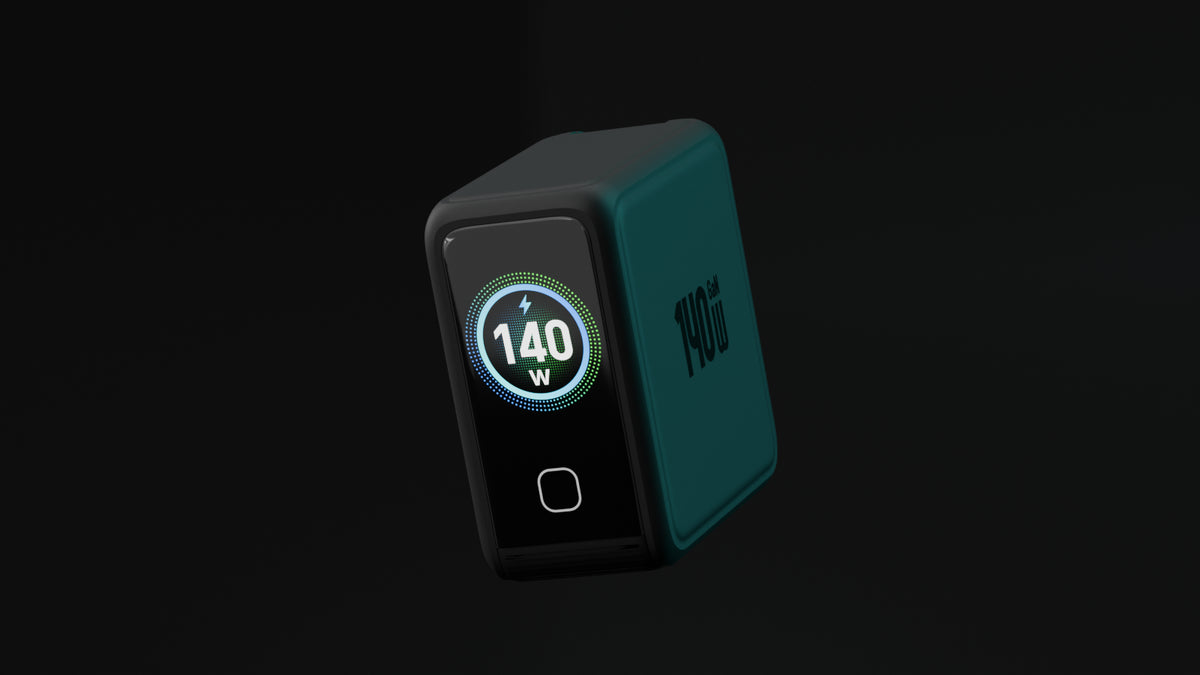
| BMX GaNsta 140W (C1-140WA) | 140W | 3 USB-C + 1 USB-A | Yes, per port | Yes |
| Apple 96W USB-C Power Adapter (A2166) | 96W | 1 USB-C | No | Not listed |
| Anker Prime Charger 100W, 3 ports (A2688) | 100W | 3 | No | Not listed |
| Anker Charger 140W, 4 ports (A2697) | 140W | 3 USB-C + 1 USB-A | Yes | Not listed |
| Apple 70W USB-C Power Adapter (in the M6 box) | 70W, charges but no fast charge | 1 USB-C | No | Not listed |
- Apple 96W (A2166). The one Apple tested with, and it does the job. It's one port, so your phone needs a second charger on the outlet, and GaNsta 100W is 37% smaller.
- Anker Prime 100W (A2688). Matches the 100W on its top port in a slimmer body. No screen, and no cable in the box.
- Anker 140W (A2697). Four ports and a screen. At 69 x 69 x 36 mm it's bigger in every direction than GaNsta's 62 x 65 x 34 mm.
Plug in your phone too and the M6 still charges at 70W
On GaNsta 100W, laptop plus phone on the two main USB-C ports splits 70W to the Mac and 30W to the phone. The M6 keeps charging above Apple's 60W minimum, at the regular speed rather than fast. Unplug the phone and the laptop is back to 100W. The screen shows the split live, so you're never guessing which one you got.
The MagSafe cable in your M6 box is the one to use
Plug the USB-C end of the M6's MagSafe 3 cable into GaNsta's first USB-C port. Apple ran its fast-charge test with that cable and its 96W adapter, and it's already in your bag. The braided USB-C cable in the GaNsta box goes to your phone.
A 16-inch on the same desk? The GaNsta 140W fast-charges both
Pick the 140W if a 16-inch MacBook Pro shares your desk; Apple says those fast-charge at 140W. Pick the 70W if the laptop charges overnight and speed doesn't matter.


MacBook Pro M6 charging questions
Can I use my old MacBook charger on the M6?
Yes, if it's USB-C. At 60W or more Apple recommends it for charging; at 96W or more it fast-charges. A 30W or 35W MacBook Air charger is under Apple's 60W recommendation, so expect it to be slow, especially while you work.
Is a 140W charger safe for a 14-inch MacBook Pro M6?
Yes. The M6 takes only what it asks for, so a 140W charger runs it the same as a 100W one. The extra headroom pays off only when a 16-inch MacBook Pro or more devices share it.

Leave a comment
This site is protected by hCaptcha and the hCaptcha Privacy Policy and Terms of Service apply.