
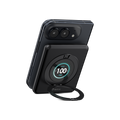
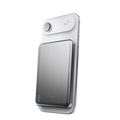
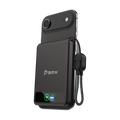


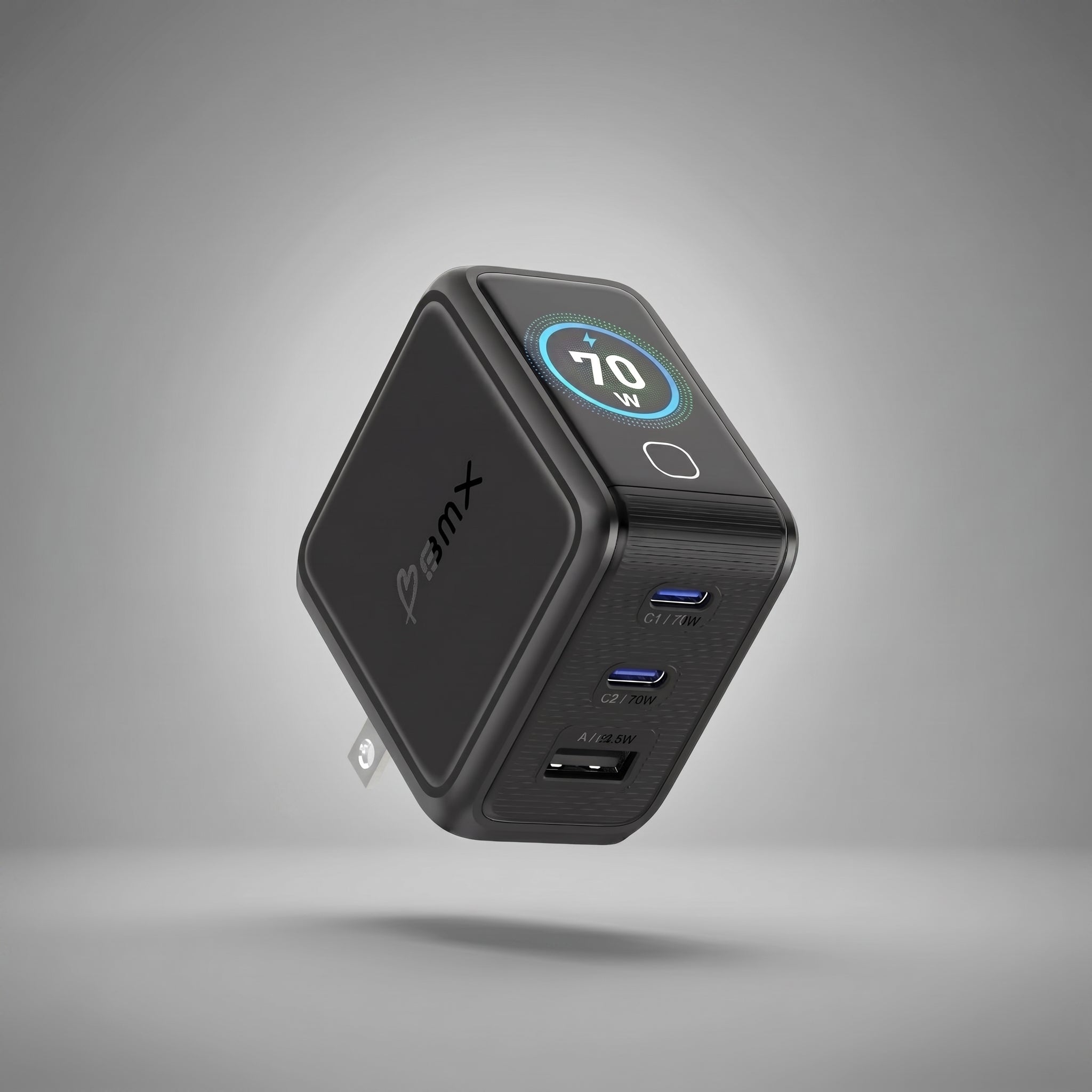


100W LAPTOP CHARGING
Charge MacBook Pro 14".
100W USB-C PD 3.0 for MacBook Pro 14-inch class laptops.





GANSTA PIXEL 100W
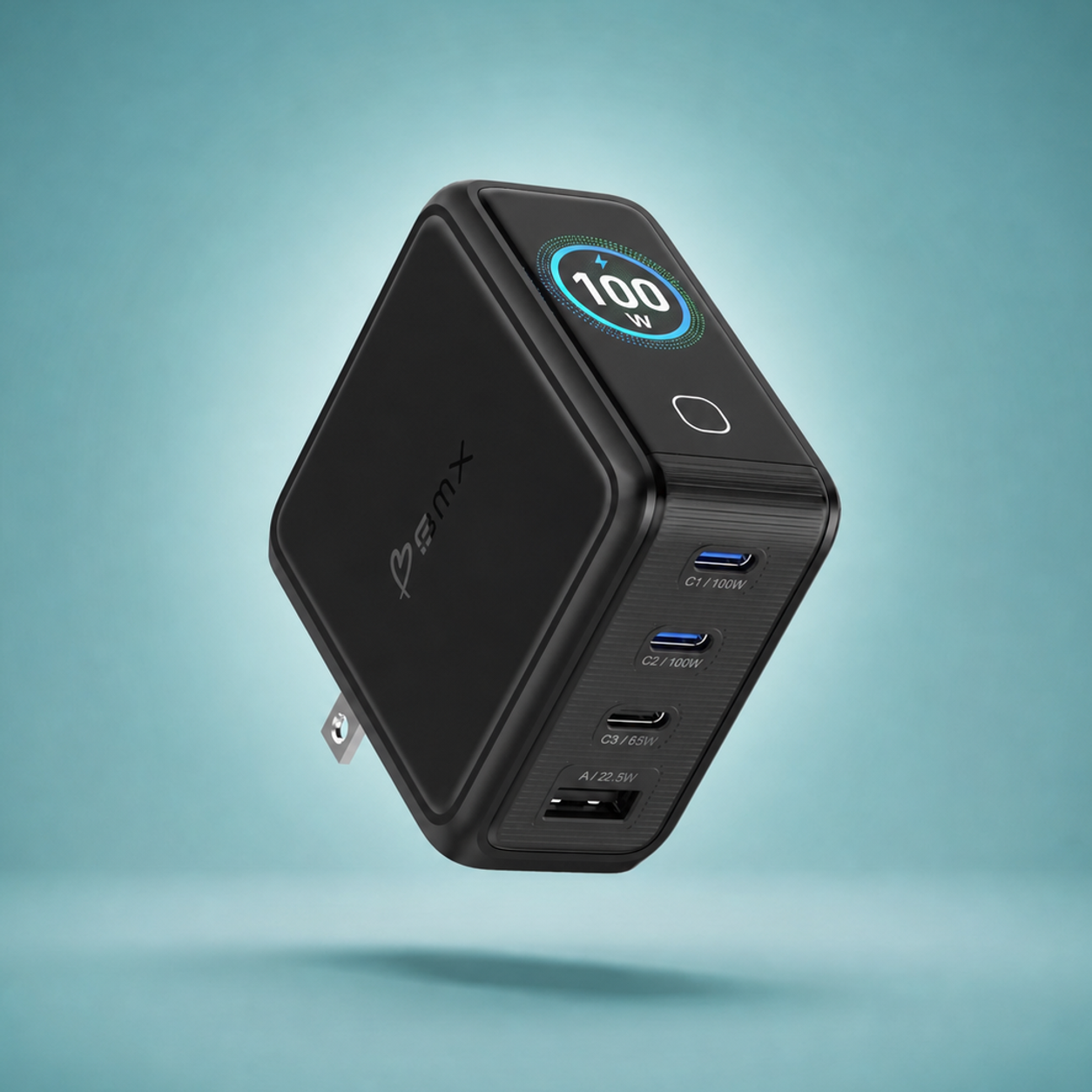
MacBook Pro 14-inch power. Four devices. Live charging speed. One compact charger.
PIXEL CHARGING
GaNsta Pixel replaces the laptop brick, travel adapters, and extra chargers with one compact four-port setup that shows what each device is getting.

100W LAPTOP CHARGING
100W USB-C PD 3.0 for MacBook Pro 14-inch class laptops.

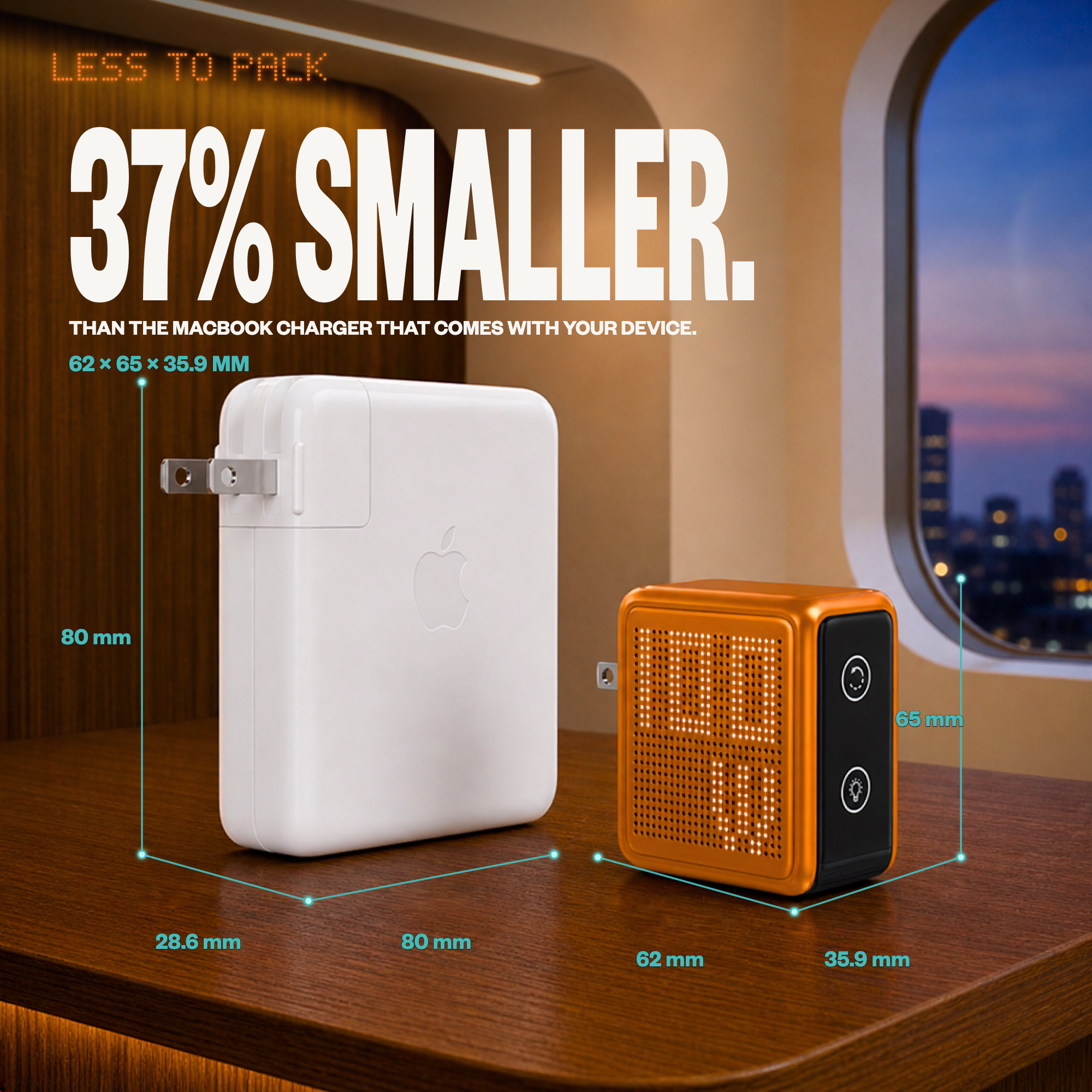
COMPACT POWER
100W power in a smaller travel-ready body.

PIXEL DISPLAY
Live wattage and charging status, right on the charger.

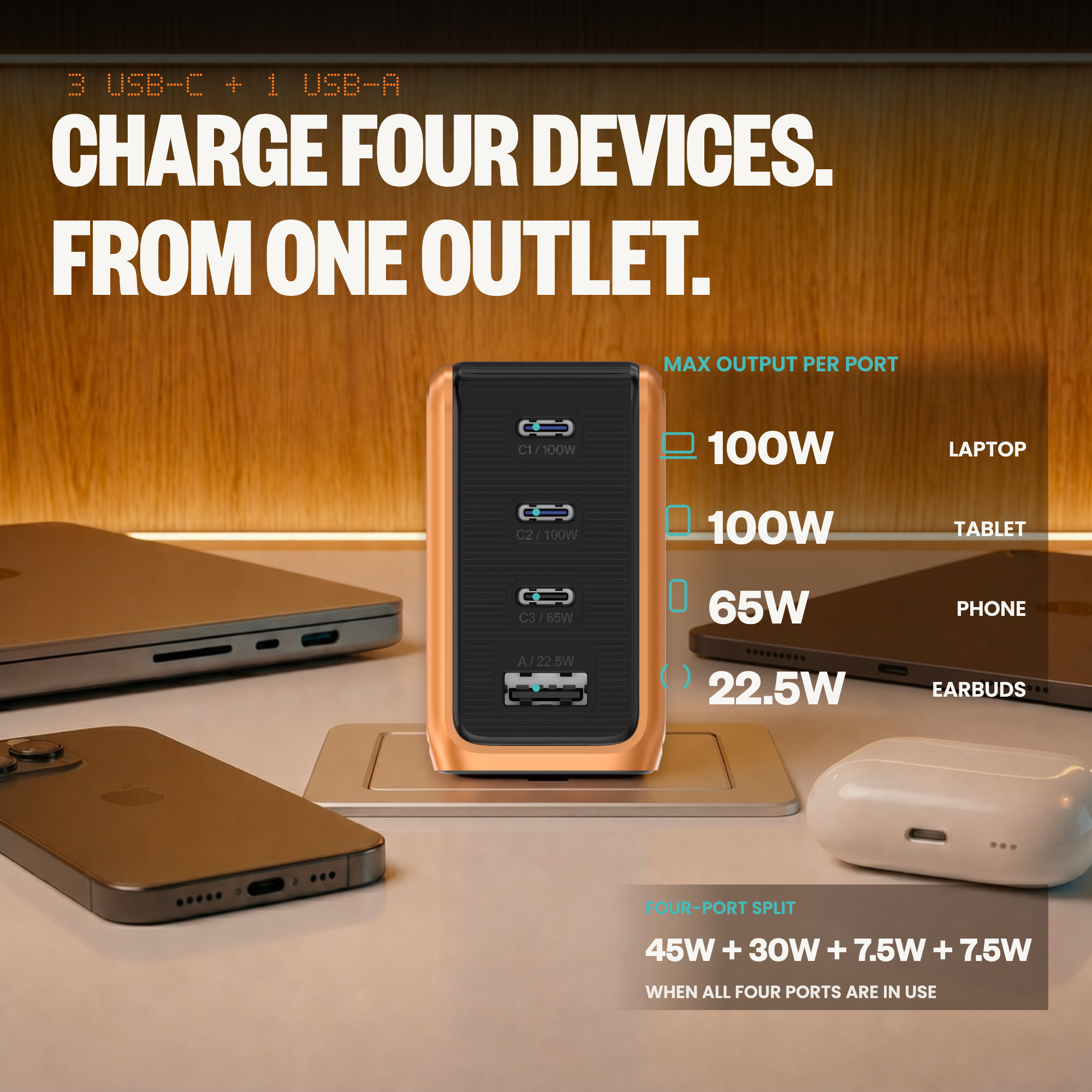
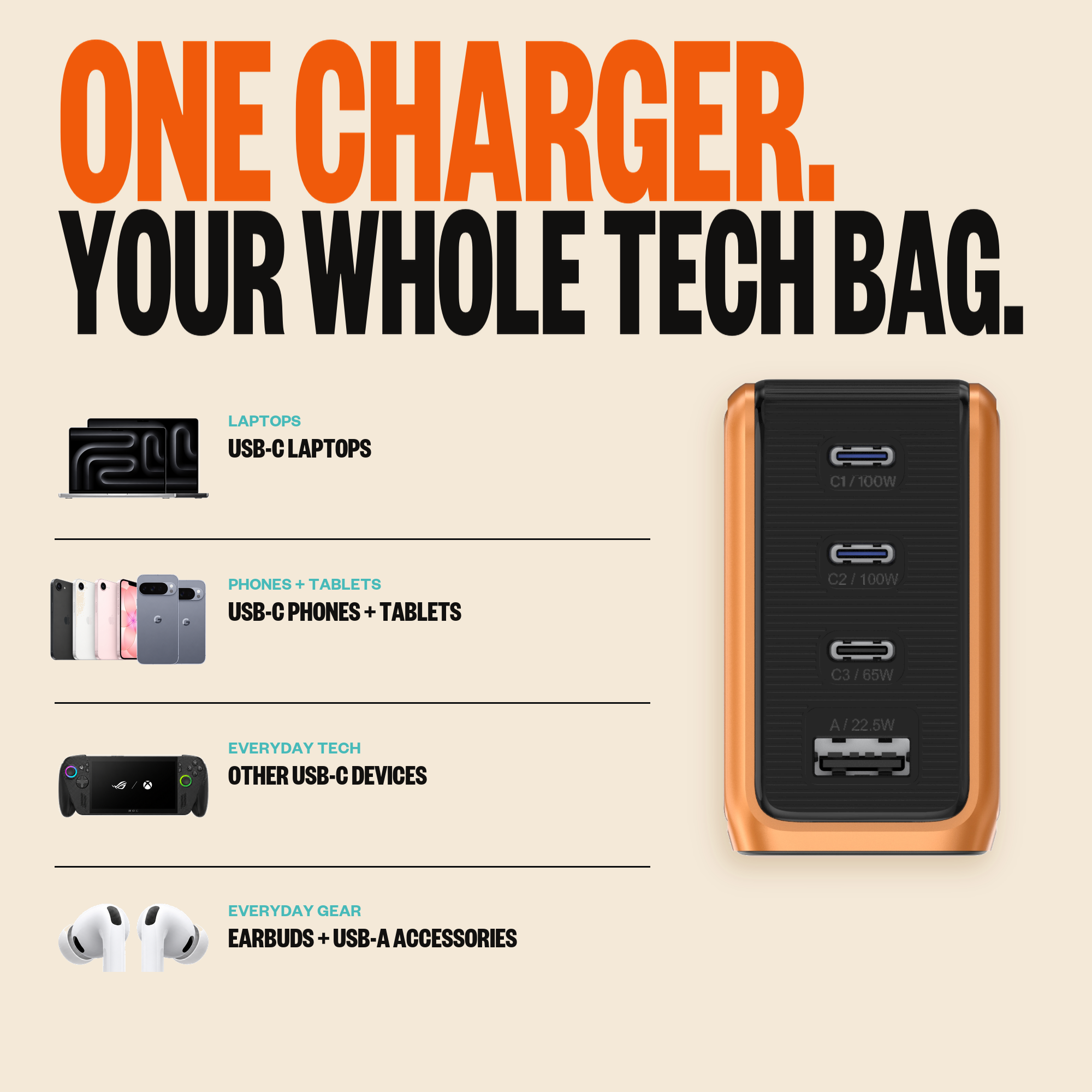
3C + 1A
USB-C and USB-A ports split power automatically.

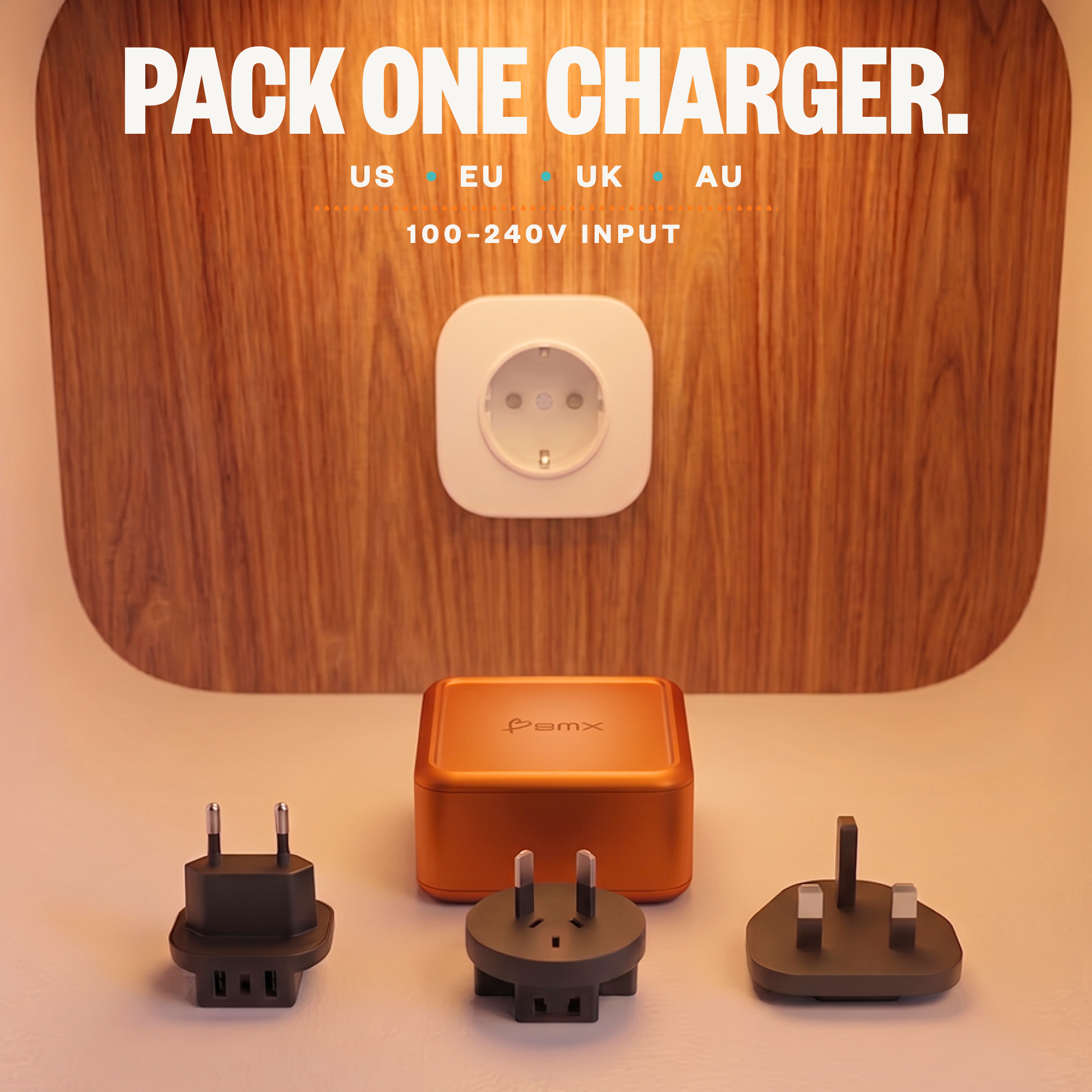
TRAVEL KIT
US, EU, UK, and AU plugs plus USB-C cable.

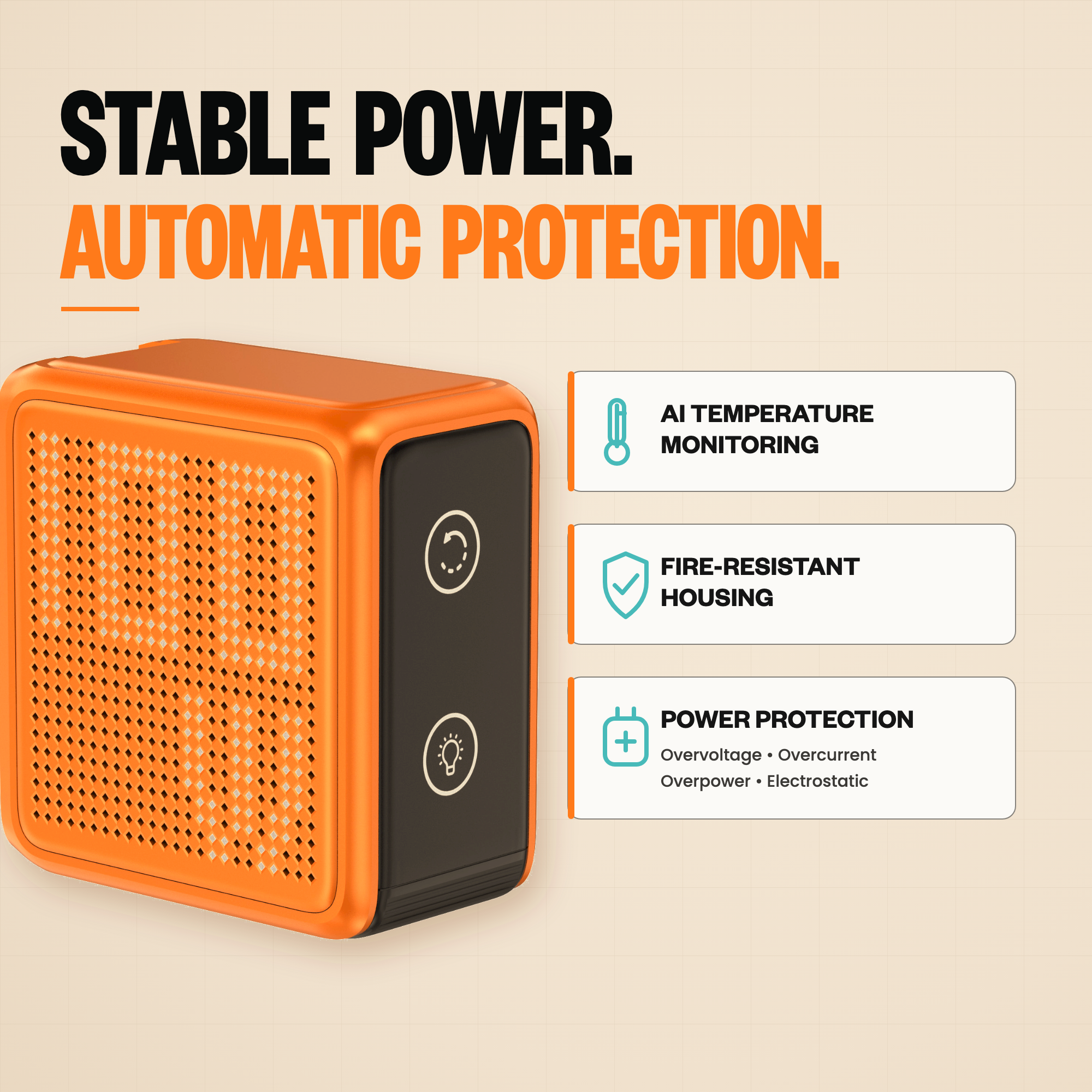
GAN + PROTECTION
GaN power with temperature, voltage, current, and overpower protection.
POWER SPLIT
Turn ports on and off to see how 100W divides across four devices.
The pixel display shows charging status in real time, right on the charger.
PIXEL LINEUP
Pick 100W for MacBook Pro 14-inch power. Pick 140W for MacBook Pro 16-inch headroom.
Specifications
The numbers that matter: output, ports, size, display behavior, travel adapters, and what comes in the box.
Quick answers
The practical stuff: laptop compatibility, power splits, the pixel display, travel adapters, manual, safety, and what is included.
Yes. USB-C1 and USB-C2 each support up to 100W PD 3.0, enough for MacBook Air, MacBook Pro 14-inch class charging, and many Windows laptops.
Yes. With all four ports active, GaNsta Pixel 100W splits power across USB-C1, USB-C2, USB-C3, and USB-A. A common all-port split is 45W + 30W + 7.5W + 7.5W.
The pixel display shows charging status and per-port detail so you can see what the charger is doing without opening an app.
No. No app, Bluetooth pairing, or account. Plug in, tap the display button, and read the charger.
The charger has a foldable US plug built in and includes EU, UK, and AU adapters, plus a travel pouch.
Yes. Both Pixel models use the same compact 62 x 65 x 35.9 mm body. Choose 100W for lighter laptop setups; choose 140W for more MacBook Pro headroom.
GaNsta Pixel 100W charger, 1m braided USB-C cable, travel pouch, EU plug adapter, UK plug adapter, AU plug adapter, and user guide.
The current GaNsta Pixel 100W quick-start guide is here: https://cdn.shopify.com/s/files/1/0749/7937/7397/files/PKG0047_GaNsta_Pixel_100W_QSG_260409.pdf?v=1779922307. It covers button controls, adapter setup, warnings, warranty, and basic use.
No. Pixel focuses on live charging status and per-port wattage. Temperature protection still runs in the background through the charger safety system. For the clearest readable dashboard with AI temperature status, choose GaNsta LCD.