
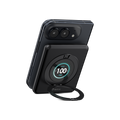
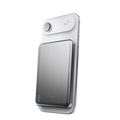


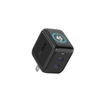


SolidSafe™ Air 10K charging guide
SolidSafe™ Air 10K: charging guide
For SolidSafe Air 10K, model B3-10. You’ll find the model number on your power bank and its box.
1. Charge your phone
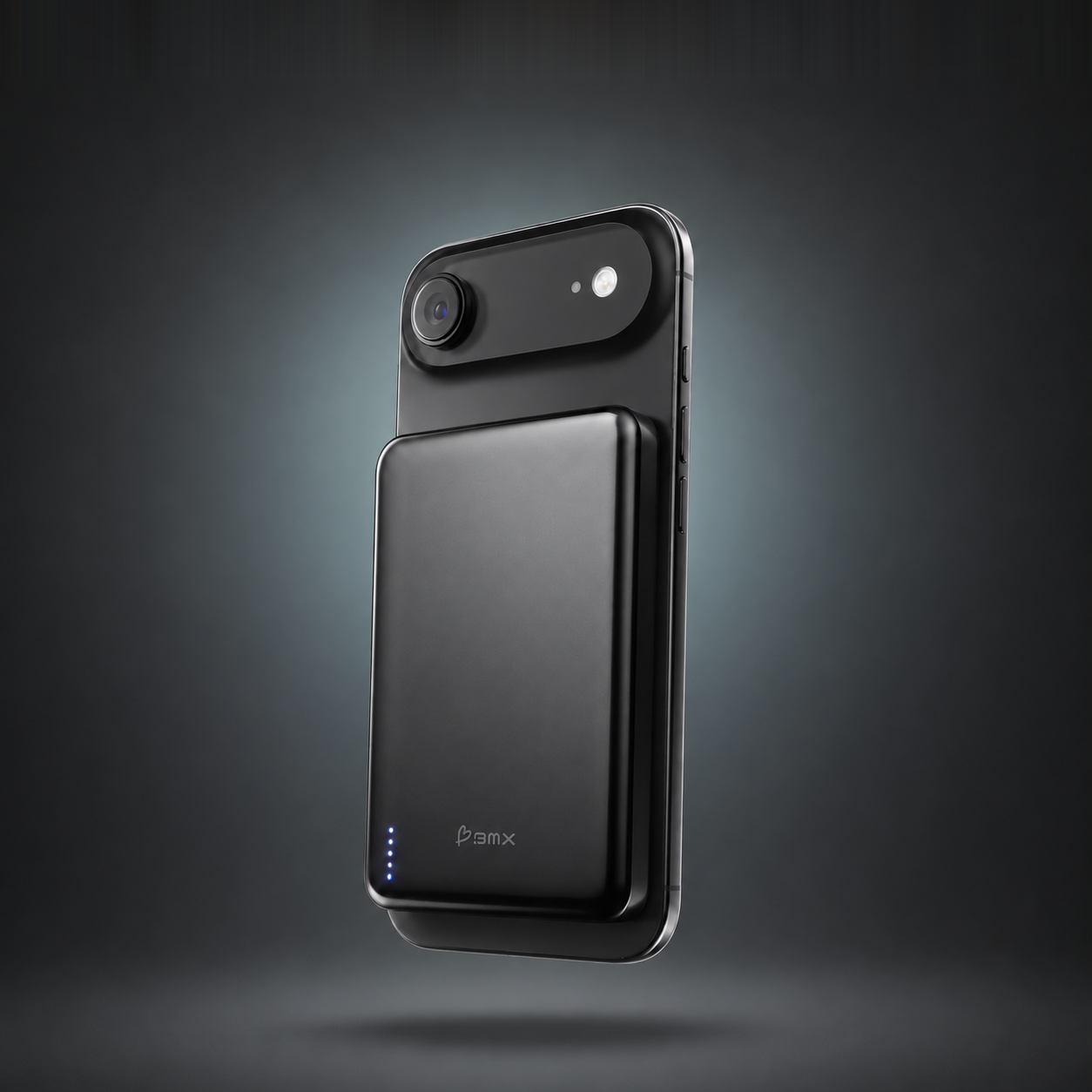
Wireless: snap Air 10K onto the back of a MagSafe or Qi2 phone. The magnets line it up, and charging starts on its own. A solid blue light means wireless charging is on.
Wired: connect the included USB-C cable from Air 10K’s USB-C port to your device. This gives you up to 30W.
Watch: Qi2.2 charging, explained
What Qi2.2 is, why 25W is the peak, and how to get full speed, in about a minute.
2. Get full speed
25W is the peak, not the whole time. Air 10K charges at up to 25W wirelessly. Your phone takes the most when its battery is low, then less as it fills, especially past 80%. Every charger works this way, including a cable.
Your phone sets its own top speed:
| 25W | iPhone 16 Plus, 16 Pro Max, 17, 17 Pro, 17 Pro Max, 18 Pro, 18 Pro Max. Pixel 11, 11 Pro, 11 Pro XL, 11 Pro Fold, 10 Pro XL |
| 22.5W | iPhone 16, 16 Pro |
| 20W | iPhone Air |
| 15W | iPhone 12 to 15, iPhone 17e. Pixel 10, 10 Pro, 10 Pro Fold. (iPhone 12 mini and 13 mini: 12W) |
Keep your phone’s software up to date for full speed.
It charges slower when your phone is busy or warm. Video, maps, games and 5G use power while it charges, so less goes into the battery. A warm phone may also hold back charging to protect its battery.
For the fastest wireless charge:
- Lock your phone and set it down. It charges fastest when it’s resting.
- Using it? Turn on Low Power Mode in Settings › Battery, and use Wi-Fi instead of cellular.
- Use a MagSafe-compatible case, or no case, so the magnets line up properly.
Stops at 80%? That’s usually your iPhone’s charging setting. Check Settings › Battery.
In a hurry? Take Air 10K off your phone and use the included cable for up to 30W.
3. Charge two devices
Air 10K can charge one device wirelessly and one through USB-C at the same time.
If one device is already charging and you connect a second, press the power button once to turn on the second output.
With both running, Air 10K shares its output: 10W through USB-C and 5W wirelessly. The single-device maximums don’t apply while both are in use.
4. Recharge Air 10K
Connect Air 10K’s USB-C port to a USB-C power adapter with the included cable. For the fastest recharge, use a certified adapter rated 30W or more.
While it recharges, the light for the current level flashes white and the lights below it stay solid. When all four lights are solid, Air 10K is full.
To look after the battery, use and recharge Air 10K at least once every three months.
5. Lights and button
White lights: the four lights show how much charge Air 10K has left, each about a quarter.
Blue light: wireless charging is on.
Power button: press once to wake Air 10K and check its battery, or to start a second device. Press and hold to turn it off. Air 10K also turns off on its own when it isn’t in use.
6. If charging isn’t working
- Snap Air 10K to the middle of your phone’s back, and remove any case that isn’t MagSafe-compatible.
- Press the power button once. If no lights come on, recharge Air 10K.
- Phones without Qi2 or MagSafe magnets, like iPhone 16e and iPhone 11 and older, may charge at reduced power or may not hold magnetically.
Use Air 10K within an ambient temperature range of 0–35°C / 32–95°F. Stop using it if it is damaged, swollen, gives off smoke or smells like burning. Don’t try to open or repair it.
Still need help?
Email support@heybmx.com with your model number (B3-10), your phone model, and whether you were charging wirelessly, with the cable, or both. Tell us what the lights showed and what happened.
For complete operating, safety and warranty information, open the B3-10 quick start guide (PDF).