
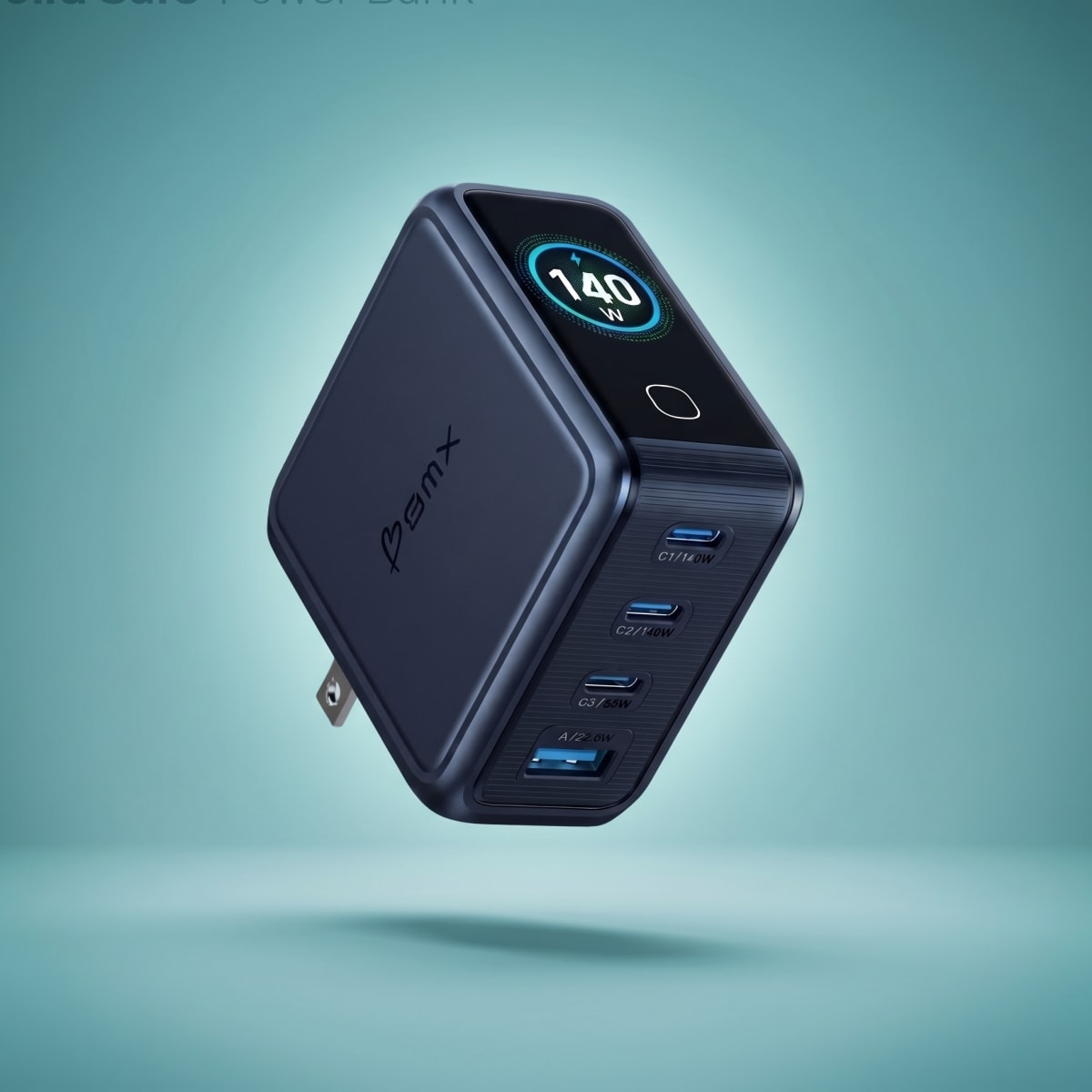
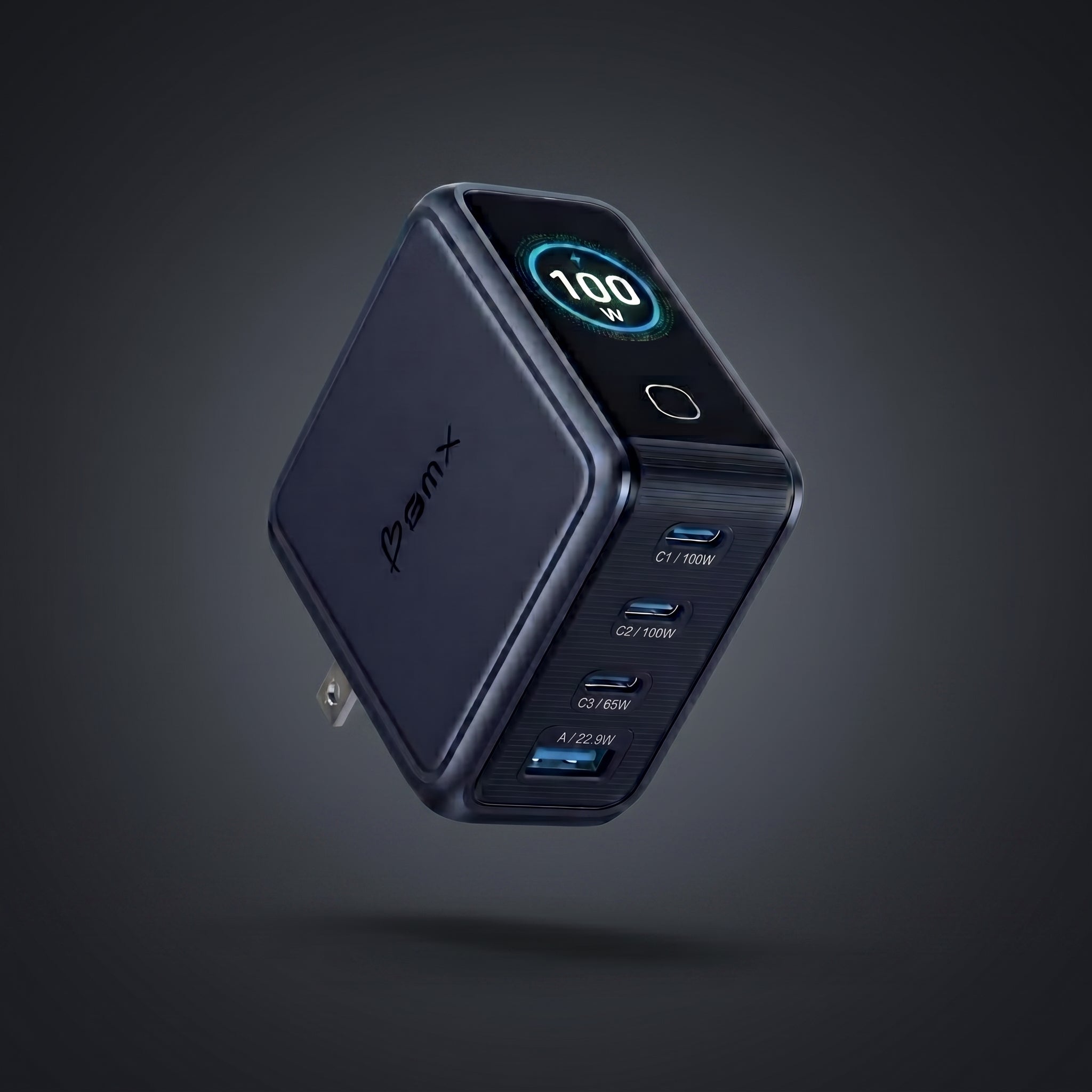
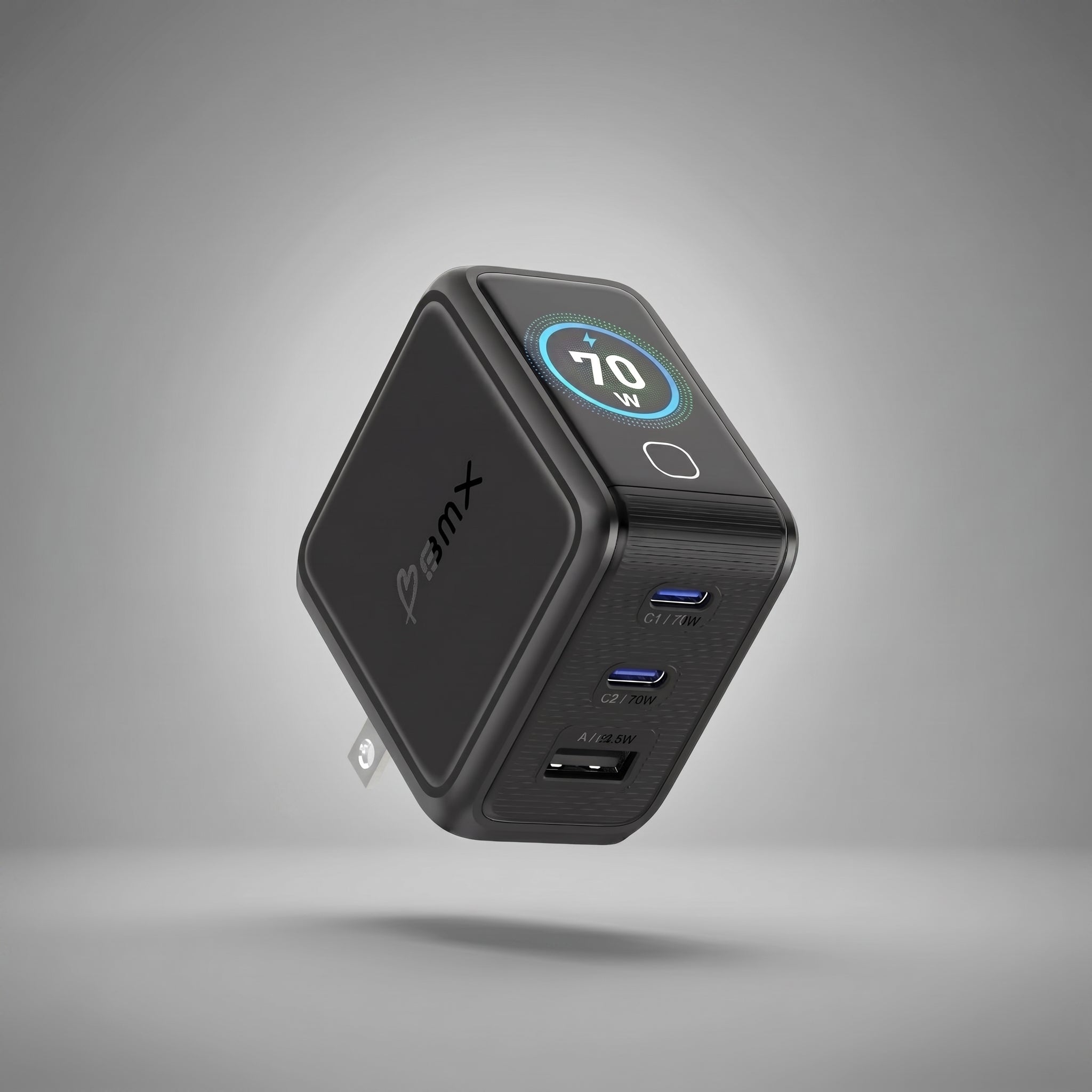


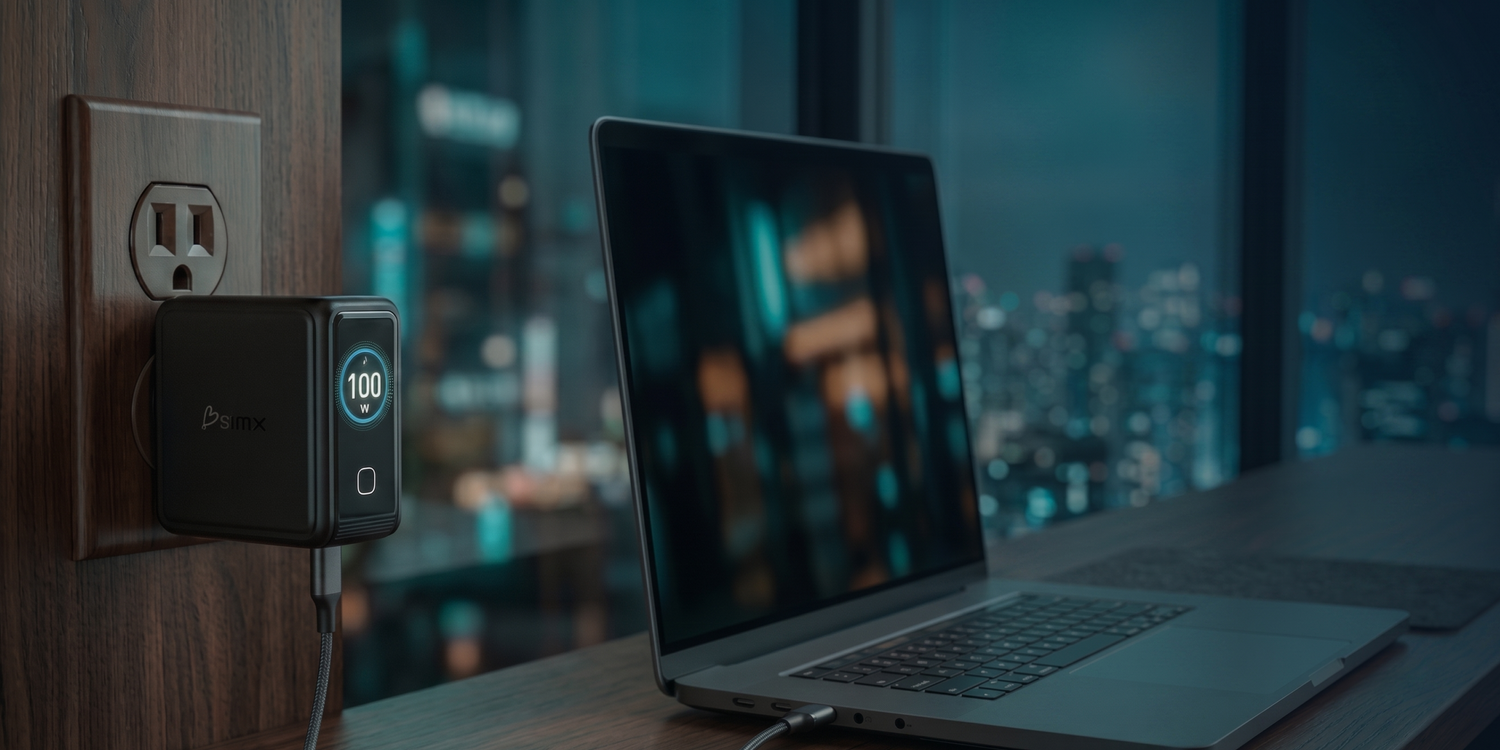
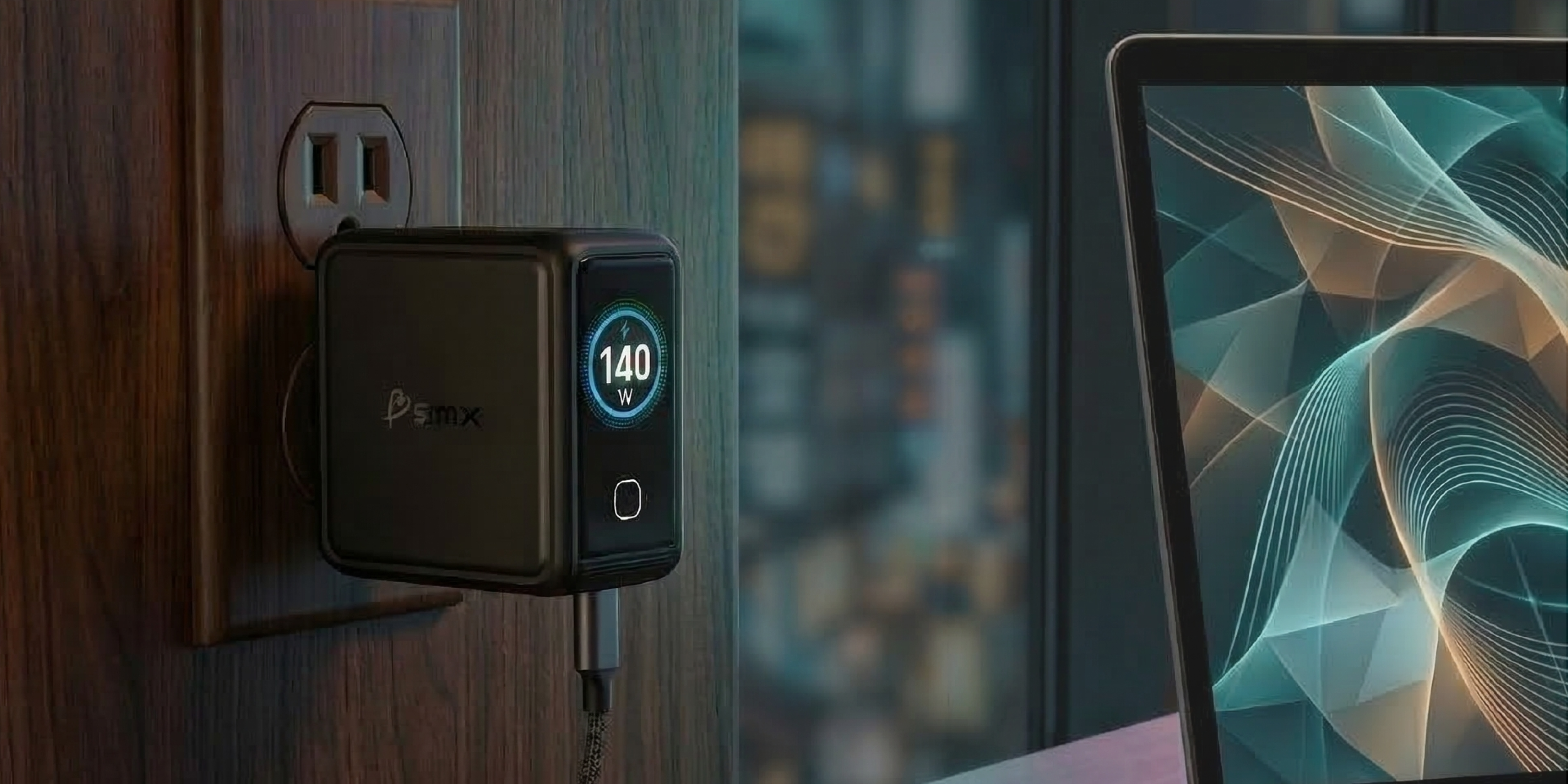
A 140W charger does not always send 140W to your device. The number on the box is the ceiling. The LCD matters because it shows what is actually happening: the cable limit, the port split, the laptop draw, and the heat behavior.
You know the moment. You plug in the laptop, phone, watch, and earbuds at the hotel desk. The laptop says it is charging, but slowly. The phone says fast charge, then changes its mind. The charger feels warm. Nothing is broken, but none of it is obvious.
That is the real reason to buy a charger with a display. Not because a screen looks clever. Because USB-C charging is negotiated in the dark, and the display turns the dark into numbers you can use.
Short answer
The BMX GaNsta 140W LCD is the best premium pick if you want a 140W GaN charger with a useful display, four ports, smaller carry size, and global adapters in the box. Anker is the closest same-price display alternative. Apple is the simplest one-port MacBook option.

| If you are choosing... | Best pick | Why |
|---|---|---|
| One premium travel charger with a useful LCD | BMX GaNsta 140W LCD | 140W PD 3.1 EPR, 4 ports, per-port LCD, global adapters, cable, pouch, smaller carry size |
| The closest display competitor | Anker 140W 4-Port | Strong brand, same $89.99 tier, 4 ports, display, cable included |
| Official Apple simplicity | Apple 140W USB-C Adapter | Trusted one-port MacBook charger, but no display, no extra ports, cable sold separately |
| Travel kit without a display | Satechi 145W Travel Charger | 4 USB-C ports, adapters, bag, strong travel story, but no live wattage screen |
| More total wattage on the spec sheet | UGREEN Nexode Pro 160W | Good high-wattage option if you care more about output specs than LCD visibility or in-box travel kit |

Why the LCD matters
The display is not there to make the charger feel futuristic. It answers the questions people already ask after something feels off.
Why is my laptop charging slowly? Is this cable bad? Did adding my phone steal power from my computer? Is the charger warm because it is working hard, or warm because something is wrong?
Without a display, you guess. With a display, you see the wattage. That is the whole point.
| What happens | Why it happens | What the LCD tells you |
|---|---|---|
| Your 140W charger shows 65W to the laptop | Power is being split across ports, or the device is only requesting 65W | The actual wattage each port is receiving |
| A cable will not reach full speed | The cable may not be rated for 100W, 140W, or 240W EPR charging | The lower wattage before you blame the charger |
| Your phone pulls less power near full battery | Devices reduce draw as the battery fills to manage heat and battery health | That the slowdown is normal, not a failure |
| The charger manages heat | High output creates heat, and good chargers protect themselves | Temperature status instead of hand-guessing |
Quick answer
An LCD charger is worth it if you charge laptops, use multiple ports, travel with different cables, or want to know why charging slows down. If you only charge one phone overnight, it is nice to have, not necessary.
GaNsta LCD shows total power, per-port wattage, and AI temperature status without an app. See the GaNsta 140W →
How to choose without getting lost in charger specs
Most charger pages make you do the work. They throw protocol names, wattage claims, port diagrams, and safety badges into one pile. That is how buyers end up comparing things that do different jobs.
The cleaner way is simple. Start with the device that needs the most power. Then count the devices you charge at the same time. Then decide whether you want to see the power split instead of guessing.
That gets you to a real buying decision faster than memorizing acronyms.
| Decision step | Ask this | What it tells you |
|---|---|---|
| 1. Main device | What is the biggest thing I charge? | 16-inch MacBook Pro points you to 140W. MacBook Air usually points to 70W or 100W. |
| 2. Port count | How many things do I plug in at once? | Four-device setups need 4 ports. Laptop + phone + one accessory can live with 3. |
| 3. Visibility | Do I care why charging slows down? | If yes, get the LCD. It shows the power split, cable limits, and temperature status. |
| 4. Travel kit | Am I buying only a charger, or replacing the bag of accessories? | Adapters, cable, and pouch matter if this is your one travel charger. |
| 5. Size | Will I actually carry this every day? | Smaller matters because the charger only replaces your bricks if you actually pack it. |
Premium charger comparison
The useful comparison is not BMX against a random $40 charger. That buyer is making a different decision.
The fair set is Apple, Anker, Satechi, UGREEN, and GaNsta. These are the kinds of chargers someone would consider when they want enough power for a laptop and enough trust to make it their one travel charger.
| Charger | Price / ports | Display | Travel kit | Size / weight |
|---|---|---|---|---|
| BMX GaNsta 140W LCD | $89.99 / 3C + 1A | Per-port LCD + AI temp status | EU/UK/AU adapters + cable + pouch | 62 x 65 x 34 mm / 255 g |
| Anker 140W 4-Port | $89.99 / 3C + 1A | Built-in display | USB-C cable only | 69 x 69 x 36 mm / 395 g |
| Apple 140W USB-C | $99 / 1C | No | Adapter only, cable sold separately | Apple's standard 140W brick form factor |
| Satechi 145W Travel | $119.99 / 4C | No | US/EU/UK/AU adapters + mesh bag | 97 x 77 x 31 mm / 346.5 g |
| UGREEN Nexode Pro 160W | $119.99 list / 3C + 1A | No | Charger only | 2.76 x 2.76 x 1.3 in / 10.7 oz |
The closest head-to-head
GaNsta and Anker are the cleanest comparison because both sit at $89.99, both have 3 USB-C ports plus 1 USB-A port, and both give you a display. The difference is what happens when you pack it. GaNsta is smaller on every listed physical dimension, weighs 140 g less, and includes EU/UK/AU adapters plus a pouch. Anker includes a cable, but not the adapter kit.
| Size proof | GaNsta 140W | Anker 140W display | Why it feels different |
|---|---|---|---|
| Listed dimensions | 62 x 65 x 34 mm | 69 x 69 x 36 mm | Smaller on height, width, and depth. Not one shaved edge. |
| Raw listed volume | 137 cm3 | 171 cm3 | The difference compounds because a charger is a three-dimensional brick. |
| Weight | 255 g | 395 g | Anker is 140 g heavier. That is the part you feel in a pouch or outlet. |
Which GaNsta should you buy?
Once you know you want the display, the variant decision is simple. Start with the laptop. Then count the devices. Then decide whether you need international adapters in the box.
| Variant | Buy it if... | Skip it if... |
|---|---|---|
|
140W LCD $89.99 |
You own a 16-inch MacBook Pro, want PD 3.1 EPR, charge up to 4 devices, or want the flagship. | You use a MacBook Air and rarely need more than 70W or 100W. |
|
100W LCD $79.99 |
You want the same 4-port form factor and display for a MacBook Air, most Windows laptops, phone, and tablet. | You specifically need 140W PD 3.1 EPR for full-speed MacBook Pro charging. |
|
70W LCD $59.99 |
You travel lighter, charge a MacBook Air or similar laptop, and want laptop + phone + accessory power. | You need four ports or full 100W/140W laptop output. |


The bottom line
If you want the default Apple answer, buy Apple. It is simple, trusted, and built for one MacBook.
If you want the closest same-price display competitor, Anker belongs in the conversation. It is a strong charger from the category leader.
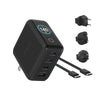
If you want the charger that solves the whole travel problem, GaNsta is the sharper pick: smaller carry size, live wattage, AI temperature status, 4 ports, cable, pouch, and global adapters in one box.
That is the decision. Not specs for the sake of specs. Less bulk, more visibility, fewer separate things to remember.
| Question | Short answer |
|---|---|
| Do I need 140W? | Only if your laptop can use it. For 16-inch MacBook Pro buyers, 140W PD 3.1 EPR matters. For MacBook Air, 70W or 100W is usually enough. |
| Is LCD a gimmick? | Not if you charge multiple devices. It shows the power split, catches cable limits, and explains slowdowns. |
| What makes GaNsta different? | Size, display, and travel completeness together. 62 x 65 x 34 mm, per-port LCD, AI temperature status, adapters, cable, and pouch. |
FAQ
Is a charger with an LCD worth it?
Yes, if you charge a laptop, use multiple ports, travel with different cables, or want to know why charging speed changes. The LCD shows the actual wattage instead of making you guess from a battery icon.
Why does a 140W charger sometimes show less than 140W?
Because 140W is the maximum output, not a promise that every device will pull 140W all the time. The device, cable, port combination, battery level, and heat behavior all affect real output.
Do I need 140W for a MacBook Pro?
If you want full-speed charging for a 16-inch MacBook Pro, choose a 140W charger with USB-C PD 3.1 EPR support and a cable rated for 140W or higher. For MacBook Air and many lighter laptops, 70W or 100W is usually enough.
What is the difference between GaNsta 140W, 100W, and 70W?
The 140W is the flagship for MacBook Pro and four-device travel. The 100W is the practical 4-port pick for MacBook Air and most laptops. The 70W is the lighter travel pick for laptop, phone, and one accessory.
How is GaNsta smaller than the Anker 140W display charger?
GaNsta 140W measures 62 x 65 x 34 mm. Anker's 140W 4-Port display charger is listed at 69 x 69 x 36 mm. That makes GaNsta smaller on every listed physical dimension.
Sources checked
Specs and claims were checked against BMX product files and official product pages from Apple, Anker, Satechi, and UGREEN on May 15, 2026. Competitor prices and specs can change, so the buying logic matters more than chasing one temporary discount.

Leave a comment
This site is protected by hCaptcha and the hCaptcha Privacy Policy and Terms of Service apply.