


Apple ships a 70-watt adapter with the 14-inch MacBook Pro M5 and a 140-watt adapter with the 16-inch. The 14-inch needs 96 watts to fast charge, so the included adapter keeps it alive but does not deliver fast-charge speed. The 16-inch only hits its full 140 watts with the right cable in the right port. Here is exactly what each M5 MacBook Pro pulls, when the full wattage matters, and the USB-C cable problem that quietly caps the 16-inch at 100 watts even with the right charger.
You spent $2,000 to $4,000 on the laptop. The charger in the box was an afterthought. Apple shrunk the chip, kept the chassis cool, then handed you an adapter that does not unlock the fast-charge speed the 14-inch is built for.
This guide pairs each MacBook Pro M5 with the wattage it actually wants, explains why, names the moments when the full wattage matters and the moments it does not, and walks through what is on the market right now in May 2026.
The 2026 MacBook Pro M5 lineup, by the wattage Apple ships
Apple launched the 14-inch M5 in October 2025. The M5 Pro and M5 Max followed in March 2026 across both 14-inch and 16-inch. The chassis sizes did not change. Apple's published lineup has two adapter sizes.
| MacBook Pro M5 | In-box adapter | Fast charge needs |
|---|---|---|
| 14-inch (M5, M5 Pro, M5 Max) | 70W | 96W |
| 16-inch (M5 Pro, M5 Max) | 140W | 140W |
Apple does offer a 96W USB-C Power Adapter as a build-to-order upgrade on the 14-inch and ships 96W as the default on some higher configurations in some regions. The default adapter in most boxes is 70W. That is the gap this guide is about.
The 70W problem
The 14-inch MacBook Pro M5 ships with a 70W adapter in most regions. The chassis fast-charges at 96W. The included adapter charges the laptop but never delivers fast-charge speed. Apple offers a 96W upgrade at the build-to-order step, but most people buy the default and never see the upgrade exists.
Why 96W is the right pairing for the 14-inch
The 14-inch M5 MacBook Pro has a 72.4 Wh battery. The M5 Max chip can pull 60W or more under sustained load. Add the mini-LED display, four Thunderbolt ports, and a couple of accessories drawing back through a hub, and the system can ask for 80 to 95W during real work.
A 70W charger keeps the battery flat or trickle-charges it under that load. The laptop runs. The battery does not move. That is what Apple ships in the default 14-inch box.
96W is the wattage that unlocks fast charge on the 14-inch. The 100W USB-C PD step is the closest standard wattage available from third-party chargers, since most multi-port GaN chargers ship at 60W, 65W, 100W, or 140W rather than the non-standard 96W. A 100W charger covers every 14-inch M5 configuration at full speed with a small headroom buffer for hub passthrough.
This is also why 65W chargers are everywhere on Amazon and almost never the right answer for a 14" Pro. 65W is enough for a MacBook Air. It is not enough for a Pro under load.
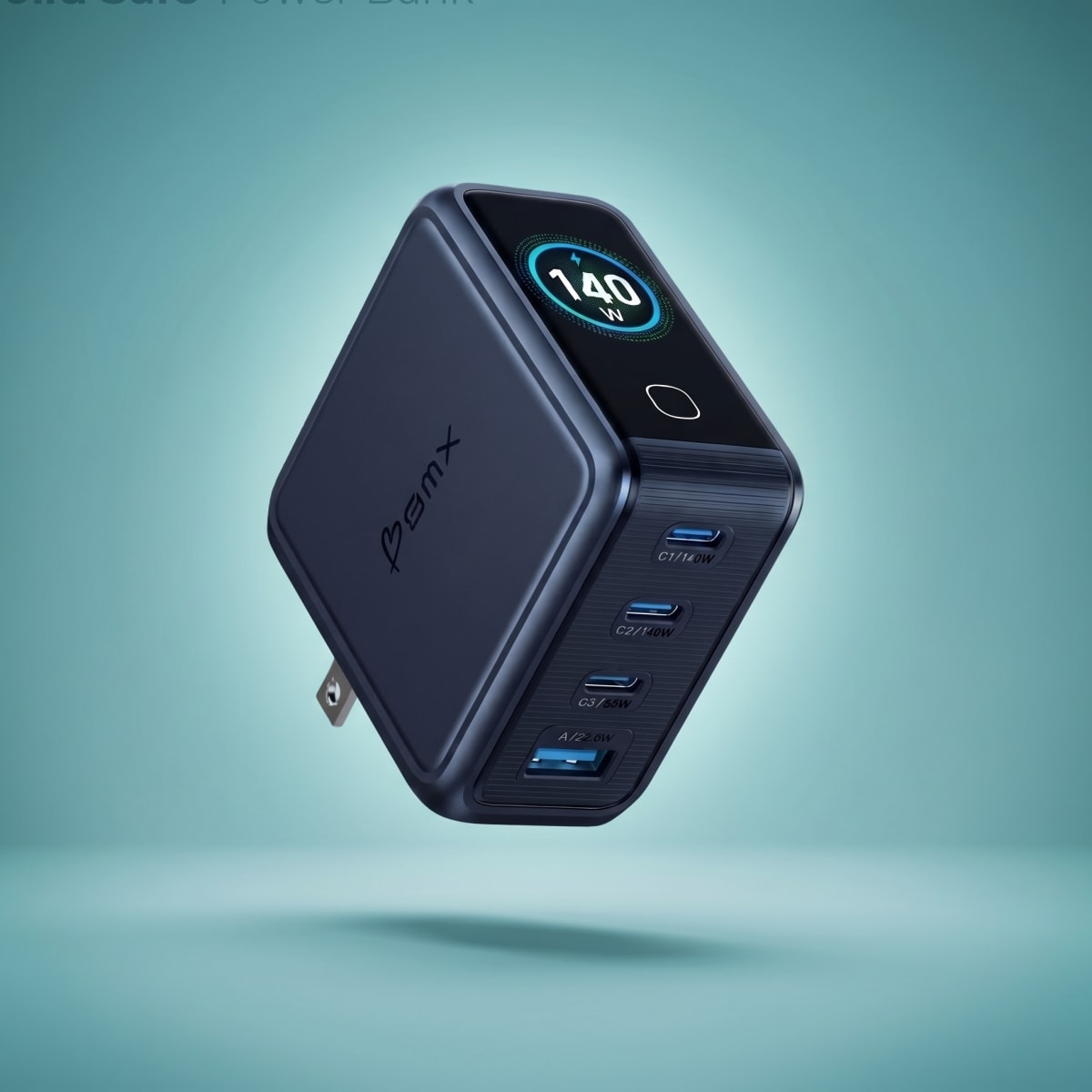
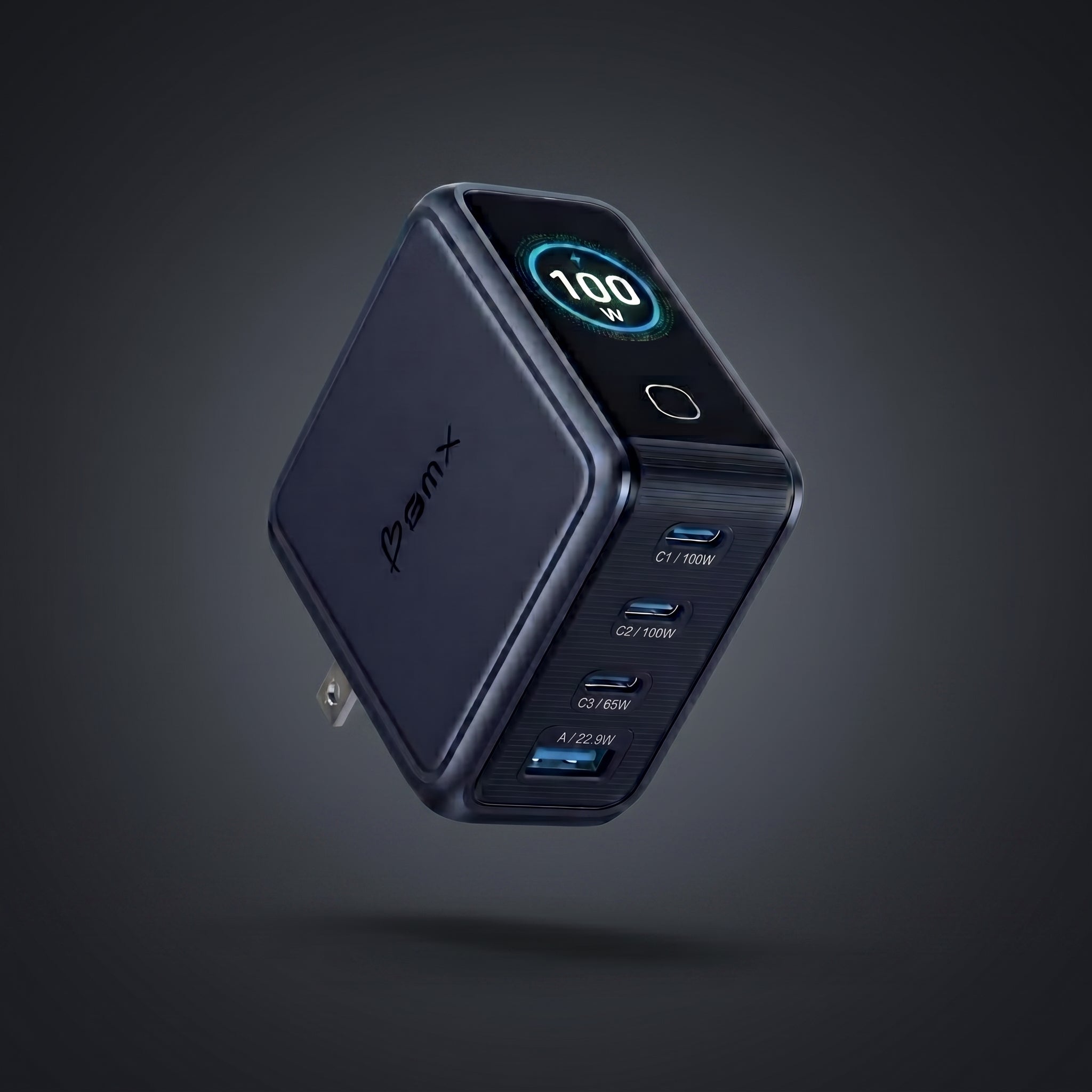
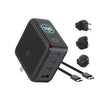
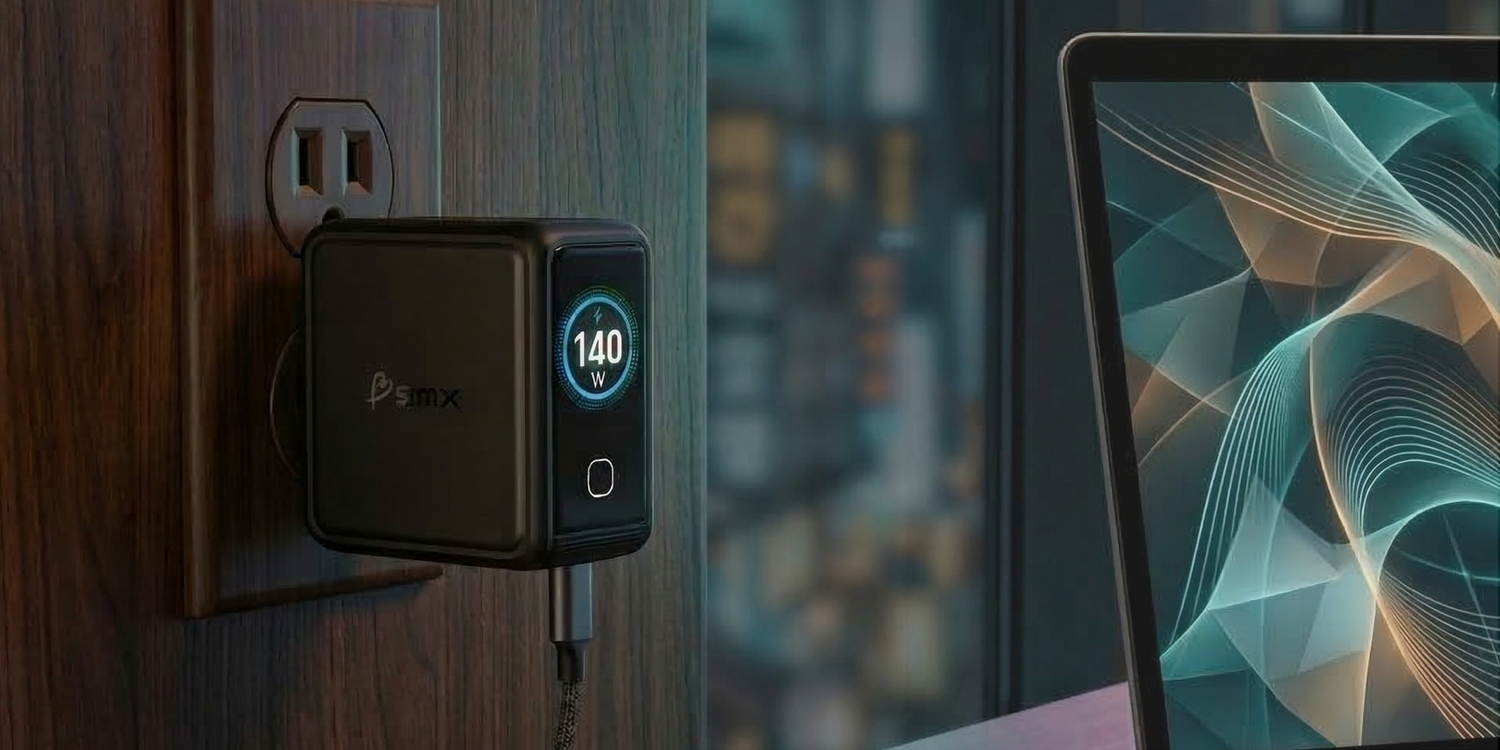
The BMX GaNsta 100W is a 4-port GaN charger with a real-time LCD that shows the actual wattage going to each device, so you can see whether your 14" Pro is pulling its full speed instead of guessing. See the GaNsta 100W →
Why 140W is required for the 16-inch
The 16" M5 Pro and M5 Max ship with a 100 Wh battery. The Max can sustain over 100W of system draw with the GPU loaded, an external display attached, and storage transferring at full speed. Apple ships a 140W USB-C Power Adapter with both 16" configurations.
Carrying 140W over a single USB-C cable is not the default behavior of USB-C. The standard USB-C PD ceiling sat at 100W for years (20V at 5A). To get above that, the USB-C Power Delivery 3.1 spec added an Extended Power Range step at 28V, which is what pushes the same single cable up to 140W and beyond. Apple's 140W adapter uses this step. So does any third-party 140W adapter built to the same spec.
To actually receive 140W into the 16-inch you need three things working together:
- A 140W USB-C Power Adapter (Apple's, or a third-party adapter that supports the 28V step)
- A cable rated for the full output. Apple ships a USB-C to MagSafe 3 cable in the box. The standard USB-C alternative is a 240W EPR-rated cable with an E-Marker chip certified for 5A at high voltage.
- A port that can take it. The MagSafe 3 port works with the included MagSafe cable. Any of the three USB-C / Thunderbolt 4 ports works with a 240W-rated USB-C cable.
Drop any one of those three pieces and the charge rate falls back to 100W. That is the next standard USB-C PD step down. The 16" still charges. It just stops charging at full speed.
PD 3.1 EPR in plain English
USB-C Power Delivery 3.1 added a new 28V step on top of the older 20V ceiling. That extra voltage is what gets you from 100W to 140W over a single USB-C cable. A charger without PD 3.1 EPR will only deliver 100W to the 16-inch, even if it is labeled "140W."
Do you always need 140W on the 16-inch?
No. The 16" M5 will charge happily on a 65W or 96W charger under most real-world conditions. The chassis just stops fast-charging and starts trickle-charging if you are also working hard.
Here is when the 16" actually pulls the full 140W:
- Fast charging from low battery. 0 to 50% in 30 minutes only happens at 140W with the right cable. Anything less and the curve flattens.
- Sustained heavy load while charging. Video export on the Max, gaming with the dGPU lit, multi-stream 4K timelines, plus an external 4K display and accessories. The system can pull 100W just running and still want to add to the battery.
- Multi-device passthrough. A hub that powers an external SSD, a webcam, a docking station, and is back-feeding the laptop will eat into whatever headroom is left.
- Low-battery emergency before a meeting. The 30-minute warm-up window is the entire point of buying the 140W adapter.
For light work, browsing, email, and meetings on the built-in display, a 100W charger keeps the 16" at full battery indefinitely. The number you actually need on the charger depends on what the laptop is doing, not what the spec sheet headline says.
The cable trap that caps the 16-inch at 100W
This one is for 16" owners specifically. USB-C cables are not all the same. The cable in the box of a $25 Amazon 140W charger is almost always rated at 60W or 100W. Plug a 140W charger into a 100W cable and the negotiated speed locks at 100W. The 16" stops getting fast charge.
To carry the full 140W over USB-C, the cable needs an E-Marker chip certified for 5A at high voltage (the 240W EPR rating in the USB-C spec). Apple's MagSafe 3 cable does this. Their woven Thunderbolt 4 cable does this. Most generic USB-C cables in your desk drawer do not.
If you bought the 16" M5 and you are using "your old USB-C cable" with a third-party 140W adapter, there is a strong chance you are charging at 100W and do not know it. 14" owners do not run into this since the 14" tops out at 96W anyway and any standard 100W cable handles that without issue.
How to tell if your cable can do 140W
Look for "EPR," "240W," or "5A" printed on the cable or its packaging. USB-IF certified 240W cables also carry the Certified USB-C logo with "240W" underneath. If the spec is not written down anywhere, assume it is a 60W or 100W cable.
A higher-wattage charger cannot damage your MacBook
This is the most-asked question in every MacBook forum, and the answer is no.
USB-C Power Delivery works as a handshake. The charger advertises every voltage and amperage step it can supply. The laptop tells the charger which step to deliver. The laptop is the one pulling. The charger does not push.
Plug an M5 MacBook Air into a 140W charger and it will pull the 30W to 60W it wants. Plug a 16" Pro into the same 140W charger and it will pull the 140W it wants. Plug the 16" into a 30W charger and the system pulls 30W. Nothing in the chain breaks.
The only thing that goes wrong with an undersized charger is the chassis running on battery while plugged in, because the input is lower than the system load. Performance is unaffected. Battery health is unaffected. The laptop is fine.
What's on the market in May 2026
Three real options exist for a 14-inch or 16-inch M5 MacBook Pro owner who wants more than the in-box adapter.
Apple OEM (140W and 96W). The 140W adapter is $99. The 96W is $79. Both are single-port. Both are PD compliant. Neither shows you anything. They are large slabs of polycarbonate that sit on your desk doing one job.
Anker, Ugreen, and the generic GaN field. Multi-port GaN chargers from $40 to $90. Most are smaller than Apple's. Some now ship with displays. Most ship with a 100W cable in the box, which caps the 16" at 100W regardless of charger rating. Some of the cheap "140W" units are not actually built to the 28V step, which also caps the 16" at 100W.
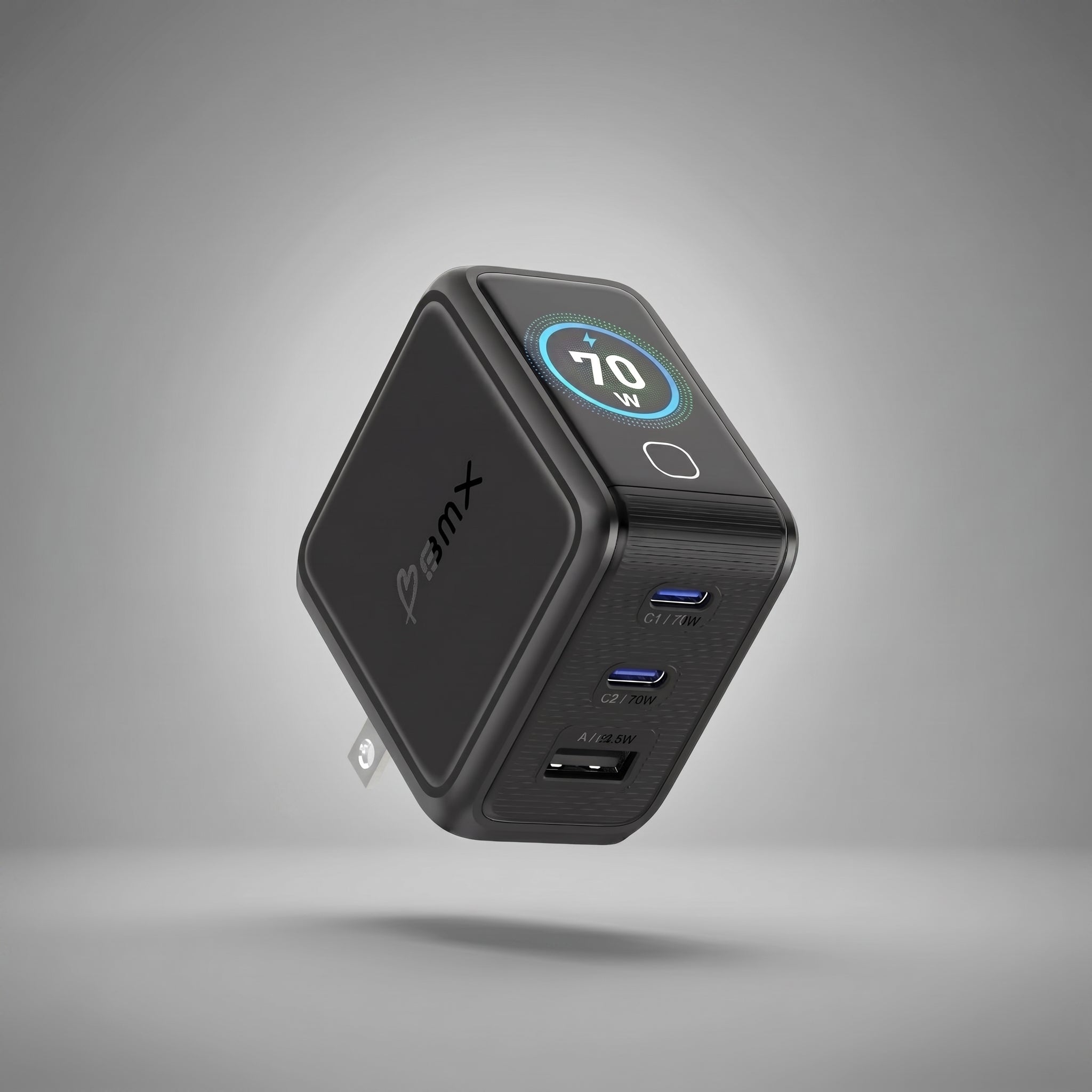
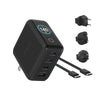
BMX GaNsta LCD (140W, 100W, 70W). 4-port GaN with a real-time LCD that shows the wattage flowing to every connected device. Global plug adapters in the box. Foldable US plug built in. The 140W is the variant in the lineup that supports the 28V step needed for full 140W output on the 16-inch.
How the GaNsta 140W stacks up against Apple's 140W
Same wattage. Same 28V output step needed to deliver it. Very different chargers.
| Spec | BMX GaNsta 140W | Apple 140W USB-C |
|---|---|---|
| Dimensions | 62 x 65 x 34 mm | 78 x 78 x 31 mm |
| Weight | 255 g | ~397 g |
| Ports | 3x USB-C + 1x USB-A | 1x USB-C |
| Real-time LCD display | Yes (per-port wattage + temp) | No |
| 28V output for full 140W over USB-C | Yes | Yes |
| Global plug adapters | EU + UK + AU included | Not included |
| Foldable US plug | Yes | No (fixed plug) |
| Price | $89.99 | $99.00 |
The GaNsta 140W is 24% smaller by volume and roughly 35% lighter than Apple's 140W. The same 4,030 square millimeters of desk footprint that holds the GaNsta would only show you about two thirds of the Apple charger. It also charges three more devices at the same time and shows you exactly how much power each one is pulling.
The 100W comparison runs the same direction. The GaNsta 100W is the same dimensions as the 140W (62 x 65 x 34 mm) and lands about 20% smaller than Apple's 96W charger. Same display. Same global adapters. Same 4-port layout.


Why the display matters more than the spec sheet
Every charger guide on the internet tells you to buy a 140W adapter for the 16-inch. None of them tell you how to know whether the 140W adapter on your desk is actually delivering 140W.
You can buy the right wattage and still get throttled by the cable, by an under-spec adapter, by a USB-C hub stealing headroom, or by a port that quietly dropped to USB-C PD 3.0 instead of 3.1.
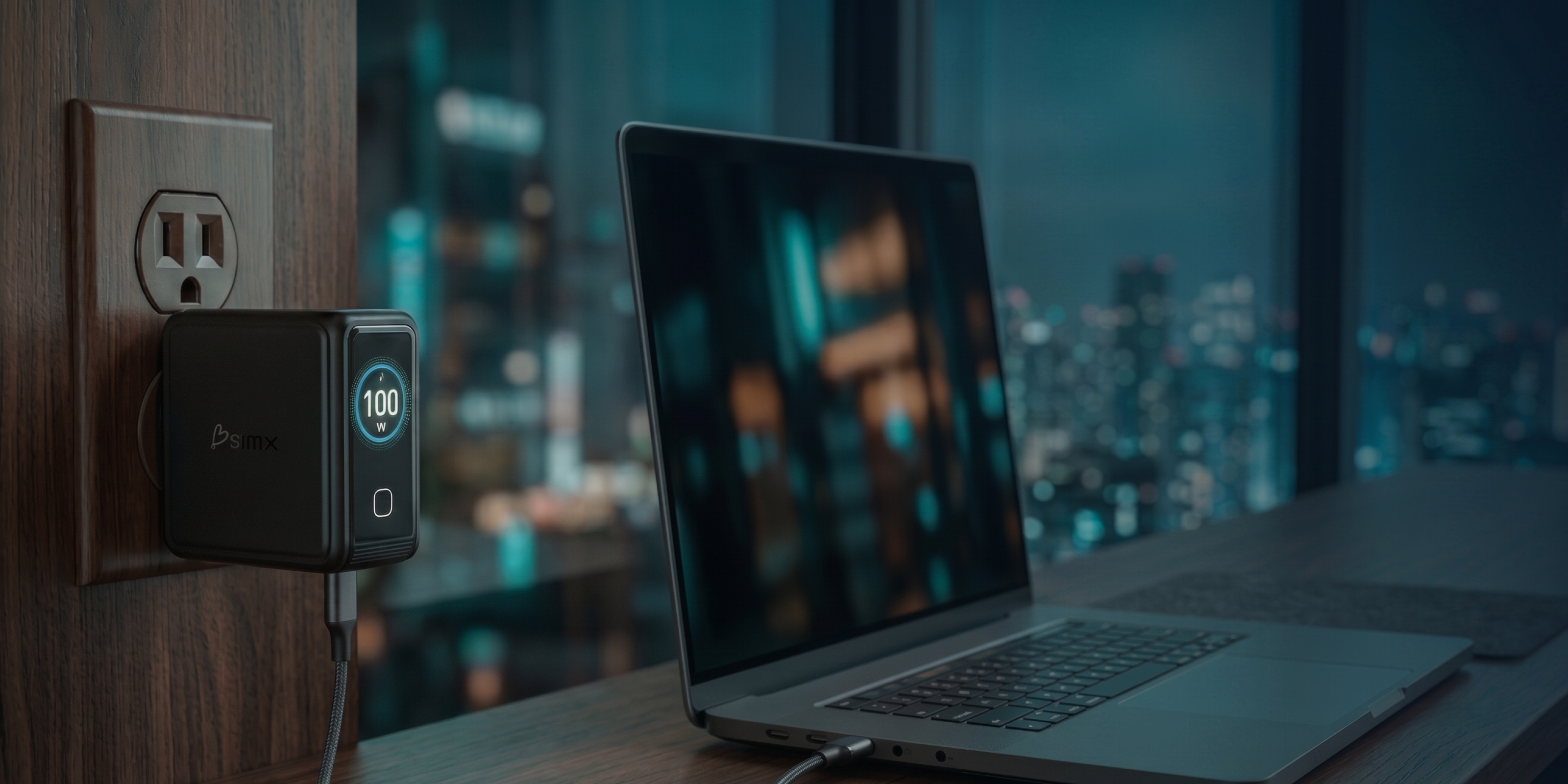
The GaNsta LCD shows the wattage flowing to each port, in real time, on the front of the charger. If the 16" is supposed to pull 140W and the display says 96W, you know to swap the cable. If you plug in a USB-C accessory and watch the laptop's port drop from 140W to 65W, you know the hub is splitting power. The number on the screen is the truth.
A handful of GaN chargers in this category now ship with displays. The GaNsta differentiator is per-port readout on every variant (not just the flagship), global plug adapters in the box, and a foldable US plug, at $79.99 to $89.99 for the 100W and 140W. The display turns "did I get fast charge?" from a guess into a fact you can read off the front of the charger.
The quick recommendation
If you have any 16" MacBook Pro M5, the right charger is a 140W PD 3.1 EPR adapter paired with a 240W-rated USB-C cable, or the MagSafe 3 cable Apple ships in the box.
If you have a 14-inch MacBook Pro M5, the right charger is 96W or 100W. Apple's fast-charge wattage is 96W. The closest standard third-party wattage is 100W. Either delivers fast-charge speed and leaves enough headroom for a hub and an external display.
If you carry a MacBook Air alongside the Pro, the GaNsta 70W is enough for the Air and most accessories without buying a third charger.
Frequently Asked Questions
What wattage charger does the MacBook Pro M5 14-inch need?
The 14-inch MacBook Pro M5 fast-charges at 96W. Apple ships a 70W adapter in the default box, with a 96W adapter available as a build-to-order upgrade. The included 70W charges the laptop but does not deliver fast-charge speed. The closest standard third-party wattage is 100W, which covers every 14-inch M5 configuration at full speed.
Do you need a 140W charger for the MacBook Pro M5 16-inch?
You need 140W to fast-charge the 16" M5 Pro and M5 Max, and to keep up with sustained heavy load like video export, gaming on the dGPU, or multi-stream 4K editing. For light work like browsing and meetings, a 100W charger keeps the 16" fully charged but will not fast-charge it.
Can a higher-wattage charger damage my MacBook Pro?
No. USB-C Power Delivery is a negotiated handshake. The laptop pulls the wattage it wants, regardless of what the charger can supply. Plugging an M5 MacBook Air into a 140W charger is safe. The laptop will only draw 30 to 70W. The charger does not push more.
Why is my 140W charger only delivering 100W?
Almost always the cable. A standard USB-C cable rated at 60W or 100W caps the negotiation at 100W even when both the charger and the laptop support 140W. You need a 240W EPR cable with an E-Marker chip rated at 5A, or Apple's MagSafe 3 cable, to carry the full 140W over USB-C.
Can I use a 65W charger for a MacBook Pro 14-inch?
A 65W charger keeps a 14" M5 alive for light work, but under sustained load the laptop will draw on the battery while plugged in. You will not get fast-charge speed. For a Pro under any real workload, 96W is the floor, and 100W is the closest practical step you can buy from a third-party multi-port charger.
What is PD 3.1 EPR and why does it matter for the 16-inch?
USB-C Power Delivery 3.1 added an Extended Power Range step at 28V that allows up to 240W over a single USB-C cable. Delivering the full 140W to the 16" M5 requires this step, because the older PD 3.0 spec capped at 20V × 5A = 100W. Apple does not use the term "PD 3.1 EPR" in their marketing, but their 140W USB-C Power Adapter operates at this step. A "140W" third-party adapter that does not support 28V output will deliver 100W maximum to the 16-inch.
Is GaN actually faster than a regular silicon charger?
No. GaN does not change charging speed. It changes the size of the charger. Gallium nitride switches more efficiently than silicon, which means less heat, which means the same wattage fits in a smaller, lighter charger. A 140W silicon charger and a 140W GaN charger deliver the same speed.
Can I charge my MacBook Pro and my phone from the same charger?
Yes, on a multi-port charger like the GaNsta 140W. Plug the laptop into one of the primary USB-C ports and your phone into a second port. The charger negotiates with both at once and splits the total wattage. The display shows you the live split so you can see if the laptop is dropping below 140W when accessories are connected.
What about the MacBook Air M5?
The M5 MacBook Air ships with Apple's 40W Dynamic Power Adapter, which peaks at 60W when the laptop calls for it. A 70W charger like the GaNsta 70W covers the Air at full speed with two ports left for phones, tablets, or AirPods.
GaNsta LCD Chargers
See the wattage. Charge the laptop. Travel with one charger.
A per-port LCD shows the exact wattage flowing to your MacBook in real time, on every GaNsta variant. Global plug adapters in the box. Foldable US plug. 4 ports.
See the GaNsta Line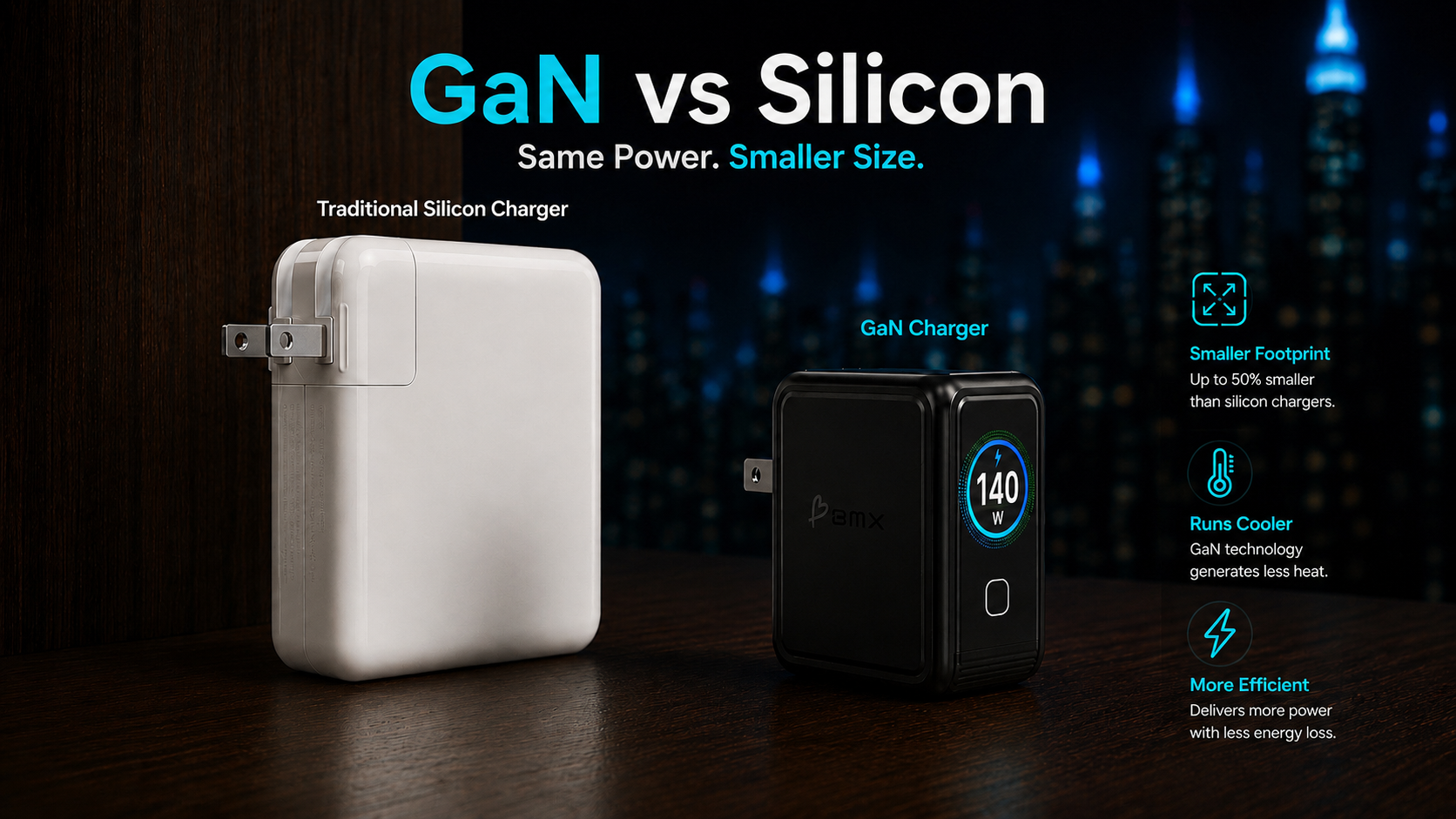

Leave a comment
This site is protected by hCaptcha and the hCaptcha Privacy Policy and Terms of Service apply.