




SolidSafe Ultra setup guide
For SolidSafe Ultra 5K, B7-05 and B8-05.
Start charging, understand the screen, and find help when you need it.
This setup guide covers the charging features shared by both models. For complete safety and operating instructions, refer to the printed manual included with your Ultra. Model-specific PDF manuals will be added here when available.
Snap on or plug in.
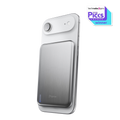
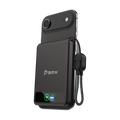
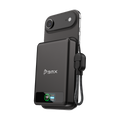
Use magnetic wireless charging for up to 15W, or the attached USB-C cable for up to 20W wired output. With both paths in use, power is shared: up to 10W USB-C and 5W wireless.
See your charge at a glance.
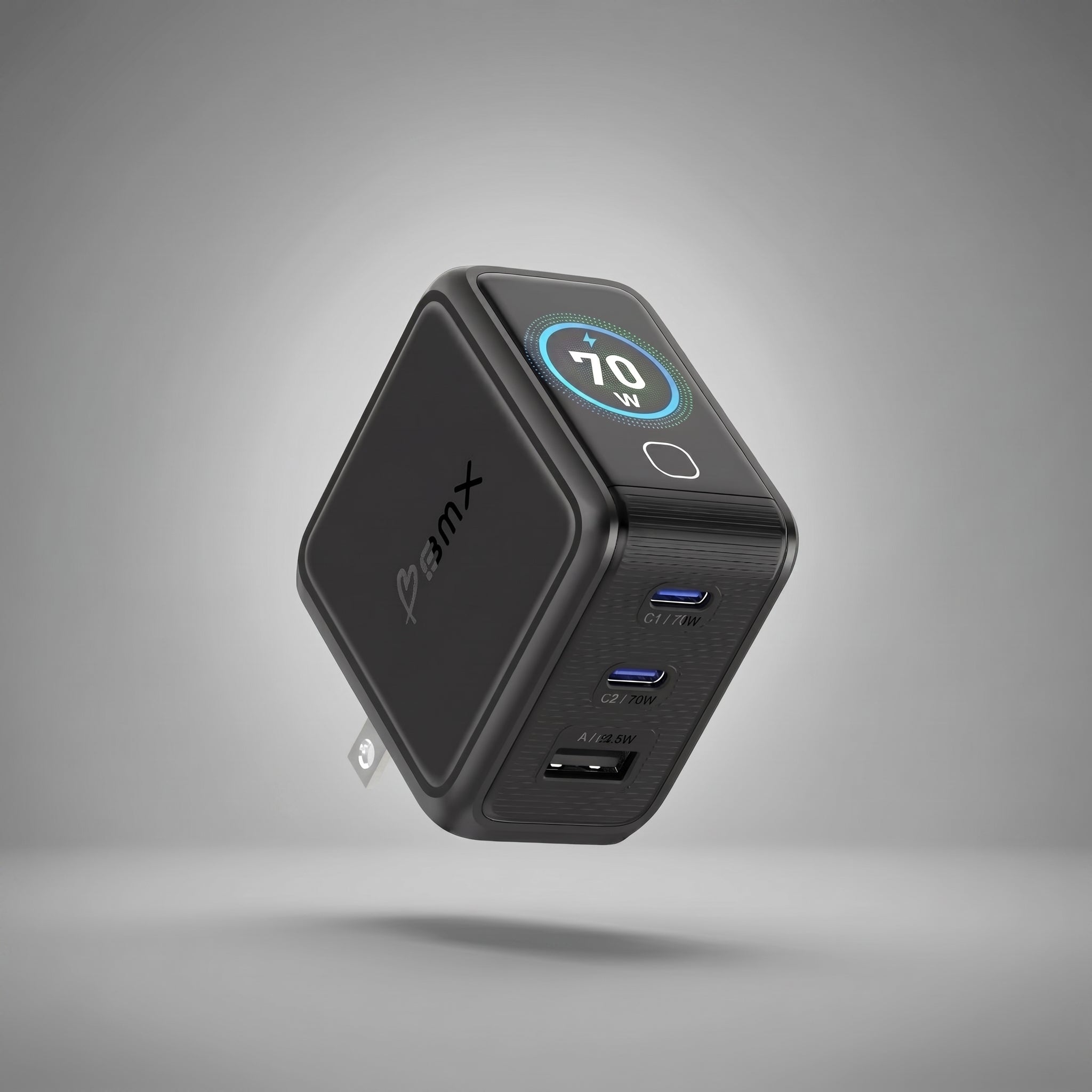
The color LCD shows the remaining battery percentage and live charging watts. Power changes as your phone fills or manages its temperature.
Set it down. Keep using your phone.
The rotating ring stand supports portrait or landscape viewing.
Refill through USB-C.
Recharge Ultra through its USB-C input at up to 15W with a compatible charger.
Percent and watts answer different questions.
The battery percentage tells you how much charge Ultra has left. Watts show the power moving right now. A lower wattage does not mean the battery is empty; your phone may simply be requesting less power.
Want the fastest available top-up?
Charge one device through the USB-C cable for up to 20W. If you use wireless and USB-C together, the output changes to the shared 10W wired + 5W wireless limit.
Charging seems slow?
Check whether your phone is nearly full or warm, then try one charging path at a time. For wireless use, check the magnetic alignment. For wired use, make sure the USB-C connector is seated fully. Actual speed depends on the connected device.
Help us solve it quickly.
If charging still does not look right, email support@heybmx.com with your phone model, the battery percentage and watts shown on Ultra, and whether you are using wireless or USB-C. A photo of the display helps us understand what you are seeing.
Need the full manual?
Check the model number printed on your Ultra or its box: B7-05 or B8-05. Email support@heybmx.com with that model number and we’ll help you get the right instructions.