




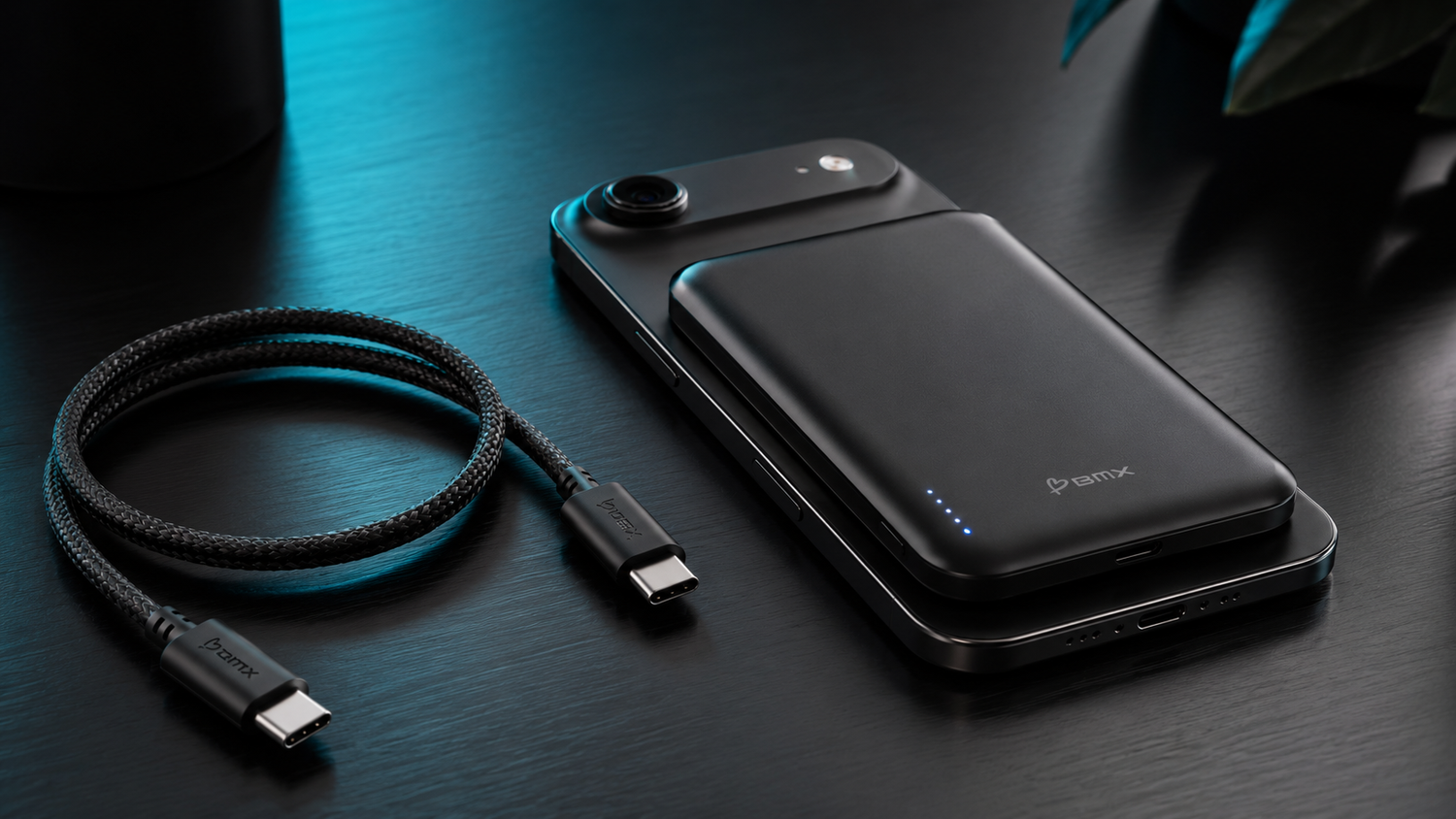
Use USB-C when you want the fastest, most energy-efficient charge. Use Qi2 when snapping the power bank onto your phone is easier than plugging in. Neither mode is always better. They solve different moments.
A cable gives electricity a direct path into the phone. Wireless charging sends energy across a small gap using magnetic induction, so more energy is lost during transfer and more of that loss becomes heat.
The practical rule is simple: cable nearby, plug in. Convenience first, snap on.
| Your situation | Use | Why |
|---|---|---|
| Cable is within reach | USB-C | Faster and more efficient |
| Battery is very low | USB-C | You need recovery speed |
| Walking around or using the phone | Qi2 | No loose cable to manage |
| Cable is unavailable | Qi2 | Snap on and keep going |
| Phone feels hot | Pause | Let it cool before charging |
Why The Cable Is Faster
USB-C carries power through a direct electrical connection. Qi2 has to convert electricity into a magnetic field, move that energy across the gap between the power bank and phone, then convert it back into electricity.
Every conversion loses some energy. With wireless charging, more of that loss becomes heat. The phone may slow charging further because of its temperature, battery level, case, alignment, settings, or what you are doing while it charges.
That is why the number printed on a charger is a maximum, not a promise that the phone will accept that wattage every minute.
When Qi2 Earns Its Place
Qi2 does not need to beat a cable to be useful. Its advantage is removing the plug-in step. The magnets align the charger, hold it against the phone, and let you start a top-up with one motion.
That matters when you are walking around, moving between meetings, sitting in a rideshare, or using the phone while it charges. It also gives you a charging option when the separate cable is somewhere else.
If the cable is already beside you, use it. If convenience matters more in that moment, snap on.
If Qi2 Feels Unusually Slow
- Check that the power bank is centered on the phone.
- Remove a thick, metal, or poorly aligned case.
- Let the phone cool if it feels warm.
- Pause navigation, gaming, or video if you need the battery percentage to rise faster.
- Use USB-C when the battery is very low or time matters.
Every SolidSafe™ Gives You Both Options
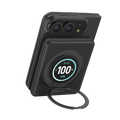
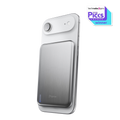
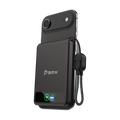
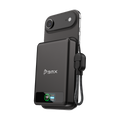
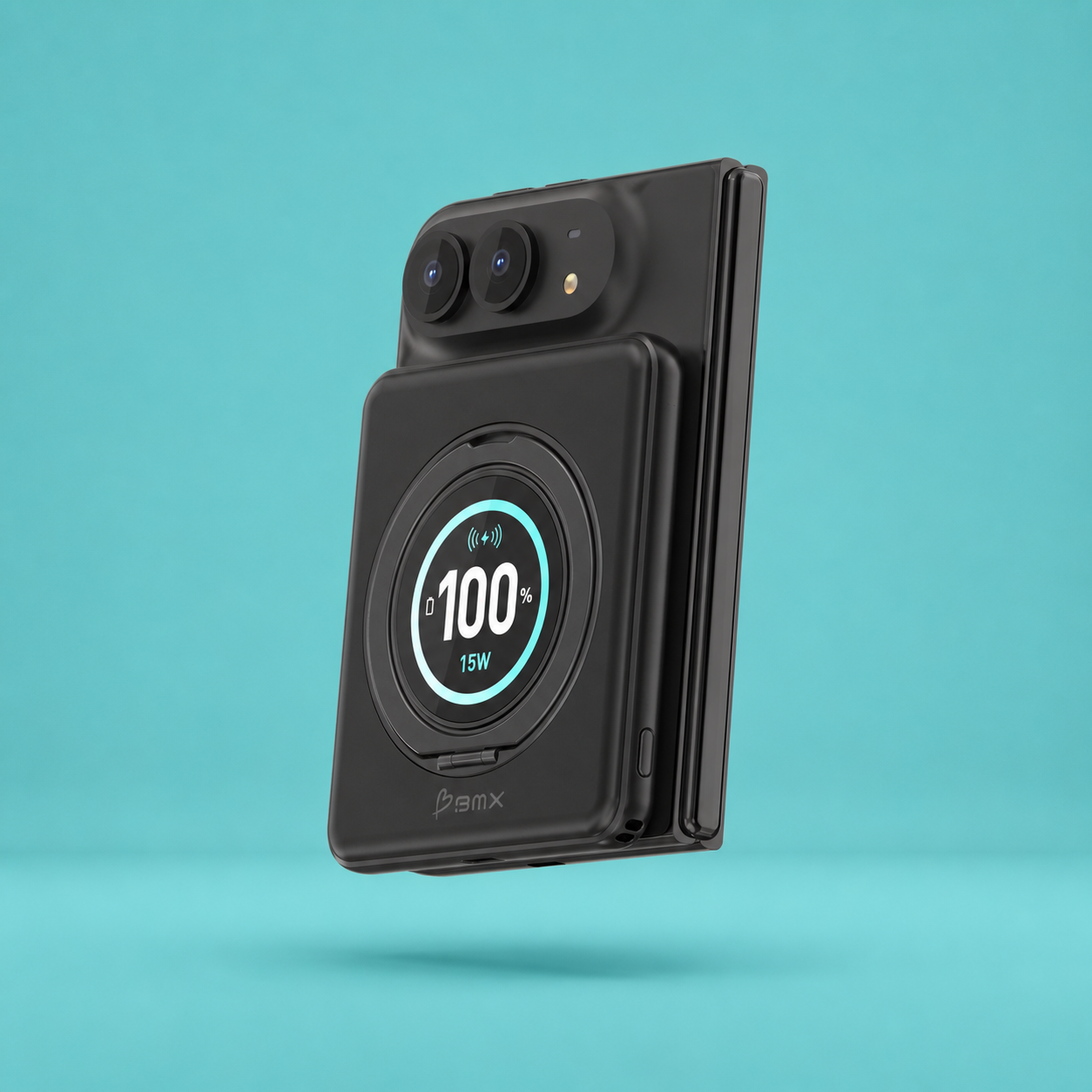
All three current SolidSafe™ power banks support Qi2 magnetic charging and USB-C charging. The real choice is how much capacity you want and whether the cable stays attached.


Still deciding between capacities? Use the 5,000mAh versus 10,000mAh guide.
Cable nearby, plug in. Convenience first, snap on.
The useful power bank is the one that gives you both choices without making either difficult.
FAQ
Is USB-C faster than Qi2 wireless charging?
Usually, yes. A cable gives power a direct path into the phone. Wireless charging loses more energy during transfer, so USB-C is generally faster and more efficient.
Why is my phone charging slowly on Qi2?
The phone controls how much power it accepts. Heat, battery level, alignment, the case, settings, and active phone use can all reduce charging speed. Center the power bank, remove a thick or metal case, let the phone cool, or use USB-C when time matters.
Which SolidSafe™ power bank should I choose?
Choose SolidSafe™ Air 5K for the thinnest carry and an included separate cable. Choose SolidSafe™ 5K when you want a 5,000mAh power bank with the USB-C cable attached. Choose SolidSafe™ 10K when you want more capacity, up to 30W total USB-C output, and the cable attached.
If you are building a complete phone-charging setup, continue with the iPhone charging guide.
BMX is our brand, so take our recommendation in that context. We used the published SolidSafe™ Air 5K, SolidSafe™ 5K, and SolidSafe™ 10K specifications so you can compare the charging choices directly.

Leave a comment
This site is protected by hCaptcha and the hCaptcha Privacy Policy and Terms of Service apply.