






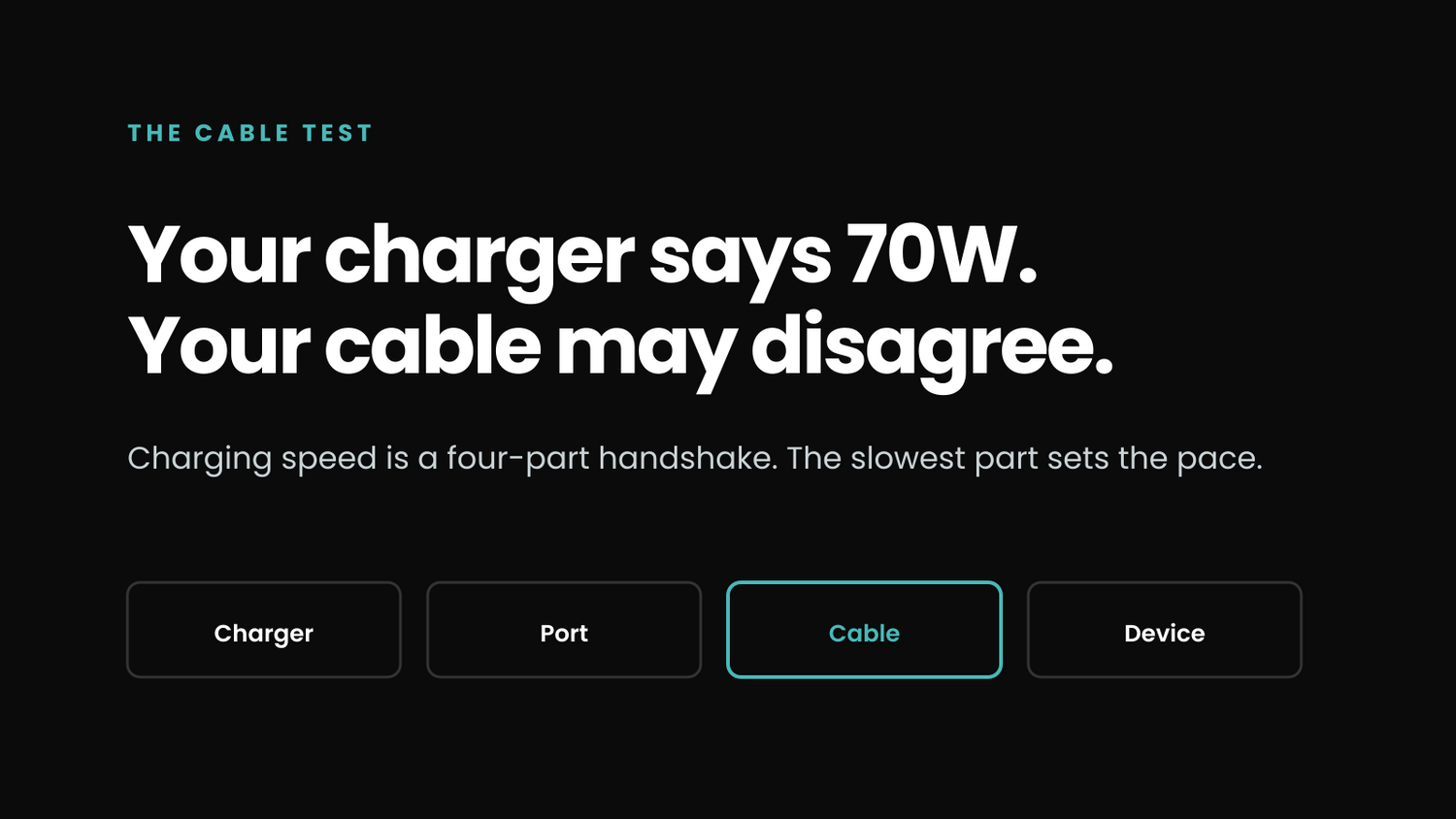
Yes, a USB-C cable can slow charging down. A high-wattage charger cannot push more power through a cable than the cable and device can negotiate. Cable rating, condition, connector fit, and the charger port you choose all matter.
The useful part is that you do not need an electrical engineering degree to find the bottleneck. Test the charging path in order.
Start With The Number On The Cable
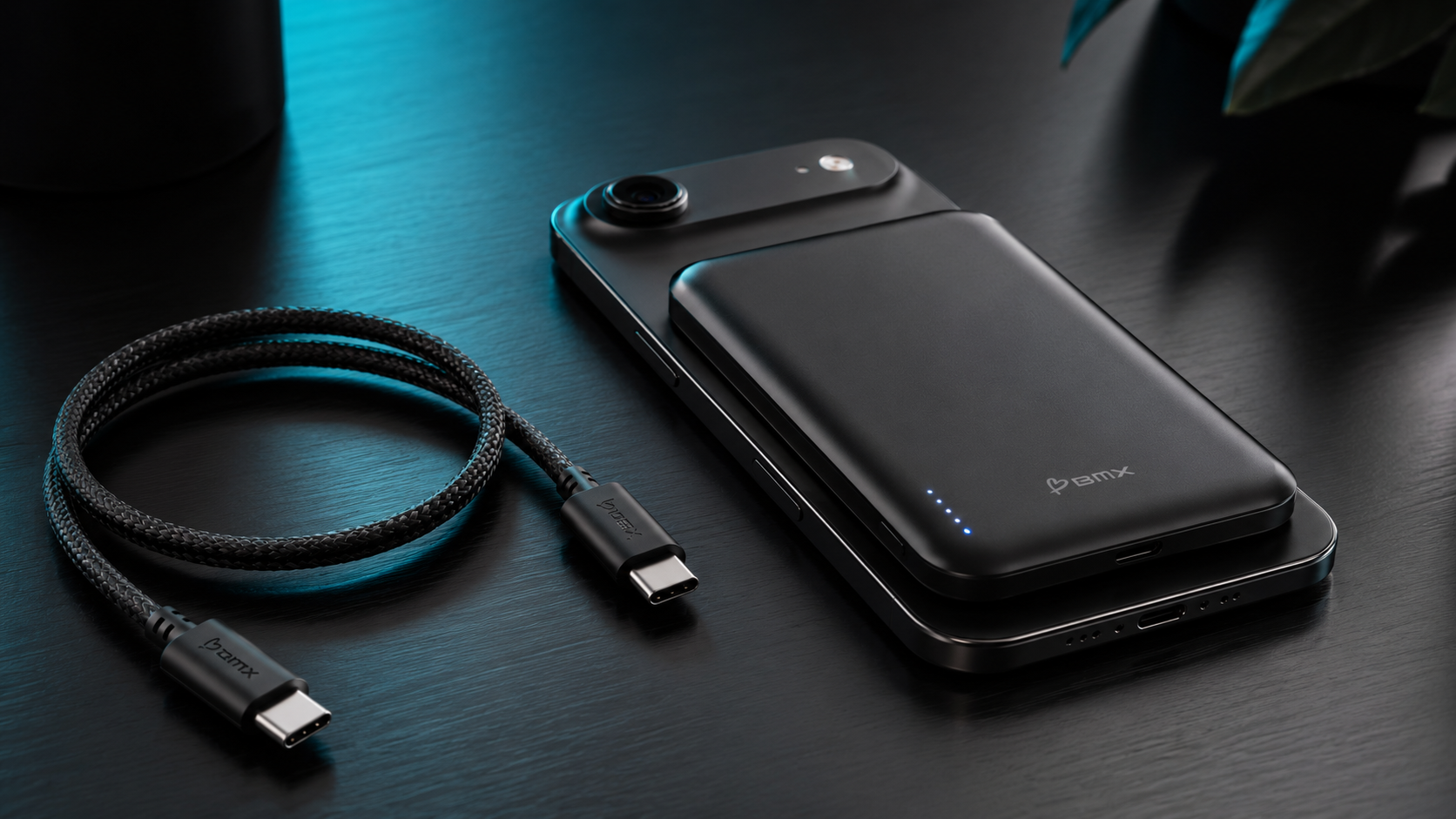
USB-IF certified USB-C to USB-C cables use power markings such as 60W or 240W. That number is the cable's power capability, not a promise that your device will draw it.
For most phones, tablets, and thin laptops, a properly rated 60W cable covers the job. Higher-power laptops and some charging modes need more. Samsung, for example, says supported Galaxy S24 models need a 45W adapter and a 5A E-marked cable for Super Fast Charging 2.0. The standard cable supplied with the S24 supports 25W.
Do not confuse power with data speed
A cable can charge at high power while moving data slowly. Another cable may move data quickly but carry less power. Read the power marking for charging and the data-rate marking for file transfer.
The Four-Step Cable Test
- Use one device. Unplug everything else so the charger is not splitting power across ports.
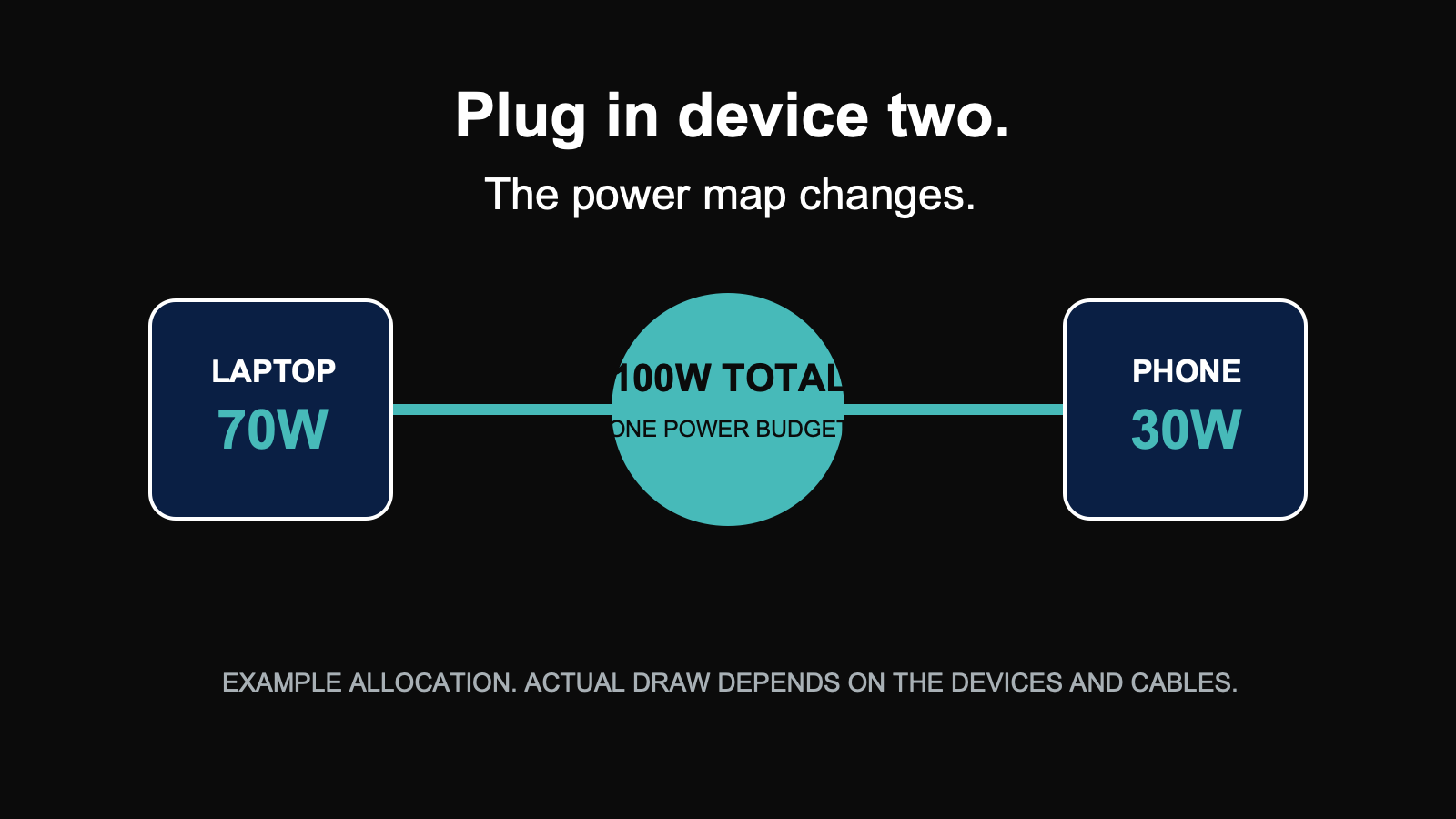
- Use the charger's highest-power USB-C port. Multi-port chargers often assign different limits to different ports.
- Swap in a known-good, correctly rated cable. If power rises, the original cable was the likely bottleneck.
- Check the device state. Heat, a nearly full battery, background use, and device settings can reduce charging even when the cable is fine.
When The Cable Looks Fine But Is Not
A cable does not have to be visibly broken to become unreliable. Repeated bending near the connector, a loose fit, dirt in the port, or internal wear can create an intermittent connection. If charging starts and stops when the cable moves, retire it.
An unmarked cable is not automatically unsafe or defective. It is simply harder to verify. When charging speed matters, a clearly marked cable from a known manufacturer removes one variable.
Why A Wattage Display Helps
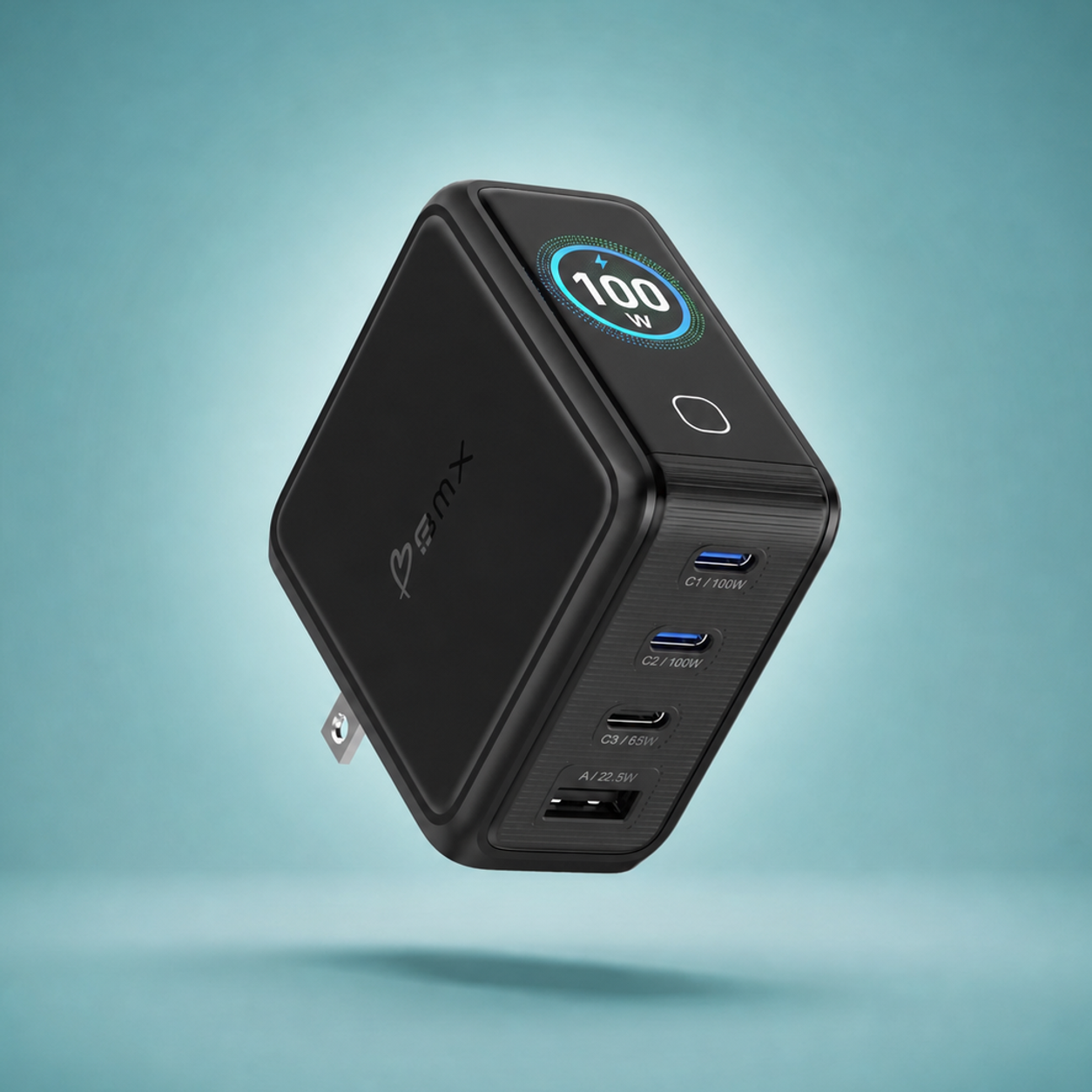
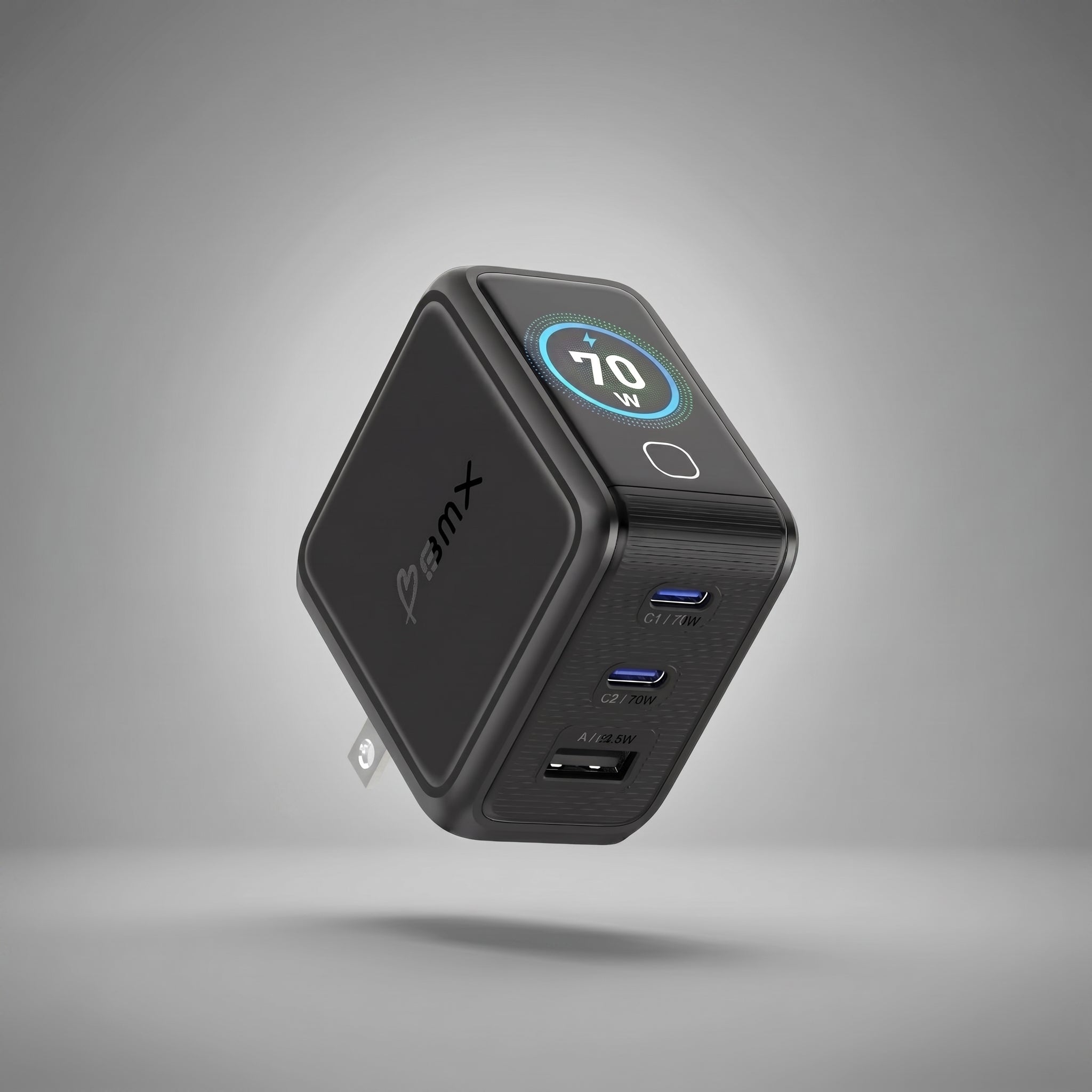
Most charging problems are invisible. Your phone may say it is charging without showing whether it is drawing 12W, 30W, or 65W. A wattage display gives you a comparison point.
That does not make the charger a diagnostic machine. It shows the result. You still isolate the cause by changing one thing at a time: port, cable, device, or number of connected devices.
Choose the wattage that fits your devices
One display. Three power levels.


All three show live total and per-port wattage. The 70W, 100W, and 140W models include a braided USB-C cable, EU/UK/AU adapters, a foldable US plug, and a suede travel pouch.
The Short Version
If charging is slow, do not buy a bigger charger first. Check the cable rating. Use one device. Choose the right port. Swap in a known-good cable. Then look at the device.
The cable is one link in the chain. It is also the easiest one to test.
FAQ
Does every USB-C cable support fast charging?
No. USB-C describes the connector shape. Cable power capability, data speed, and supported features can differ.
Do I need a 240W cable for a phone?
Usually not. A properly rated 60W cable covers most phone and tablet charging. Use the device and charger requirements as the authority.
What is an E-marked cable?
It contains an electronic marker that communicates cable capabilities in supported USB-C power arrangements. Samsung specifically requires a 5A E-marked cable for 45W Super Fast Charging 2.0 on supported Galaxy models.
Can a damaged cable charge slowly instead of failing completely?
Yes. An unstable connection or internal wear can cause intermittent or reduced charging. Replace a cable that feels loose, disconnects when moved, or shows physical damage.
How can I tell whether the charger or cable is the problem?
Use one device and the same charger port, then compare the original cable with a known-good cable of the correct rating. Change one variable at a time.
Want the underlying handshake explained? Read USB-C Power Delivery explained.

Leave a comment
This site is protected by hCaptcha and the hCaptcha Privacy Policy and Terms of Service apply.