




Last updated: March 2026
USB-C Power Delivery is not a speed. It is a conversation. Every time you plug a USB-C cable into your phone, your charger and your device negotiate how much power to transfer, settling on a voltage and current in about two seconds. The charger says what it can offer. Your phone says what it needs. Charging starts at whatever both sides agree on. Understanding that negotiation is the key to understanding why your phone charges fast sometimes, slow other times, and never at the number on the box.
Most people see "65W" on a charger and assume their phone charges at 65 watts. It almost certainly does not. Your iPhone 16 Pro maxes out around 30W. Your Galaxy S25 Ultra tops out at 45W (and only with the right charger type). Your Pixel 9 Pro caps at 27W. The number on the charger is its ceiling, not your phone's speed. USB-C Power Delivery is the standard that governs this entire exchange.
What Happens in the First 2 Seconds After You Plug In
The moment you connect a USB-C cable, a very fast conversation takes place over a dedicated wire inside the cable called the CC line (Configuration Channel). Here is exactly what happens:
Second 0: The cable connects. The CC line establishes which end is the power source and which is the device receiving power. If you plug a power bank into a phone, the CC line figures out who charges whom.
Second 0-1: The charger (or power bank) sends a list of its Power Data Objects (PDOs). These are the voltage and current combinations it can deliver. A typical 20W charger might advertise: 5V at 3A (15W), 9V at 2.22A (20W). A 65W laptop charger might advertise: 5V/3A, 9V/3A, 15V/3A, 20V/3.25A (65W).
Second 1-2: Your phone reads the PDO list and picks the combination that best matches what its battery needs right now. If the phone wants 20W and the charger offers 9V at 2.22A, the phone requests that. If the charger only offers 5V/3A, the phone takes 15W because that is the best available option.
Second 2+: The charger sets its output to the agreed voltage and current. Charging begins at the negotiated speed. If conditions change (battery heats up, charge level reaches 80%), the phone can renegotiate and request a lower wattage mid-charge.
The fundamental rule of USB-C charging
Your charging speed is always limited by whichever device supports less. A 65W charger plugged into a 27W phone charges at 27W. A 20W power bank plugged into a 45W phone charges at 20W. The charger and the phone agree on the lower number. Always.
Why Your Phone Never Charges at the Advertised Speed
Even when your charger matches your phone's maximum wattage perfectly, you will rarely see that full speed in practice. Three things throttle real-world charging below the theoretical peak.
Battery level changes everything
Lithium batteries charge fastest when they are nearly empty and slow down dramatically as they fill up. This is by design. Think of it like filling a glass of water from a faucet: you can pour fast when the glass is empty, but you slow down near the top to avoid overflow. For most phones, the charging curve looks like this:
- 0-50%: Fastest charging. The phone draws close to its maximum wattage.
- 50-80%: Noticeable slowdown. The phone reduces its power request to protect the battery.
- 80-100%: Significant throttling. Charging speed drops to a fraction of peak. This last 20% can take as long as the first 80%.
This is not a flaw. It is how every phone manufacturer protects long-term battery health. Pushing full wattage into a nearly full battery generates heat, and heat degrades lithium cells over time.
Temperature is the invisible throttle
When your phone's battery or charging circuitry gets too warm, the phone automatically reduces its power request. This happens silently. You will not get a notification that says "I'm hot, so I'm charging slower." The phone just quietly drops from 27W to 15W or lower until it cools down.
Common triggers: charging while using GPS navigation, charging in a hot car, charging while gaming, charging in direct sunlight, and stacking wireless and wired charging simultaneously.
Software can override hardware
Apple's "Optimized Battery Charging" learns your daily routine and deliberately holds your iPhone at 80% overnight, only finishing the charge before your alarm. Samsung has a similar feature called "Adaptive Charging." Google Pixel has "Adaptive Charging" that spreads the charge over a longer period when it detects you plugged in for the night.
These features intentionally slow down charging to preserve battery health over years. If your phone seems to stop at 80% and take hours to reach 100%, this is likely the reason.
USB PD 2.0 vs PD 3.0 vs PD 3.1: Which Version You Actually Need
USB Power Delivery has gone through three major versions since 2014. Each version increased what chargers and devices can do, but for phone charging, the differences matter less than you might think.
| Feature | PD 2.0 | PD 3.0 | PD 3.1 |
|---|---|---|---|
| Max power | 100W | 100W | 240W |
| Voltage steps | 5V, 9V, 15V, 20V | 5V, 9V, 15V, 20V (+ PPS) | Up to 48V (+ PPS + AVS) |
| PPS support | No | Yes | Yes |
| Voltage adjustability | Fixed steps only | 20mV increments (with PPS) | 20mV increments (with PPS) |
| Who needs it | Any phone or tablet | Samsung Galaxy owners, efficiency-focused users | Laptop users, high-wattage devices |
| Enough for phone charging? | Yes | Yes (better for Samsung) | Overkill for phones |
What this means for you: For phone charging, PD 2.0 is sufficient. PD 3.0 with PPS is better for Samsung Galaxy devices because Samsung's fast charging protocol requires PPS to hit 25W or 45W. PD 3.1 is for laptops and high-draw devices, not phones. You do not need to seek out PD 3.1 for mobile charging.
PPS: The One Feature Samsung Owners Should Know About
PPS (Programmable Power Supply) is an extension of USB PD 3.0 that changes how voltage is delivered. Instead of jumping between fixed voltage levels (5V, 9V, 15V, 20V), PPS lets the charger adjust voltage in tiny 20-millivolt increments. The practical result: less wasted energy, less heat, and faster charging on phones that support it.
Here is why this matters for Samsung specifically. Samsung Galaxy phones (S24, S25, A-series) require PPS to access their fastest charging speeds. A Galaxy S25 Ultra plugged into a standard PD 3.0 charger without PPS will cap at about 15-18W. The same phone plugged into a PPS-capable charger can pull up to 45W. That is a massive difference in real-world charging speed.
iPhones do not use PPS. Apple uses standard USB PD voltage negotiation. A PPS charger will still charge your iPhone correctly, it just will not provide any additional speed benefit.
Google Pixel phones also do not require PPS for their maximum 27W charging. They use standard PD negotiation.
Do I need PPS?
Samsung Galaxy: Yes. PPS is required for 25W and 45W Super Fast Charging. Without PPS, your Galaxy charges at a fraction of its potential.
iPhone: No. iPhones use standard USB PD. PPS will not improve your charging speed.
Pixel: No. Pixels use standard PD for their 27W max. PPS is compatible but not required.
What the Wattage Numbers on Your Charger Actually Mean
Watts = Volts x Amps. That is it. When a charger says "20W," it means it can deliver 20 watts of power. But the actual formula is what matters when you are trying to understand why different chargers produce different speeds.
A 20W charger might deliver 9 volts at 2.22 amps (9 x 2.22 = 20W). A different 20W charger might deliver 5 volts at 4 amps (5 x 4 = 20W). Same wattage, different voltage-current combinations. The version your phone prefers depends on its internal charging circuitry.
| Phone | Max USB-C Charging | Requires PPS? | Good with 20W charger? |
|---|---|---|---|
| iPhone 16 Pro / Pro Max | ~30W | No | Yes - within 10W of max |
| iPhone 16 / 16e | ~20-25W | No | Yes - at or near max |
| Samsung Galaxy S25 Ultra / S25+ | 45W (with PPS) | Yes | Partial - ~15-20W without PPS |
| Samsung Galaxy S25 | 25W (with PPS) | Yes | Partial - ~15-20W without PPS |
| Google Pixel 9 Pro | 27W | No | Yes - close to max |
| Google Pixel 9 | 27W | No | Yes - close to max |
What this means for most people: A 20W USB-C PD charger or power bank is enough for any iPhone and close to enough for most Android phones. Samsung Galaxy owners are the exception: they benefit significantly from PPS-capable chargers rated at 25W or higher. If you are charging a phone, you do not need 65W or 100W. Those wattages are designed for laptops.
The Cable Problem Nobody Talks About
You can have the best charger and the latest phone and still get slow charging because of the cable. Not all USB-C cables are created equal, and the differences are invisible.
Charge-only cables are the worst offenders. Some cheap USB-C cables only carry power on the VBUS and GND pins, with no CC (Configuration Channel) wire. Without the CC line, PD negotiation cannot happen at all. Your phone falls back to basic 5V/0.5A charging (2.5 watts). That is 8-10x slower than PD fast charging, and you will have no idea why unless you swap the cable.
Current rating matters for high wattage. Standard USB-C cables are rated for 3A (60W max). For anything above 60W, you need a 5A cable with an e-marker chip. For phone charging, this almost never matters since phones top out well below 60W, but if you are also using your cable for a laptop, it does.
Cable length matters too. Longer cables have more resistance. A 2-meter cable delivers slightly less power than a 0.5-meter cable to the same device. For phone charging, the difference is small (1-2W), but it exists.
The practical advice: Use the cable that came with your phone or charger. If you need to buy a cable, get one from a brand that specifies "USB-IF certified" and supports at least USB 2.0 data + PD power. Avoid no-brand cables sold in multi-packs for under a dollar each.
What USB-C Power Delivery Looks Like in a Power Bank
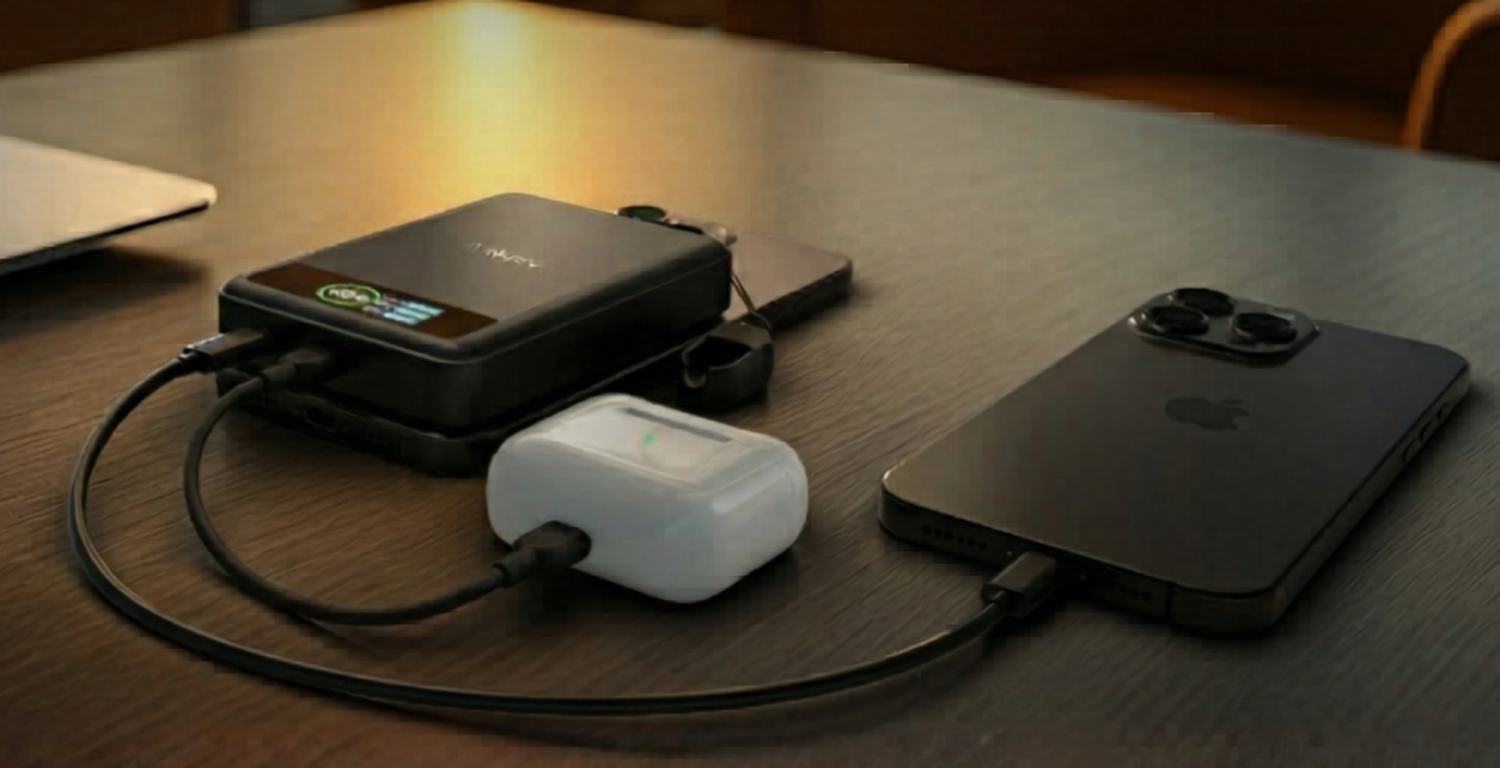
Wall chargers are one side of the equation. Power banks are the other. When a power bank charges your phone via USB-C, the exact same PD negotiation happens: the power bank advertises its PDOs, your phone picks the best match, and charging begins.
The difference is that power banks have two additional constraints. First, the total output is shared across all ports. If a power bank is rated for 30W total and you plug in two devices, each device gets a fraction of that 30W. Second, the power bank's own battery is depleting while it charges your phone, so the power bank's firmware may reduce output as its own charge drops below a certain level.
BMX's SolidSafe power banks handle USB-C PD like this:
| BMX Product | USB-C Output | Simultaneous Devices | Best For |
|---|---|---|---|
| SolidSafe Air 5K | 20W USB-C | 2 (USB-C + Qi2 wireless) | iPhone users, ultra-slim carry |
| SolidSafe 5K | 20W USB-C | 2 (USB-C + Qi2 wireless) | Daily carry, iPhone + earbuds |
| SolidSafe 10K | Dual USB-C, 30W total | 3 (2x USB-C + Qi2 wireless) | Multi-device, travel, families |
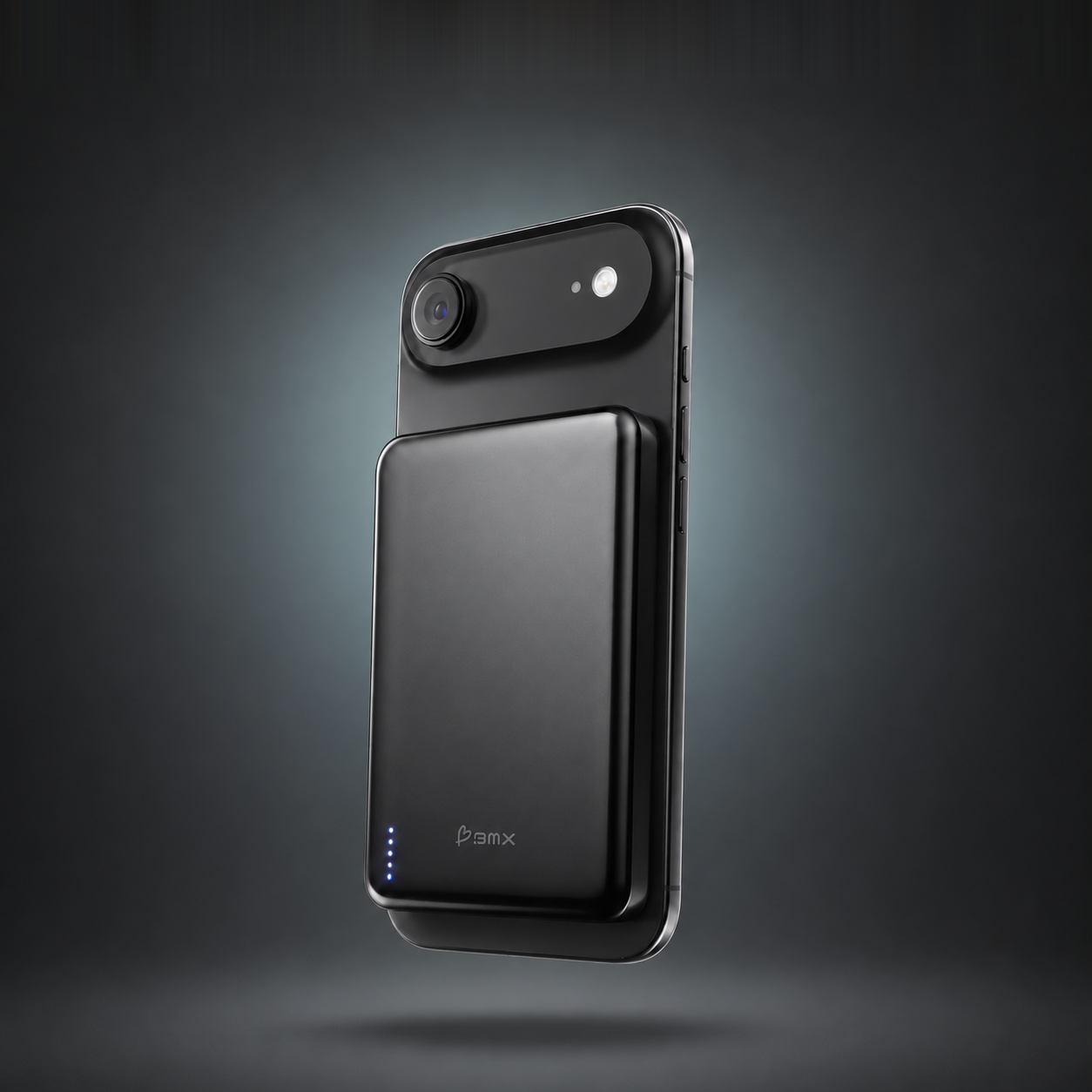
At 20W USB-C, the SolidSafe Air 5K and SolidSafe 5K deliver full-speed charging for every current iPhone model and solid charging for Pixel and Galaxy devices. The SolidSafe 10K's 30W total across dual USB-C ports means you can charge a phone at full speed through one port while topping up earbuds, a smartwatch, or a second phone through the other.
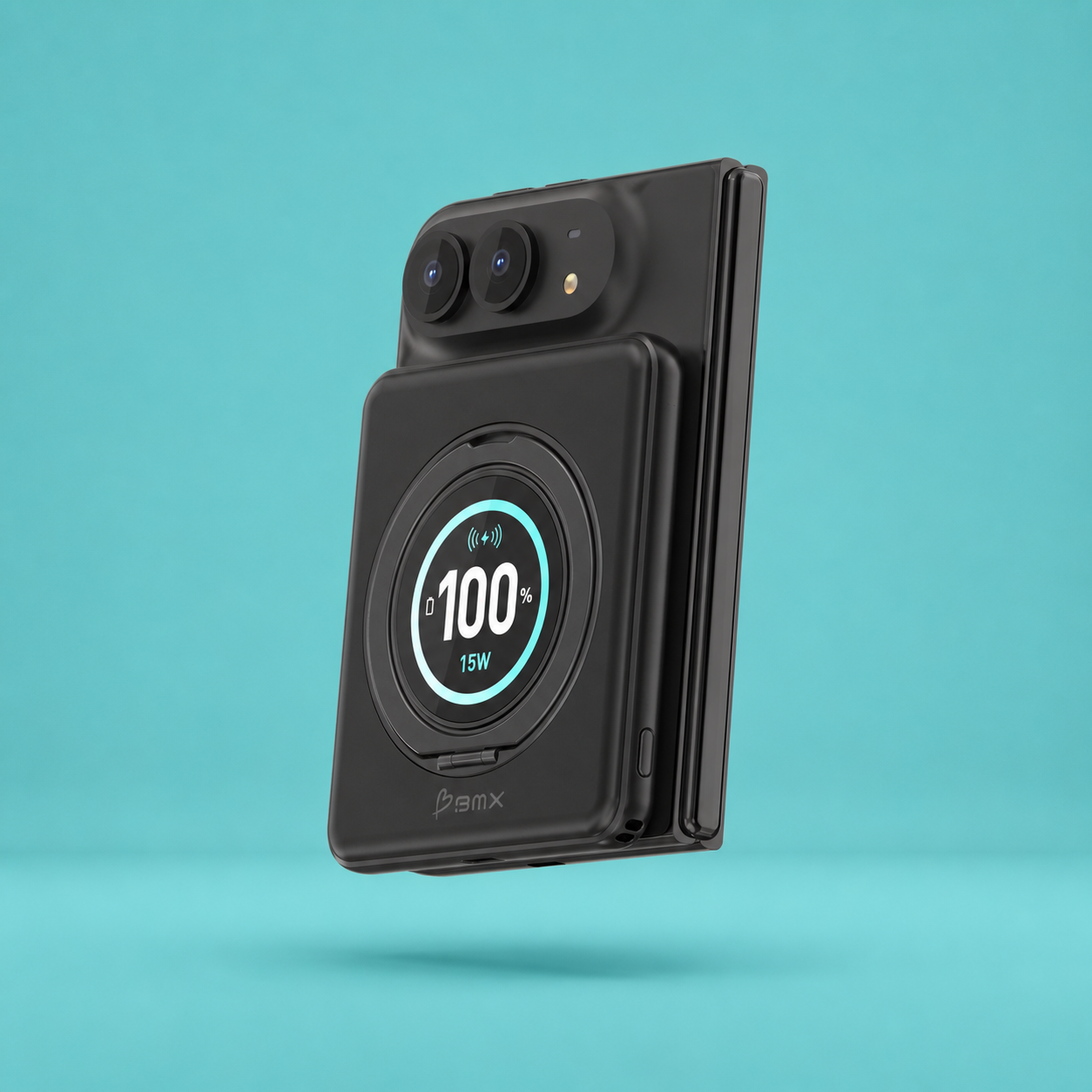
All three also support Qi2 wireless charging at 15W simultaneously with USB-C output. That means you can magnetically attach your phone to the back of any SolidSafe power bank for wireless charging while using the USB-C port to charge a wired device at the same time.


How to Actually See PD Negotiation in Real Time
Most power banks give you four LED dots and hope for the best. You have no idea if your phone is pulling 5W or 20W. You cannot tell whether your cable is bottlenecking the charge. You have no way to know if PD negotiation succeeded or fell back to basic charging.
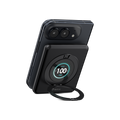
BMX's SolidSafe 5K and 10K solve this with a full-color LCD display that shows live charging wattage in real time. Plug in your phone, and the screen shows you exactly how many watts are flowing. If you see 18-20W, your PD negotiation worked. If you see 5W, something went wrong: bad cable, charge-only cable, or a device that does not support PD.
This is not a gimmick. It is the fastest way to diagnose charging problems. Swap a cable and watch the wattage change. Try a different charger and see the difference immediately. The LCD turns an invisible negotiation into visible data.
"Why Does My SolidSafe LCD Show 12W Instead of 15W?" - Wireless Charging Explained
If you own a SolidSafe 5K or 10K with the LCD display, you have probably noticed something: when you magnetically attach your phone for Qi2 wireless charging, the wattage on the screen does not sit at a steady 15W. It fluctuates. You might see 14W, then 12W, then 8W, then back up to 14W. This is not a problem. It is wireless charging working exactly as designed.
Here is why. Wired charging (USB-C PD) is a direct electrical connection. Power flows through a cable with minimal loss. The negotiation happens once, and the wattage stays relatively stable until the battery level triggers a throttle.
Wireless charging is fundamentally different. Power transfers through electromagnetic induction between two coils: one in the power bank and one in your phone. That transfer is sensitive to several things that change constantly during a charge:
Alignment shifts
Qi2's magnetic alignment is strong, but even small shifts in position affect coupling efficiency. If you pick up your phone to check a notification and set it back down, the coils may realign slightly differently. The wattage adjusts to match the new coupling strength. This is normal and happens with every Qi2 and MagSafe charger, not just power banks.
Thermal management
Wireless charging generates more heat than wired charging because electromagnetic induction is less efficient than direct electrical contact. Your phone's charging controller actively manages this by reducing the power request when the battery or coil temperature rises. On a warm day, or if you are using the phone while it charges wirelessly, you will see the wattage on the LCD drop as the phone throttles to protect itself. When it cools down, the wattage climbs back up.
Battery level curve (same as wired, but more visible)
The same 0-50-80-100% charging curve that affects wired charging also affects wireless. As your phone's battery fills, it requests less power. The difference is that on a wired connection, you do not see this happening unless you have a power meter. On a SolidSafe with an LCD, you watch it in real time. The number dropping from 14W to 8W as your phone reaches 80% is not the power bank underperforming. It is your phone protecting its battery.
Phone case thickness
Qi2 charges through most cases, but thicker cases increase the distance between coils. More distance means lower coupling efficiency, which means lower wattage. If your LCD consistently shows 10-12W instead of 14-15W, try removing the case and see if the number jumps. If it does, your case is the bottleneck.
What to expect on your SolidSafe LCD during wireless charging
0-50% battery: 13-15W is typical with good alignment and no case. This is peak Qi2 speed.
50-80% battery: 8-13W as the phone begins throttling. Normal and healthy.
80-100% battery: 3-8W as the phone trickle-charges to protect long-term battery health.
If you consistently see under 5W from the start: Check alignment, remove your case, and make sure your phone supports Qi2. Non-Qi2 phones fall back to Qi 1 at 7.5W or lower.
The LCD is not showing you a problem. It is showing you physics. Every wireless charger on the market behaves this way. The only difference is that most chargers hide it behind LED dots, and the SolidSafe shows you the truth.
Frequently Asked Questions
What is USB-C Power Delivery?
USB-C Power Delivery (USB PD) is a charging standard that lets a charger and a device negotiate how much power to transfer. Instead of fixed 5V/1A charging, PD allows the device to request specific voltages (5V, 9V, 15V, or 20V) and currents up to 5A, topping out at 100W under PD 3.0 or 240W under PD 3.1. The negotiation happens automatically within the first two seconds of plugging in.
Why doesn't my phone charge at the advertised wattage?
Your phone controls the negotiation. Even if your charger supports 65W, your iPhone 16 Pro will only request about 30W. The charger offers its capabilities, the phone requests what it needs, and charging speed is limited by whichever device supports less. Battery temperature, current charge level, and software-based battery optimization features also reduce actual wattage during a charge session.
What is the difference between USB PD 2.0 and PD 3.0?
Both support up to 100W. PD 2.0 only offers fixed voltage steps: 5V, 9V, 15V, 20V. PD 3.0 added PPS (Programmable Power Supply), which allows the charger to adjust voltage in tiny 20mV increments between 3.3V and 21V. PPS produces less heat and enables faster charging on phones that support it, particularly Samsung Galaxy devices.
Do I need a special cable for USB-C Power Delivery?
For phone charging under 60W, any quality USB-C cable that supports data and power will work. Charge-only cables that lack the CC wire cannot negotiate PD and will fall back to slow 5V charging. For charging above 60W (laptops, tablets), you need a cable rated for 5A with an e-marker chip. The safest bet is always the cable that came with your device.
Does USB-C Power Delivery work with wireless charging?
USB-C PD and wireless charging (Qi2/MagSafe) are separate standards. PD handles wired charging through the USB-C port. Qi2 handles magnetic wireless charging at up to 15W. On power banks like the BMX SolidSafe 5K and 10K, both work simultaneously, so you can wirelessly charge your phone while wired-charging another device through USB-C.
What wattage do I actually need for my phone?
Most phones max out between 20W and 45W. iPhones top out around 30W. Samsung Galaxy S-series phones go up to 45W with PPS. Google Pixels cap at 27W. A 20W USB-C PD charger or power bank will charge any of these at a useful speed. Wattages above your phone's maximum will not make it charge faster.
What is PPS and do I need it?
PPS (Programmable Power Supply) adjusts voltage in 20mV steps instead of fixed jumps. Samsung Galaxy phones require PPS to access their fastest speeds (25W and 45W). iPhones and Pixels do not use PPS. If you have a Samsung phone, look for a PPS-capable charger. Everyone else can stick with standard USB PD.
Why does my wireless charging wattage keep changing?
Wireless charging wattage fluctuates because of physics, not a defect. Four factors control the number: coil alignment (even a 2mm shift changes coupling efficiency), thermal management (your phone throttles wattage when either device gets warm), battery charge level (phones pull full power from 0-50%, then taper to protect the battery), and case thickness (anything thicker than 3mm creates an air gap that reduces transfer). A SolidSafe LCD might show 15W at the start, 12W at the midpoint, and 5W near full. That curve means the system is working exactly as designed.
SolidSafe Power Banks
USB-C PD + Qi2 Wireless. All in One.
Every SolidSafe power bank delivers USB-C Power Delivery fast charging and Qi2 15W wireless simultaneously. Semi-solid-state safety inside.
See SolidSafe Power BanksKeep reading
- Fast Charging Explained Like You're Not an Electrical Engineer
- mAh vs Wh in Power Banks: How Many Phone Charges and What the Airline Limit Actually Means
- Best Power Bank for iPhone in 2026: Qi2, MagSafe, and USB-C Compared
- Semi-Solid-State Power Bank vs Lithium-Ion: What Is the Difference?
- Qi vs Qi2: What Is Different and Why Certification Matters

Leave a comment
This site is protected by hCaptcha and the hCaptcha Privacy Policy and Terms of Service apply.