





Your phone is not fast charging because one piece of the chain is wrong. The charger, the cable, the port, the phone, or the battery temperature is throttling you. The fix is almost always simple once you know where to look. This checklist walks through the seven things that slow phones down, in the order worth checking.
Fast charging is not one thing. It is a handshake between your phone, your cable, and your charger, and the slowest link sets the speed. A 100W charger plugged into a USB-A cable charges at 10W. A phone with a hot battery throttles down no matter what brick you use. A Samsung phone on a non-PPS charger runs at Apple-level speeds instead of its rated 45W.
If your phone is charging slower than it should, one of the seven reasons below is almost certainly the cause. Work through them in order. The first three catch most problems in under a minute.
Quick answer
The most common reason a phone is not fast charging is the cable. USB-C cables look identical but carry very different wattage ceilings. If your phone is charging slowly, swap the cable first before you blame the charger or the phone.
1. Your Cable Is the Bottleneck
USB-C cables are not interchangeable. A cable sold at a gas station might be rated for 3A at 5V, which caps it at 15W no matter what is on either end. A cable rated for 60W or 100W carries an internal chip, called an e-marker, that tells the charger and phone how much current it can safely pass.
If you plug a 20W phone into a 60W-rated cable into a 65W charger, you charge at 20W, the phone's limit. If you plug the same phone into a 15W-rated cable, you charge at 15W, the cable's limit. The slowest link wins.
The fastest diagnostic: swap the cable for a known-good one and try again. If the speed jumps, you found the problem. Budget USB-C cables are one of the most common reasons phones that should fast charge do not.
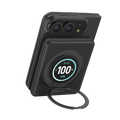
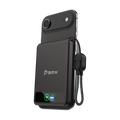
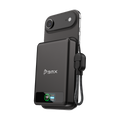
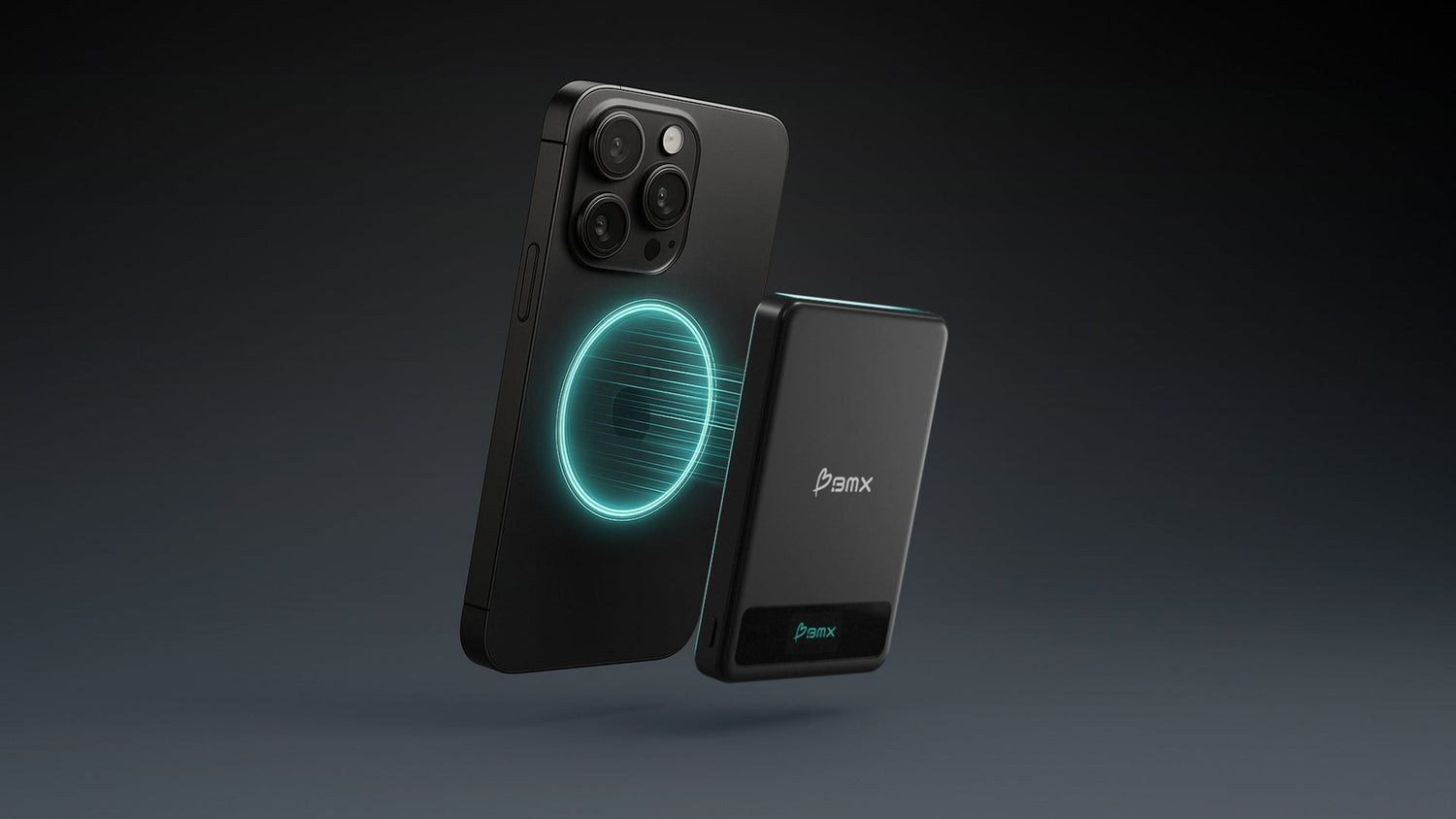
The BMX SolidSafe 5K and 10K solve the cable problem by building one in. The lanyard USB-C cable is attached to the pack, rated for the pack's full output, and always the right spec. See the SolidSafe 5K →
2. Your Charger Does Not Support the Right Protocol
Fast charging depends on a protocol called USB-C Power Delivery, or PD. Apple's 20W charging, Google's 27W to 30W Pixel charging, and most laptop charging all run on PD. If your charger does not support PD, your phone falls back to the old 5V 2.4A standard, which caps at 12W.
Samsung goes one level further. The S23, S24, and S25 lines charge at their rated 25W or 45W only on a charger that supports a PD extension called PPS, which stands for Programmable Power Supply. On a standard PD charger without PPS, a 45W-rated Galaxy phone charges at around 15W to 18W. On a PPS charger, it hits its rated speed.
Check your charger's label or listing. If it says "USB-C PD" you can hit fast charging on iPhone and Pixel. If you have a Samsung, look for "PPS" specifically. A detailed breakdown of both protocols is in our USB-C Power Delivery guide.
3. Your Phone Is Getting Too Hot
Lithium-ion batteries hate heat. When a phone's internal temperature rises past around 95F, the charge controller throttles the incoming wattage to protect the cells. This is not a bug. It is the phone doing its job. The trade-off is that a phone charging in a hot car, in direct sun, or under a thick case can charge at half its rated speed or less.
Fast charging itself generates heat. That is why iPhones and Pixels charge fastest from 0 to 50%, then slow down noticeably. The battery is warmer at 60% than at 10%, and the phone is balancing speed against safety.
If your phone feels hot while charging, three things help. Take the case off. Move it off a wireless pad onto a wired cable, since wireless charging generates more heat. And charge it somewhere cool, not on a car dashboard or under a pillow.
Why heat throttles charging
Liquid electrolyte inside a lithium-ion battery is the most temperature-sensitive component. BMX SolidSafe power banks use semi-solid-state cells with significantly less liquid electrolyte, which reduces the heat and swelling risks that trigger throttling in conventional lithium-ion packs.
Real specs, no hedging
Here is exactly what each SolidSafe pack puts out. Match it to your phone above and you will know what to expect before you buy.


4. You Are Plugged Into the Wrong Port
USB-A ports, the older rectangular ones, cannot deliver PD. Maximum output on a well-built USB-A port is around 12W using Quick Charge, and many are capped at 5W. A phone plugged into a USB-A port on a laptop, a hotel nightstand lamp, or a wall outlet's older socket will never fast charge, no matter how capable the phone is.
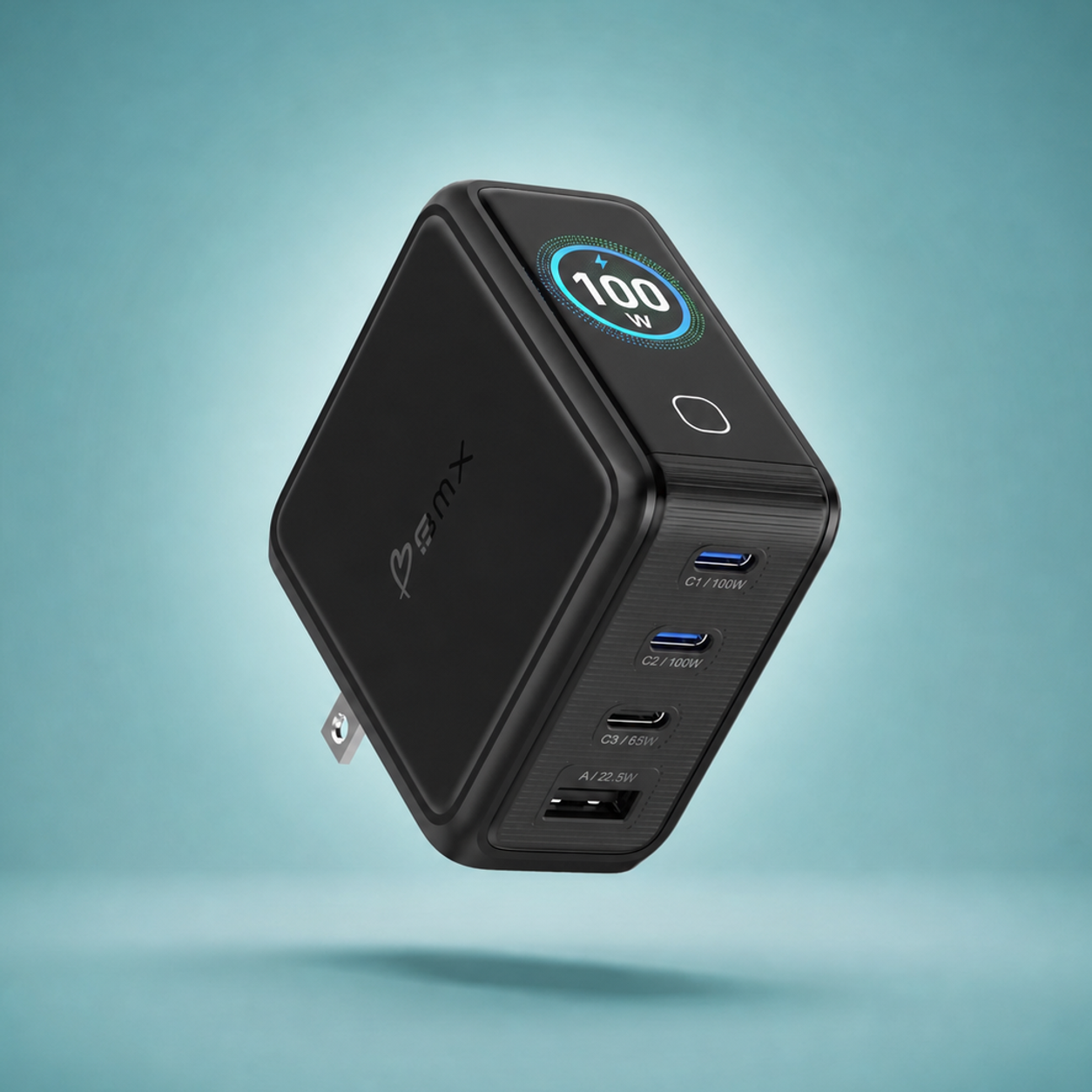
On a multi-port charger, wattage is usually shared. A 65W charger with two USB-C ports might deliver 45W on one port if both are used. Check the label. If it says "60W total output" and you have two devices plugged in, each one is getting less than 60W.
On power banks with multiple output ports, the same rule applies. Single port at full speed, two ports splits the output. If you need the fastest phone charge, unplug the earbuds.
5. Your Battery Is Past 80%
Every modern phone runs a two-stage charge curve. Zero to 80% is fast, delivered at the phone's rated wattage. 80 to 100% is slow, trickled in at a fraction of that speed to protect the battery chemistry.
An iPhone 15 Pro charging at 20W from 10% will reach 50% in about 30 minutes, but the last 20% takes another 30 minutes at a lower rate. This is intentional. Fast charging at the top of the curve is what wears batteries out.
If you plug in at 85% and walk away, your phone will feel slow to charge. That is the battery doing its job. For the fastest practical charge, plug in when you are below 50%.
6. Wireless When You Should Be Wired
Even the newest wireless standards are slower than wired on most phones. Qi2 delivers 15W on iPhone, Pixel 10, and Galaxy S25. Qi2.2 pushes that to 25W on compatible phones, which is still launching. Wired USB-C PD delivers 20W on iPhone, 27W on Pixel 10, 25W to 45W on Galaxy depending on the model.
Wireless charging is also less efficient. Energy lost between the pad and the phone becomes heat, which triggers throttling, which slows everything down. If you need speed, plug in. If you want convenience and can afford 10 to 20% slower charging, go wireless.
One exception: the iPhone 17e and other newer iPhones with Qi2 get close to wired speeds in ideal conditions. But "ideal" means room temperature and no case. Heat wins every time.
Max fast charging speeds by phone
| Phone | Wired max (PD) | Wireless max |
|---|---|---|
| iPhone 15 / 16 / 17 | ~20W via PD | 15W Qi2 / MagSafe |
| iPhone 17e | ~20W via PD | 15W Qi2 |
| Google Pixel 9 / 10 | 27-30W via PD | 15W Qi2 (Pixel 10) |
| Galaxy S24 / S25 | 25-45W via PPS | 15W Qi2 |
| Older phones (pre-2022) | Usually 18W or less | 5-10W Qi |
7. Software or Settings Are Getting in the Way
A few settings quietly slow charging down. On iPhone, Optimized Battery Charging holds at 80% overnight if the phone learns your routine. On Samsung, Protect Battery caps at 80% until you turn it off. On Pixel, Adaptive Charging trickles to 100% over several hours if you set an alarm.
These settings are helpful for long-term battery health but confusing if you do not know they are on. If your phone sits at 80% for an hour, check the battery settings menu. One toggle usually fixes it.
Software bugs also matter. iOS and Android both ship occasional charging regressions. If your phone used to fast charge and stopped for no obvious reason, check for a system update. If an update rolled out recently, check a forum for confirmed issues. Battery behavior can change with firmware.
The Fastest Way to Diagnose
If your phone is not fast charging, run this short list before you do anything else.
30-second diagnostic:
- Swap the cable with a known-good USB-C PD cable.
- Plug into a USB-C port, never USB-A.
- Check the charger label for "PD" (iPhone, Pixel) or "PPS" (Samsung).
- Remove the phone case. Let it cool if it is hot.
- Check the battery level. 0 to 50% should be fastest.
- Turn off Optimized Charging, Protect Battery, or Adaptive Charging temporarily to test.
- If wireless, try wired. The difference will tell you if the pad is the limit.
SolidSafe Power Banks
Charging speeds you can actually see
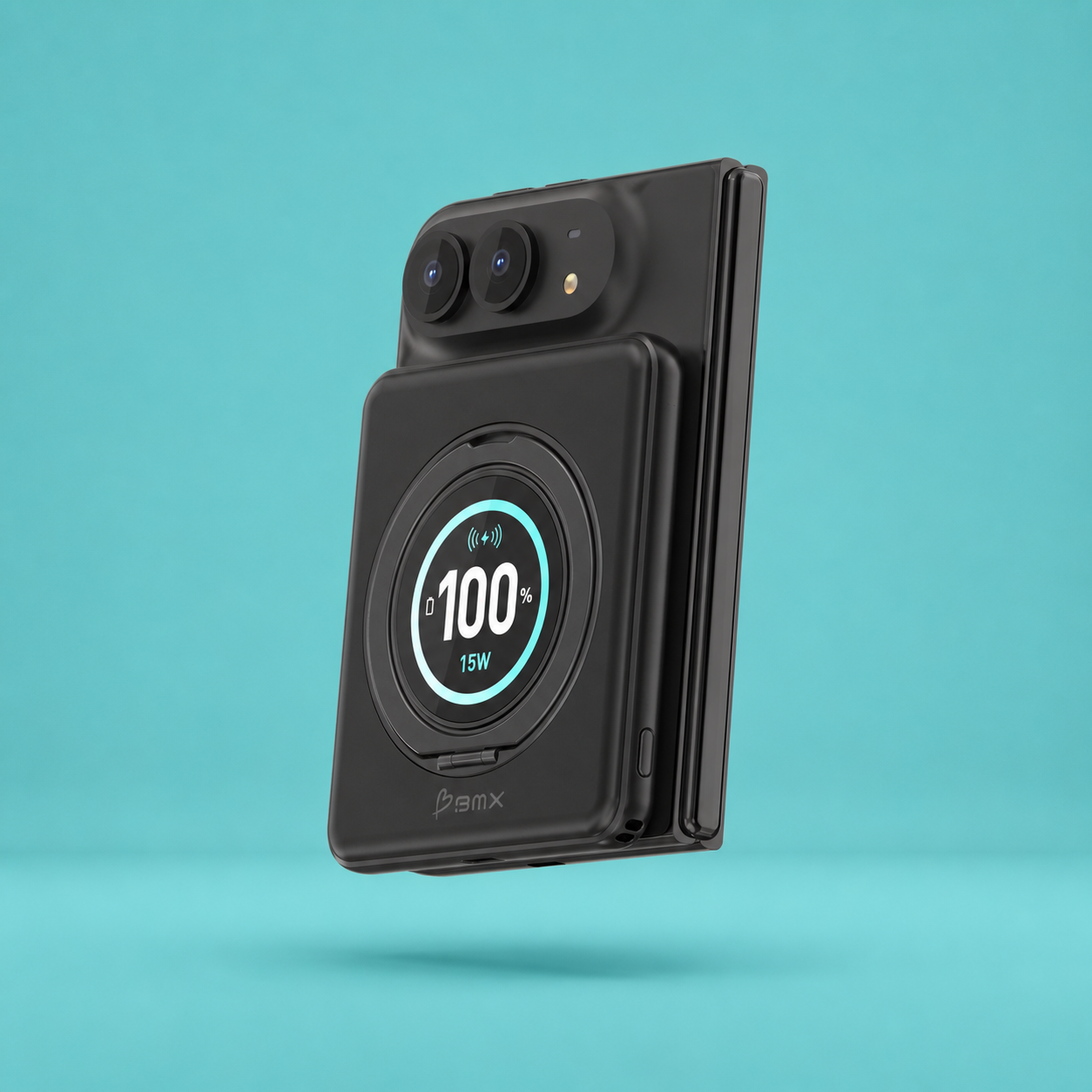
Every SolidSafe with an LCD shows real-time charge speed, so you stop guessing. Built-in cables are rated for the pack's full output, so you stop troubleshooting cables. Semi-solid-state cells run cooler, so you see less throttling.
See SolidSafe Power BanksFrequently Asked Questions
Why is my phone suddenly not fast charging?
The most common cause is a degraded or mismatched cable. Cables wear internally from repeated bending at the connector, and a cable that worked at 20W a year ago might be limited to 5-10W today. Swap the cable first. If the speed does not return, check the charger brick and the port you are plugged into.
USB-C PD not working - what does that mean?
USB-C Power Delivery is a protocol, not just a cable type. For PD to work, the charger must support PD, the cable must support PD, and the device must accept PD input. If any one of the three is missing, the phone falls back to slow 5V charging. The fix is to verify each component: charger label should say "PD" or "USB-C PD," cable should be rated for at least 60W, and the phone should be PD-capable (every iPhone since 2017, every Pixel, every modern Galaxy).
PPS not working on my Samsung - why?
PPS is a Samsung-specific extension of USB-C PD, and most chargers do not support it. If you have a Galaxy S23, S24, or S25 rated for 25W or 45W fast charging, you need a charger that explicitly lists PPS support on the label or product page. A standard PD charger without PPS will still charge the phone, but at about 15-18W instead of the rated 25-45W.
Why does my phone slow down charging after 80%?
Every modern phone switches to a slower trickle charge above 80% to protect the battery. Fast charging at the top of the curve generates heat and wears lithium-ion cells faster, so every major manufacturer intentionally slows down in that range. This is not a defect. If you need the fastest practical charge, plug in when the battery is below 50%.
Does a hot phone charge slower?
Yes, and significantly. Above about 95F internal temperature, a phone's charge controller throttles incoming wattage to protect the battery. A phone in direct sun, in a hot car, or under a thick case while charging can drop from 20W to 10W or less. Take the case off, move it somewhere cool, and switch from wireless to wired if you need the speed back.
Is wireless charging always slower than wired?
In almost every case, yes. Qi2 delivers 15W on iPhone, Pixel 10, and Galaxy S25, while wired USB-C PD delivers 20-45W depending on the phone. Wireless also runs hotter because energy is lost between the pad and the phone, and that heat triggers throttling. The newer Qi2.2 standard pushes wireless to 25W on compatible phones, but wired is still the faster option on most devices today.
Can a bad power bank slow down my phone charging?
Yes. A power bank rated at 20W output will not charge faster than 20W no matter what phone you plug in. Older or budget power banks often cap at 10-15W even when the port is USB-C. Check the power bank's output rating and protocol support. The BMX SolidSafe 5K and Air 5K deliver 20W USB-C PD out, and the SolidSafe 10K delivers up to 30W total across dual USB-C ports plus 15W Qi2 wireless. Both LCD models show real-time charge speed so you can confirm the pack is actually delivering what it claims.
Related guides
- USB-C Power Delivery Explained: How Your Phone Actually Charges
- What Is Fast Charging? Speeds by Phone (iPhone, Samsung, Pixel)
- iPhone Charging Guide: MagSafe, Qi2, USB-C, and the Best Setup
- Google Pixel 10 Wireless Charging Guide: Qi2, Power Banks, and How They Work
- Why Power Banks Get Hot: Normal Heat vs Red Flags and What to Do
- Best Power Bank for iPhone in 2026: Qi2, MagSafe, and USB-C Compared


Leave a comment
This site is protected by hCaptcha and the hCaptcha Privacy Policy and Terms of Service apply.