


Every iPhone since the iPhone 15 charges over USB-C with Power Delivery, and every iPhone since the iPhone 12 supports MagSafe magnetic wireless charging at 15W. Qi2 is the open standard version of MagSafe, meaning certified third-party chargers now hit the same 15W speed Apple used to reserve for its own accessories. The best iPhone charging setup in 2026 combines a USB-C PD charger for fast wired charging with a Qi2 magnetic charger or power bank for wireless convenience.
If you have upgraded to any recent iPhone, you have probably noticed the charging landscape is more confusing than it needs to be. MagSafe, Qi2, Qi, USB-C PD, Lightning (still on older models), different wattages for different phones. This guide cuts through all of it. We will cover exactly how fast each iPhone charges, which cables and chargers actually matter, and how to set up a charging system that works without overthinking it.
How iPhones Charge in 2026
Every current iPhone supports three charging methods. The first is USB-C wired charging using Power Delivery (PD), which is the fastest option. The second is MagSafe or Qi2 magnetic wireless charging, which snaps magnetically to the back of your phone and delivers up to 15W (or 25W with Apple's own MagSafe charger on supported models). The third is standard Qi wireless charging at 7.5W, which works with older wireless chargers but is noticeably slower.
Here is the practical breakdown. If you need your phone charged fast, plug it in with USB-C. If you want convenience without cables, use a MagSafe or Qi2 charger. If you are grabbing your phone on the way out and just need a top-up, a Qi2 magnetic power bank snaps on and charges while you move.
Quick answer
For most people, a 20W USB-C charger handles everything. You do not need a 30W or higher charger unless you are also charging an iPad or MacBook. For wireless, any Qi2-certified charger delivers the same 15W as Apple's MagSafe. You are not leaving speed on the table by going third-party.
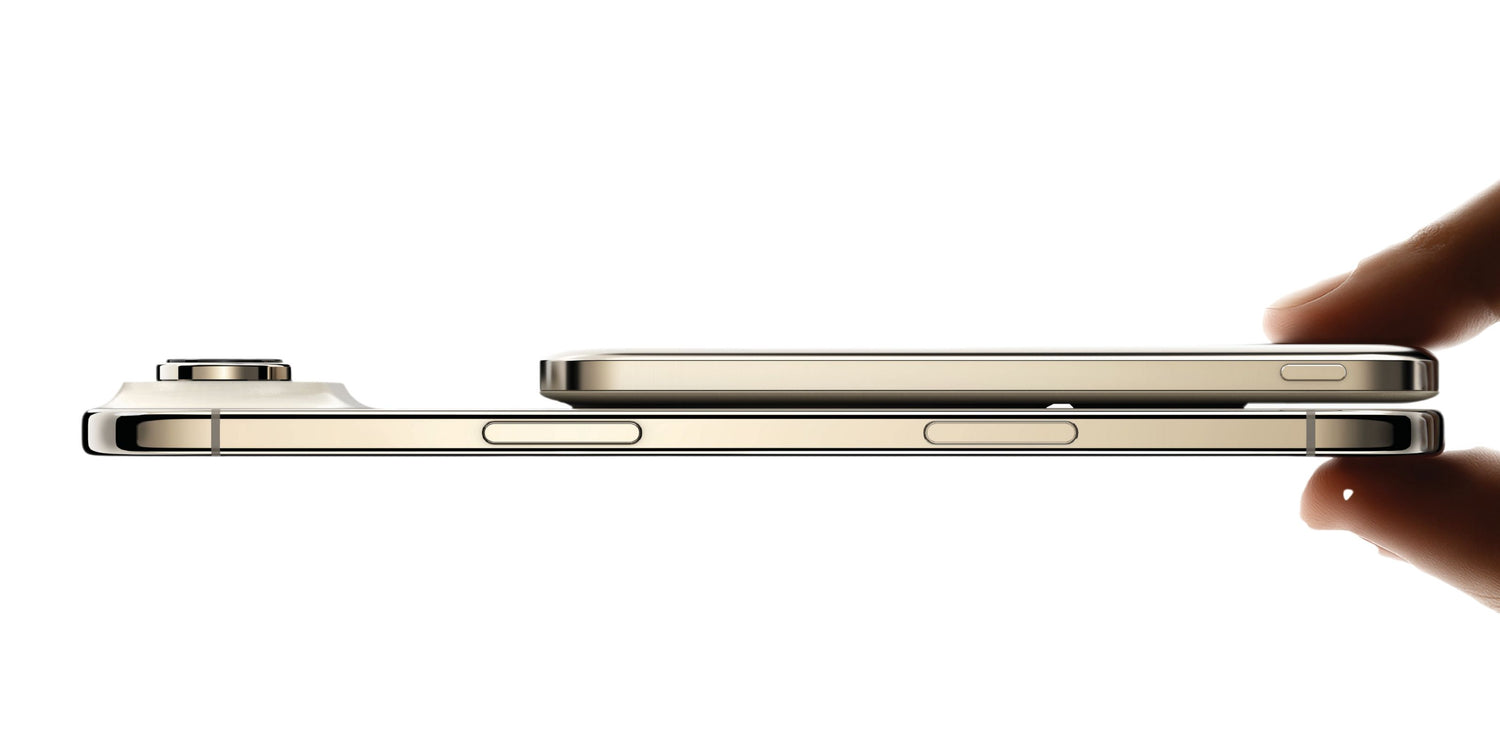
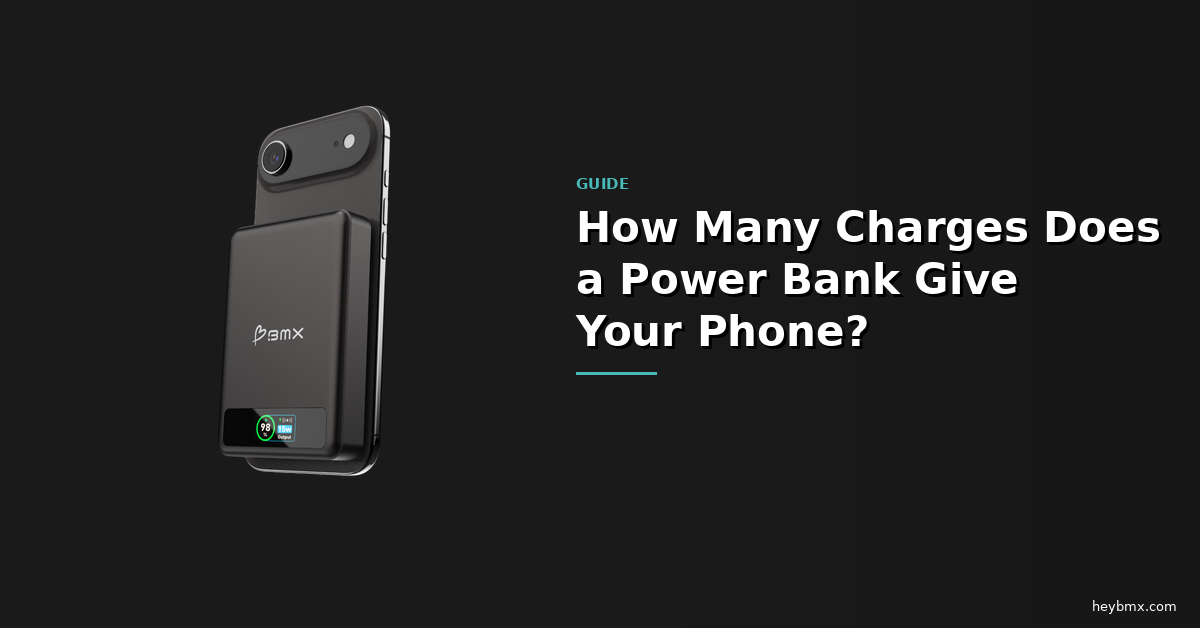
The BMX SolidSafe Air 5K is one of the thinnest Qi2 power banks available, at just 6.8mm. It snaps magnetically to your iPhone and charges at 15W wirelessly, or 20W over USB-C. See the SolidSafe Air →
USB-C Wired Charging Speeds by iPhone
Not every iPhone charges at the same speed. Apple has slowly increased the maximum wattage over the last few generations, but the charger you use determines whether you actually hit those speeds. A 5W charger that came with older iPhones will work on a new iPhone 16 Pro, but it will charge painfully slowly. A 20W USB-C PD charger unlocks the speed these phones are designed for.
The iPhone 15 and 16 standard models peak at about 20W over USB-C. The Pro models can pull up to 27W with Apple's 30W or higher charger. That extra 7W shaves roughly 5-10 minutes off a 0-50% charge. It is noticeable, but it is not life-changing. The real upgrade is going from a 5W charger to a 20W charger, which cuts charging time nearly in half.
| iPhone Model | Max Wired (USB-C) | MagSafe / Qi2 | Port |
|---|---|---|---|
| iPhone 16 Pro / Pro Max | ~27W | 25W (MagSafe) / 15W (Qi2) | USB-C |
| iPhone 16 / 16 Plus | ~20W | 25W (MagSafe) / 15W (Qi2) | USB-C |
| iPhone 15 Pro / Pro Max | ~27W | 15W (MagSafe / Qi2) | USB-C |
| iPhone 15 / 15 Plus | ~20W | 15W (MagSafe / Qi2) | USB-C |
| iPhone 14 Pro / Pro Max | ~27W | 15W (MagSafe) | Lightning |
| iPhone 13 / 12 Series | ~20W | 15W (MagSafe) | Lightning |
| iPhone SE (3rd gen) | ~20W | 7.5W (Qi only) | Lightning |
MagSafe vs Qi2: What Is the Difference?
MagSafe is Apple's proprietary magnetic charging system, introduced with the iPhone 12. Qi2 is the open standard built on the same magnetic alignment technology that Apple contributed to the Wireless Power Consortium. For practical purposes, MagSafe and Qi2 deliver the same 15W wireless charging experience on most iPhones.
The difference matters in two situations. First, Apple's first-party MagSafe charger can hit 25W on the iPhone 16 series. Third-party Qi2 chargers top out at 15W on those same phones. Second, MagSafe accessories from Apple work with the entire MagSafe ecosystem (cases, wallets, stands). Qi2 accessories use the same magnetic ring, so they physically attach and charge, but some Apple-specific features may not be supported.
For most people, Qi2 is the smarter buy. You get the same magnetic snap, the same 15W charging speed, and more options at lower prices. The 25W MagSafe speed is only available with Apple's own charger, and the real-world time difference between 15W and 25W wireless is about 15-20 minutes on a full charge. Nice to have, not need to have.


Which Charger Setup Do You Actually Need?
Most iPhone users overthink this. Here is how to decide based on how you actually use your phone.
If you charge at a desk or nightstand: A 20W USB-C wall charger handles your iPhone perfectly. Pair it with a basic USB-C to USB-C cable. You do not need 30W or higher unless you are also charging an iPad or MacBook from the same brick.
If you want cable-free nightstand charging: A Qi2 or MagSafe charging stand. The phone snaps into place in the dark. No fumbling with cables at 2am. Any Qi2-certified stand delivers 15W, which is fast enough to fully charge your iPhone overnight several times over.
If you need power away from an outlet: A Qi2 magnetic power bank. It snaps to the back of your iPhone, charges wirelessly while you use it, and most also have a USB-C port for faster wired charging when you need it. A 5,000mAh power bank gives you roughly one full additional charge. A 10,000mAh gives you two.
If you travel frequently: One good multi-port USB-C charger replaces the wall charger, the iPad charger, and the MacBook charger. Look for at least 30W if you charge a laptop. For power on the move, a magnetic power bank under 100Wh is airline safe and carries on without issues.
Does Fast Charging Damage Your iPhone Battery?
This is one of the most common charging questions, and the short answer is no. Apple designed iPhones to handle fast charging safely. The phone actively manages charging speed based on temperature, battery level, and battery health. It charges fast to about 80%, then slows down to protect the battery. You do not need to manage this manually.
That said, heat is the real enemy of battery longevity. Charging in a hot car, stacking a phone on a wireless charger under direct sunlight, or using a case that traps heat will degrade your battery faster than the charging speed itself. The charger wattage matters less than the thermal environment.
Apple's Optimized Battery Charging feature (on by default since iOS 13) learns your routine and delays charging past 80% until you actually need it. If you charge every night, it will hold at 80% and finish to 100% right before your alarm goes off. Let it do its job. It works.
Why the battery inside your power bank matters
Most power banks use conventional lithium-ion cells filled with flammable liquid electrolyte. Semi-solid-state power banks contain significantly less liquid electrolyte, which reduces the risk of thermal runaway. When you are charging your iPhone wirelessly with a power bank attached to the back, that thermal profile matters. Less heat, less risk, better long-term battery health for both devices.
What Cables Do You Need?
If you have an iPhone 15 or newer, you need a USB-C to USB-C cable. Any standard USB-C cable that supports data and charging will work. You do not need a special "fast charging" cable for 20W or 27W charging. Those wattages are well within what any basic USB-C cable handles.
If you have an iPhone 14 or older, you still have a Lightning port. You need a USB-C to Lightning cable to take advantage of fast charging from a USB-C PD charger. Apple's own cable works, and so do certified third-party options.
One cable tip that saves headaches: avoid the cheapest no-name cables. They are not dangerous at 20W, but they can be unreliable. A cable that charges intermittently or disconnects when you move the phone will drive you crazy. Spend a few dollars more for a brand you have heard of.
Common iPhone Charging Mistakes
Using the old 5W charger: If you upgraded your phone but kept the old cube from 2018, you are charging at a quarter of the speed your phone supports. A 20W charger costs under $15 and makes a real difference.
Buying a 100W charger for just an iPhone: Your iPhone will only pull 20-27W regardless of how powerful the charger is. A 100W charger is useful if you also charge a MacBook or iPad from the same brick. Otherwise, 20W is plenty.
Assuming all wireless chargers are the same speed: Qi charges at 7.5W on iPhones. Qi2 and MagSafe charge at 15W. That is double the speed. If your wireless charger does not snap on magnetically, it is probably running at the slower Qi speed.
Charging with a thick case on wirelessly: Magnetic wireless charging works through most cases, but very thick or metal cases can interfere with alignment or heat dissipation. If your phone gets unusually hot while wirelessly charging, the case is probably the issue.
Frequently Asked Questions
What is the fastest way to charge an iPhone?
A USB-C cable plugged into a 20W or higher USB-C PD charger. The iPhone 16 Pro maxes out at about 27W wired, which charges from 0 to 50% in roughly 30 minutes. Wireless MagSafe tops out at 25W, and third-party Qi2 at 15W.
Is Qi2 the same as MagSafe?
Qi2 is based on MagSafe technology that Apple contributed to the Wireless Power Consortium. Both use the same magnetic alignment ring and deliver 15W wireless charging. The main difference is that Apple's own MagSafe charger can hit 25W on the iPhone 16 series, while third-party Qi2 chargers currently max out at 15W.
Can I use a Samsung charger to charge my iPhone?
Yes. Any USB-C PD charger works with any USB-C iPhone. Samsung chargers that support PPS (Programmable Power Supply) will still charge your iPhone via PD. The PPS protocol is Samsung-specific and iPhones do not use it, but the charger will fall back to standard PD automatically.
Does wireless charging reduce iPhone battery life?
Wireless charging generates slightly more heat than wired charging, which can contribute to faster battery degradation over time. The effect is small with properly aligned MagSafe or Qi2 chargers. Poorly aligned Qi chargers without magnets generate more heat because the coils are misaligned. Magnetic alignment reduces waste heat significantly.
How many times can a 5,000mAh power bank charge an iPhone?
Roughly one full charge for most iPhones. The iPhone 16 has a 3,561mAh battery, and energy conversion losses (voltage conversion, heat) mean a 5,000mAh power bank delivers about 70-80% of its rated capacity to your phone. A 10,000mAh power bank gets you about two full charges.
Can I bring a power bank on a plane?
Yes. Power banks under 100Wh (about 27,000mAh at 3.7V) are airline safe for carry-on luggage. Both the SolidSafe 5K (18.5Wh) and 10K (37Wh) are well under that limit. Power banks are never allowed in checked baggage regardless of size.
What is a semi-solid-state power bank?
A power bank that uses semi-solid-state battery cells instead of conventional lithium-ion. These cells contain significantly less liquid electrolyte, which reduces the risk of thermal runaway (the chain reaction behind battery fires). SolidSafe power banks from BMX use this technology across the Air 5K, 5K, and 10K.
SolidSafe Power Banks
Charge Your iPhone with Confidence
Semi-solid-state battery cells. Qi2 magnetic wireless charging. USB-C fast charging. Every SolidSafe power bank is airline safe and built to reduce the thermal risk that conventional lithium-ion cannot.
Keep them charged: 3-Bay Charging Dock ($49.99)


Leave a comment
This site is protected by hCaptcha and the hCaptcha Privacy Policy and Terms of Service apply.