





Some iPhone 17, iPhone 17 Pro, and iPhone Air owners are reporting that their phones will not turn back on after the battery fully drains, even when plugged in. The fix that works in almost every reported case is putting the phone on a Qi2 or MagSafe wireless charger and waiting 10 to 15 minutes. Here is why wireless wakes a dead iPhone when a standard USB-C charger sometimes will not.
The issue surfaced over the past week across Reddit, the iFixit forums, and the Apple Support community, and was reported by 9to5Mac, TechTimes, HotHardware, Khaleej Times, and others on April 26. The symptoms are consistent: the iPhone hits zero, shuts off, gets plugged into a USB-C charger, and stays black. No low-battery icon. No response to the force-restart combo. Mac Finder does not see the phone. It looks bricked.
It is not bricked. It is in a state called under-voltage lockout, and it is solvable. Apple has not officially acknowledged the issue or shipped a firmware fix yet, but Apple Store technicians are reportedly using the same wireless workaround to revive customer phones in store.
The fix in one paragraph
Place the dead iPhone on any Qi2 or MagSafe wireless charger. Leave it for 10 to 15 minutes without touching it. The phone should boot on its own as the battery clears its under-voltage lockout. If you do not have a wireless charger handy, a high-wattage USB-C charger (65W or higher, the kind sold for laptops) often works as a backup.

What People Are Reporting
The pattern across the Reddit, iFixit, and Apple Community threads is the same. The iPhone is used until the battery hits zero. The phone shuts down. The owner plugs in their normal USB-C cable and brick within seconds or minutes. The screen stays black. Pressing volume up, then volume down, then holding the side button does nothing. Pressing the side button alone does nothing. Plugging into a Mac does not register the phone in Finder.
Models affected so far: iPhone 17, iPhone 17 Pro, iPhone 17 Pro Max, and iPhone Air. The behavior is intermittent. Some owners have hit it once across many full drains. Others have hit it the first time they let the battery die. There is no clear pattern yet for who is affected and who is not.
This does not appear to be a hardware defect, and Apple has not opened a service program. The most plausible read, based on the technical pattern below, is a software interaction between iOS battery management and the USB-C Power Delivery negotiation that begins when the phone is too depleted to participate in the handshake.
The Qi2 / MagSafe Wireless Fix (Step-by-Step)
The recovery sequence that has worked across the most reported cases is short and simple.
If your iPhone 17 will not turn on after dying:
- Stop pressing buttons. Stop trying force-restart combos. They will not help in this state.
- Unplug the USB-C cable.
- Place the phone on any Qi2 or MagSafe wireless charger. Apple's, a third-party MagSafe puck, a Qi2 charging pad, or a Qi2 magnetic power bank all work.
- Wait at least 10 minutes without touching it. Many owners report 12 to 15 minutes is the sweet spot.
- The Apple logo should appear on its own. Do not press the side button.
- Once the phone boots, you can switch to your normal USB-C cable to finish charging.
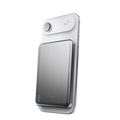
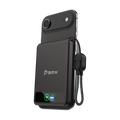
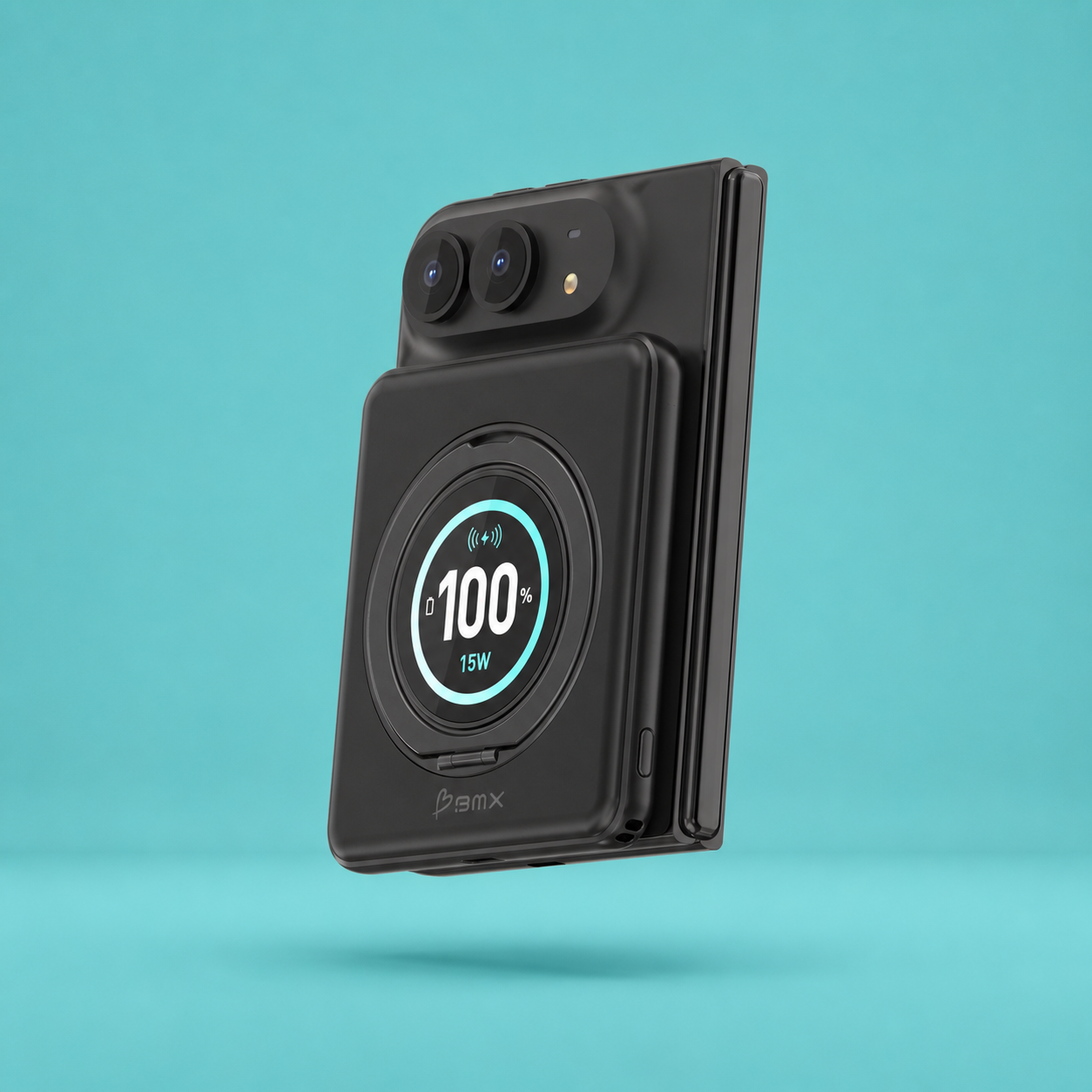
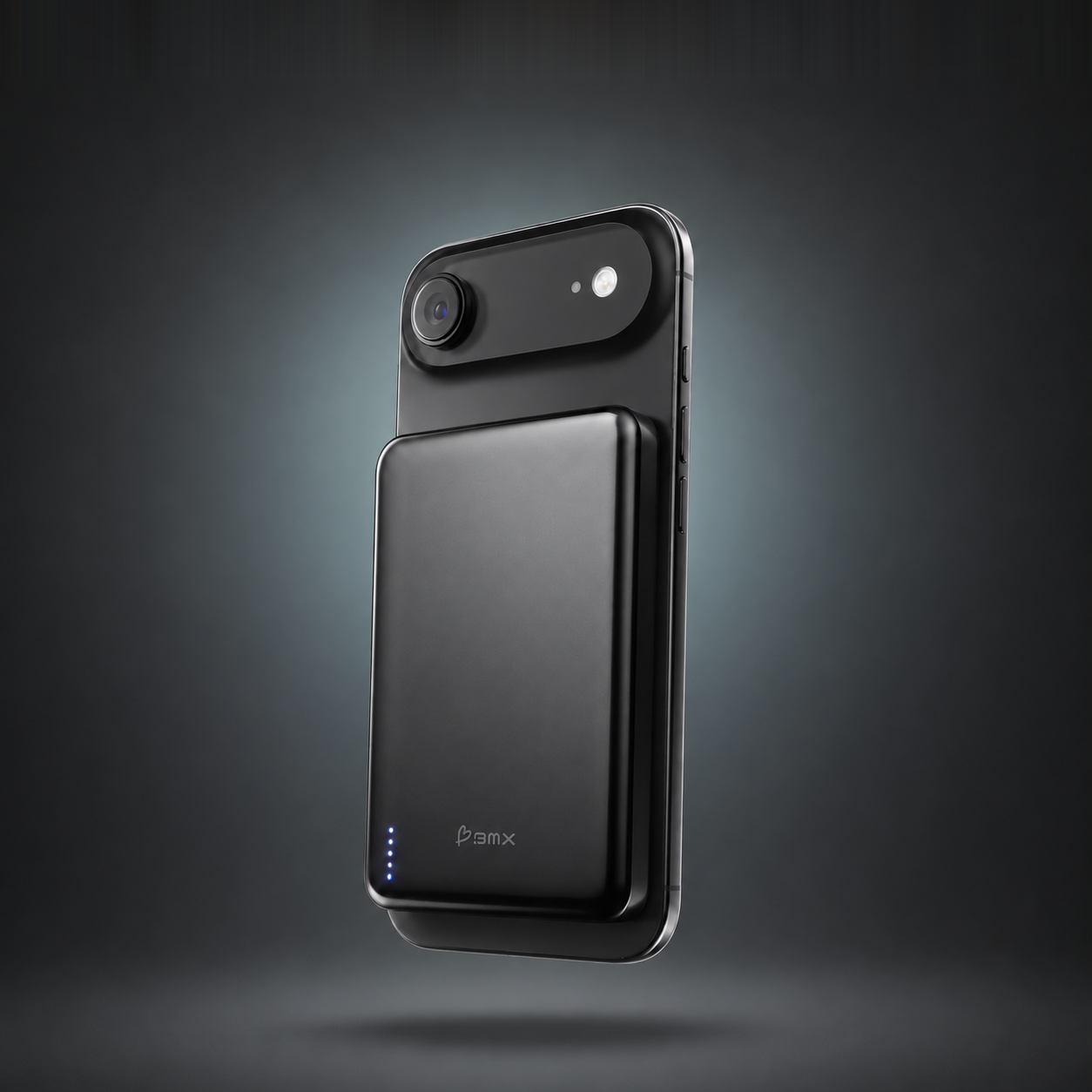
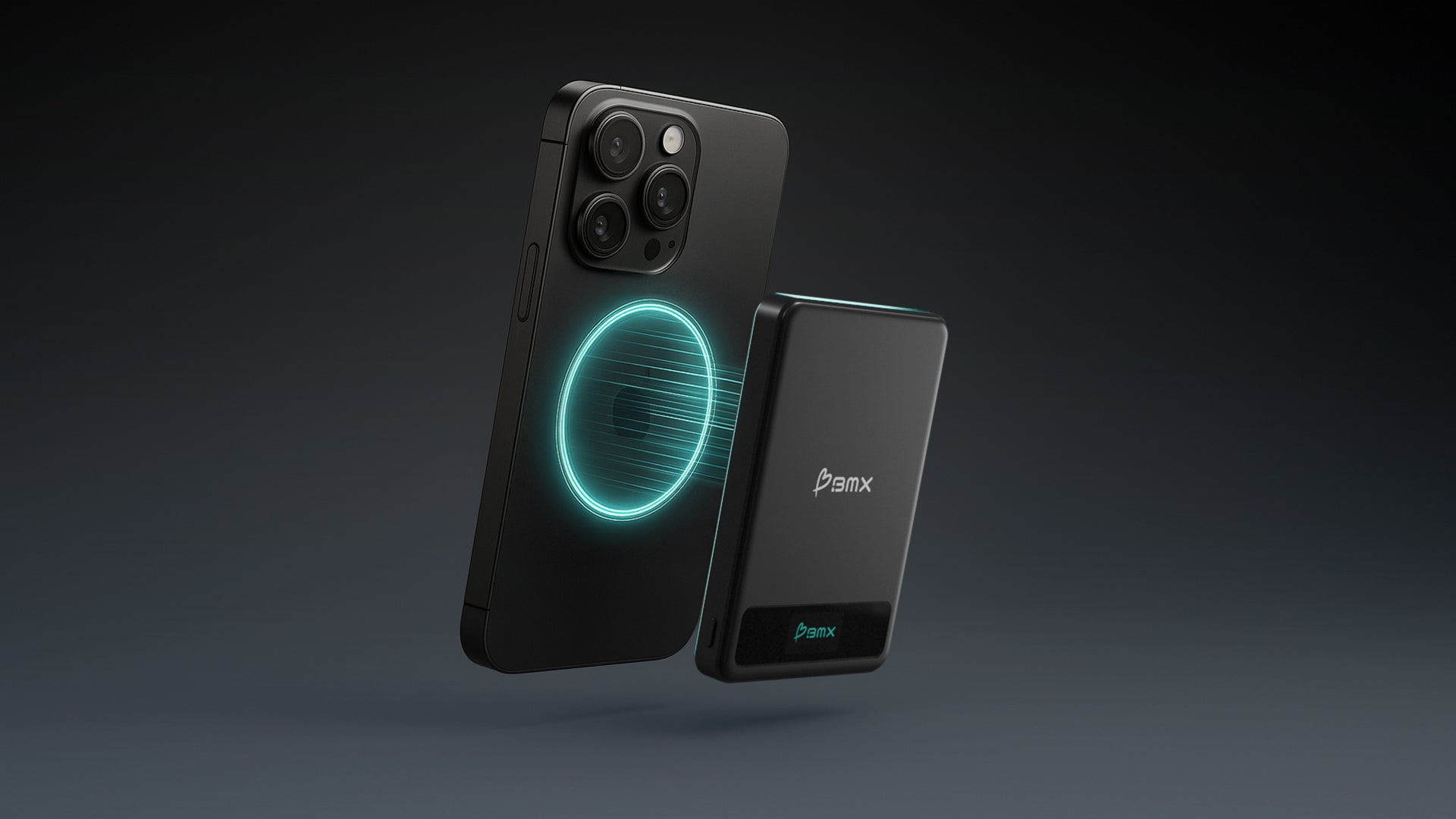
If you travel and do not always have a MagSafe puck plugged in at home, the BMX SolidSafe Air 5K is the portable version of the same fix. It snaps to your iPhone magnetically and delivers 15W Qi2 wireless without needing a wall outlet, which is exactly the input a depleted iPhone needs to clear under-voltage lockout. See the SolidSafe Air 5K →
Why Wireless Works When USB-C Does Not
This is the part most coverage of the issue has not explained. Wired USB-C and wireless Qi2 deliver power through completely different protocols, and the difference matters when an iPhone's battery is too depleted to participate in either one.
USB-C Power Delivery, the protocol that lets a 20W or 30W charger negotiate with a phone, is a digital handshake. When you plug a USB-C cable into a phone, the charger and the phone communicate over the cable's CC pins. The charger says "I can offer 5V at 3A, 9V at 2A, or 15V at 2A." The phone responds with a request like "I'll take 9V at 2A." Only after that exchange does the charger raise voltage above the default 5V at low current.
For that handshake to happen, the phone's USB-C controller has to be powered up enough to talk back. The USB-C spec includes a "Dead Battery Support" mode for exactly this case, where the controller pulls a tiny bit of current from the cable to wake itself up. But that mode only works if the controller can power on at all. If the battery is so depleted that even the controller cannot boot, the phone never sends the request, and the charger keeps idling at 5V at low current. The phone slowly creeps up in voltage, but in some reported cases not fast enough to clear the under-voltage threshold the iOS bootloader requires before it will start.
Qi2 wireless does not have a handshake. It does not need one. The charger pad pushes alternating current through its coil. Any compatible coil placed on top induces current on the receiving side. There is no negotiation, no digital exchange, no controller that has to wake up first. Power flows the moment the receiving coil is in range, at a steady 5W to 15W. That steady inductive feed is enough to wake a phone that the wired protocol cannot reach, because there is no protocol to navigate. The current just arrives.
This is not a flaw in USB-C. The handshake exists for good reasons. It prevents a 100W laptop charger from frying a phone that asked for 5W. The trade-off is that the protocol depends on both ends being awake enough to talk. Wireless is simpler because it does less.
In one sentence
USB-C needs the phone to be awake enough to negotiate; Qi2 just delivers. When the battery is at the edge of under-voltage lockout, "just delivers" is the difference between a black screen and a boot.
A Qi2 wireless charger that fits this exact situation
Real specs, no hedging. Each SolidSafe pack delivers full 15W Qi2 magnetic wireless without a wall outlet, which is exactly the steady inductive feed a depleted iPhone needs to clear under-voltage lockout.


Why a 65W Laptop Charger Sometimes Works Too
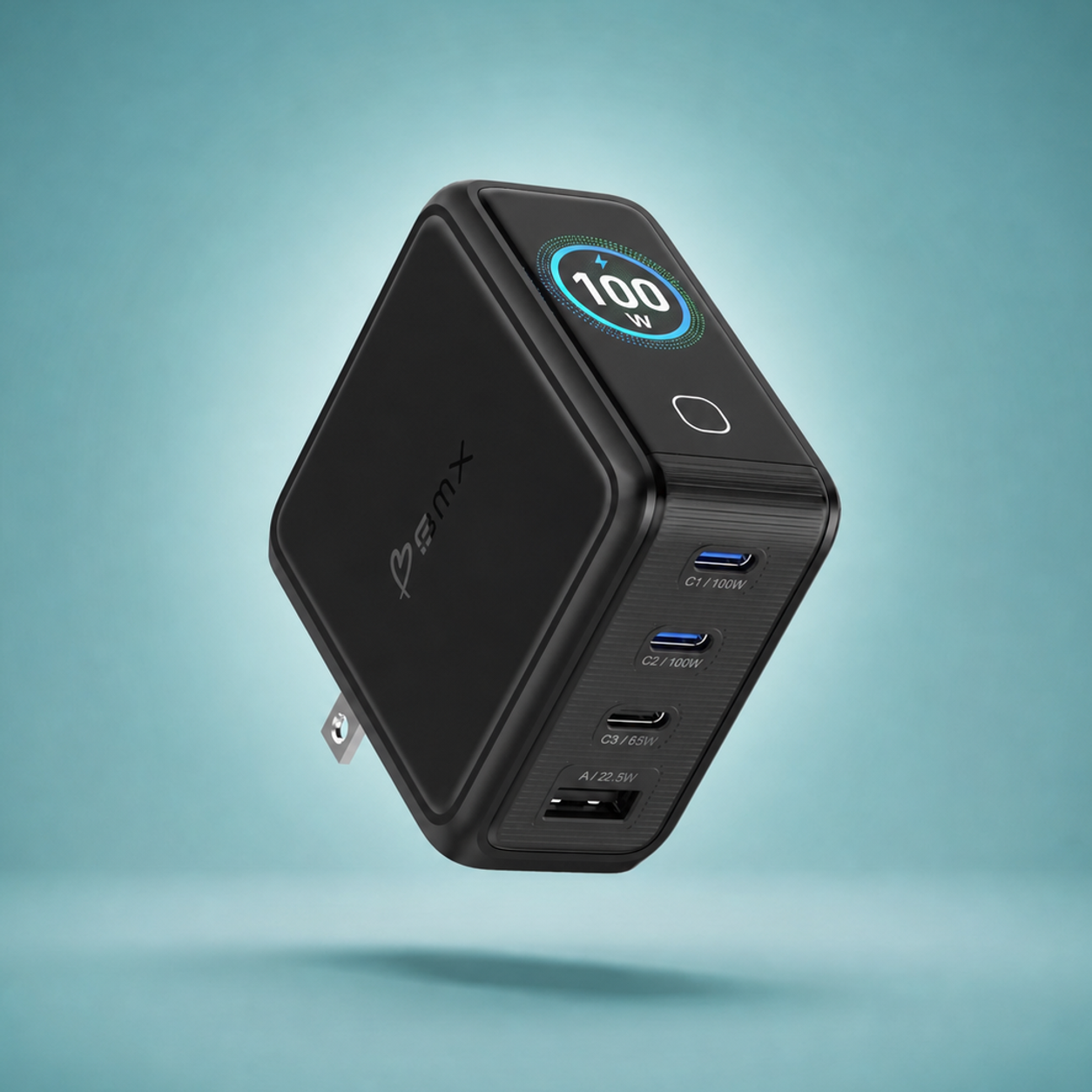
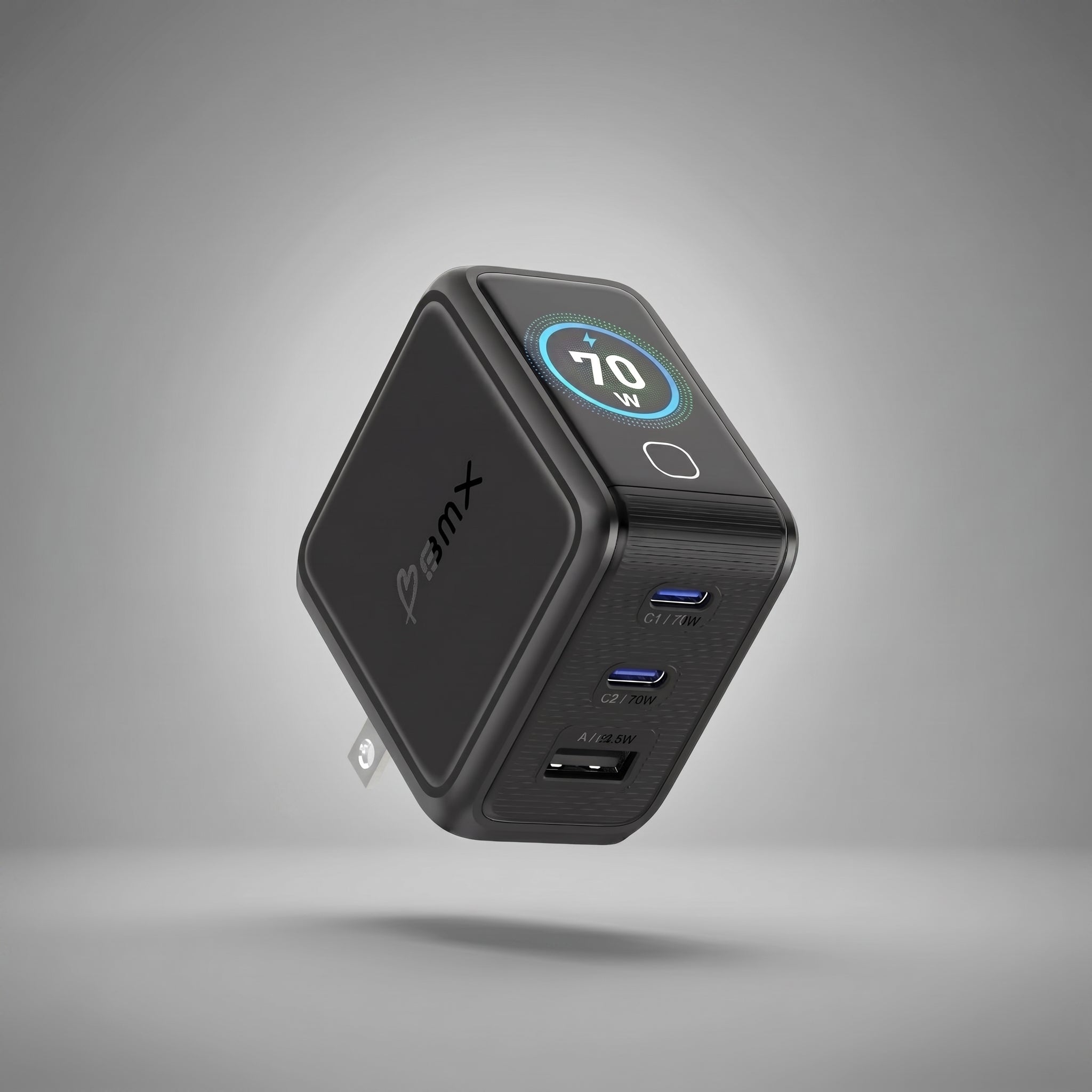
Several reports note that a high-wattage USB-C charger (65W or higher, the kind shipped with MacBook Air or sold for laptops) revives a dead iPhone where a standard 20W phone charger cannot. This is consistent with the handshake explanation.
Higher-wattage USB-C chargers use more capable PD controllers. Some implementations push slightly more current at the default 5V before the handshake completes, because they are designed for laptops that draw more idle current during their own boot. Others have firmware that retries the handshake more aggressively. Either behavior gives the phone's controller more idle current to work with, which can be enough to clear the lockout.
This is not guaranteed. Different chargers behave differently even at the same wattage. The wireless route is more reliable because it bypasses the whole handshake question.
What This Is, and What It Is Not
This is intermittent, not universal. The majority of iPhone 17 owners will never see this. The number of reported cases is meaningful enough to track but small enough that Apple has not opened a service program.
This is not a battery defect. The cell itself is fine. The issue is in the interaction between iOS battery management firmware and the USB-C handshake at extreme depletion. It is the kind of thing Apple usually addresses in a point release of iOS rather than a hardware recall.
This is not new in concept. Phones from every manufacturer have hit similar under-voltage lockout issues over the years. The reason this particular wave is getting attention is that it is showing up across multiple iPhone 17 models in the same window, which suggests a software pattern rather than a one-off battery problem.
Apple may push an iOS update that adjusts the under-voltage threshold or improves the controller's wake-up behavior. Until then, the wireless workaround is the practical answer.
What to Do Until Apple Ships a Fix
Three things make the difference between a 15-minute wireless recovery and a stressed-out trip to the Apple Store.
First, do not let your iPhone hit zero if you can avoid it. Charge above 20%. This is good battery hygiene anyway, and it sidesteps the under-voltage scenario entirely.
Second, keep a wireless charging option in your travel kit. A MagSafe puck at home, a Qi2 charging pad at the office, or a Qi2 magnetic power bank when you travel. You do not need a BMX product specifically. You need a wireless charger somewhere reachable when this happens.
Third, if your phone does hit zero and goes black on USB-C, do not panic and do not force-restart repeatedly. Switch to wireless. Wait 15 minutes. Most reported cases boot on their own.
For the related question of why phones charge at different speeds across different chargers, our Charging Speed Checklist covers the seven reasons fast charging breaks down, including the same USB-C handshake mechanics described here.
SolidSafe Power Banks
A Qi2 wireless backup that lives in your pocket
SolidSafe Air, 5K, and 10K all carry full Qi2 15W wireless. They snap to any iPhone 12 through 17, including iPhone Air, with no cable handshake required. If under-voltage lockout ever happens to your phone, you have the recovery tool with you.
See SolidSafe Power BanksFrequently Asked Questions
Is my iPhone 17 broken if it will not turn on after dying?
Almost certainly not. In the reports surfacing from iPhone 17, iPhone 17 Pro, and iPhone Air owners, the phones recover after 10 to 15 minutes on a Qi2 or MagSafe wireless charger. The phone is in under-voltage lockout, not dead. Try wireless charging before assuming hardware failure.
Why does my iPhone 17 Air not respond to USB-C after the battery dies?
USB-C Power Delivery requires a digital handshake between the phone and the charger before high-wattage power flows. If the iPhone's USB-C controller is too depleted to participate in that handshake, the charger keeps idling at low default current and the phone may never receive enough power to clear under-voltage lockout. Wireless Qi2 does not require a handshake, so power flows immediately.
How long does the Qi2 wireless fix take?
Most reported cases boot in 10 to 15 minutes on a Qi2 or MagSafe wireless charger. Do not press the side button during this window. The phone will boot on its own once the battery clears the under-voltage threshold.
Will a regular Qi2 power bank work, or do I need an Apple MagSafe puck?
Any Qi2-certified wireless charger works because the inductive power transfer protocol is the same. An Apple MagSafe charger, a Belkin or Anker MagSafe puck, a Qi2 charging pad, or a Qi2 magnetic power bank like the BMX SolidSafe Air all deliver the steady low-wattage feed that wakes a depleted iPhone.
Has Apple acknowledged the iPhone 17 charging issue?
Not officially as of late April 2026. Apple Store technicians are reportedly using the same Qi2 / MagSafe wireless workaround to revive customer phones in store, which suggests internal awareness, but no service program, recall, or formal advisory has been issued. A future iOS point release may quietly adjust the under-voltage threshold or improve the controller's wake behavior.
Does the same problem affect older iPhones or Android phones?
Under-voltage lockout is a known issue across lithium-ion phones from many manufacturers, and similar wireless-charging recoveries have been reported on older iPhones and various Android devices over the years. The current iPhone 17 wave is notable mostly because it is concentrated in one product family at one moment, which suggests a software-level pattern unique to iOS 26's interaction with the USB-C controller.
Related guides
- Charging Speed Checklist: 7 Reasons Your Phone Is Not Fast Charging
- USB-C Power Delivery Explained: How Your Phone Actually Charges
- iPhone Charging Guide: MagSafe, Qi2, USB-C, and the Best Setup
- Best Power Bank for iPhone in 2026: Qi2, MagSafe, and USB-C Compared
- Best Qi2 Power Banks in 2026: Ranked by Safety and Wireless Speed


Leave a comment
This site is protected by hCaptcha and the hCaptcha Privacy Policy and Terms of Service apply.